AirDroid Parental Control Brings YouTube Detection to iOS
YouTube is where kids learn, laugh, explore interests, and discover new creators. For parents, however, it can also be difficult to know what kind of content is shaping those experiences.
Until now, AirDroid Parental Control's YouTube detection has been available for families whose children use Android devices. Today, that coverage is expanding to iOS: YouTube detection is now available on AirDroid Kids for iPhone and iPad, giving parents a more focused way to stay aware of their child's YouTube activity.
Why YouTube, and why now
This summer, AirDroid published an analysis of aggregated, anonymized device-usage trends from devices managed through AirDroid Parental Control. One finding stood out: YouTube accounted for more total screen time than any other app in the dataset, with active users averaging more than an hour of daily use.
For families using iPhones and iPads, YouTube is an important part of their children's digital experience. But until now, AirDroid's content-detection capabilities on iOS did not extend to YouTube.
This release closes that gap by bringing targeted YouTube content detection to iOS, while keeping the focus on useful signals rather than collecting a complete record of everything a child does online. iOS has always been the harder platform to build meaningful parental visibility on — this release is the result of doing that work properly.
What YouTube detection does on iOS
Parents can't watch over a child's shoulder for every video, and they shouldn't have to.
YouTube detection on iOS works through account linking. In AirDroid Parental Control, parents can link their child's Google account under Social Content Detection. The child account holder signs in and grants the required access during setup.
Once linked, parents can view selected YouTube activity and receive alerts when monitored keywords appear in video titles or descriptions.
The feature covers:
- Videos your child uploads — See videos published to your child's YouTube channel.
- Videos your child likes — Review liked videos as an additional signal of their interests.
- New uploads from subscribed channels — See new videos from channels your child follows.
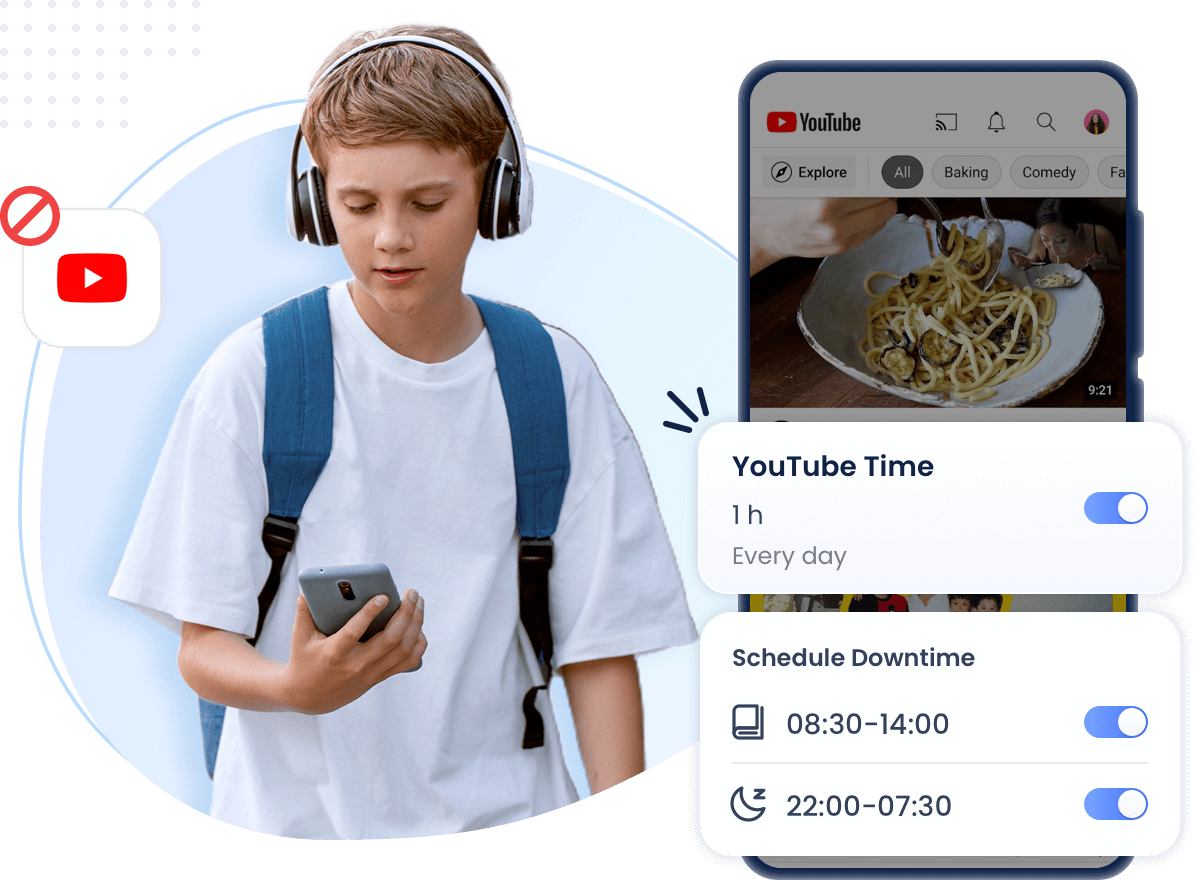
Parents can also create keyword lists based on the topics they want to keep an eye on, including terms related to bullying, explicit content, or other concerns relevant to their family. When a monitored keyword appears in a supported video's title or description, AirDroid can send an alert.
Not sure where to start? The built-in AI Keyword Assistant can generate related keywords to help parents build a more relevant list without having to think of every possible phrase themselves.
The goal isn't to create a transcript of everything a child watches. It's to surface a focused signal that may be worth a closer look.
An alert is not a verdict, and it is not a substitute for talking with a child. Instead, it gives parents a way to notice potentially relevant activity and decide when a conversation or check-in may be appropriate.
YouTube detection complements the other parental controls available for iOS, including screen-time and app management, Downtime, website restrictions, activity reports, and family-safety features. Parents can follow the detailed setup instructions in the AirDroid Parental Control user guide or learn more about managing YouTube with AirDroid.
YouTube is the first step, not the last
YouTube is currently the first platform supported by Social Content Detection on iOS. AirDroid is working to expand iOS support to additional platforms, including Facebook, in future updates.
The approach is deliberate. Parents need useful information about the platforms their children actually use, but more information does not necessarily mean better information.
By focusing on specific activity and parent-defined keywords, AirDroid aims to provide signals that can help families identify situations that may deserve attention without overwhelming parents with unnecessary activity data.
"Parents shouldn't have to choose between knowing nothing and knowing everything," said Bailey Morgan, Head of Family Digital Safety Content at AirDroid. "A well-timed signal on the app kids use most, on whichever device they carry, can give a family a useful starting point for the right conversation."
YouTube detection for iOS is rolling out now. To get started, update AirDroid Kids on your child's iPhone or iPad, link their Google account through Social Content Detection, and configure the keywords you want to monitor.
About AirDroid Parental Control
Developed by Sand Studio, AirDroid Parental Control is a family digital-safety solution designed to help parents support children's online and offline safety while guiding them toward healthier, more balanced, and responsible digital habits.
The platform provides tools for screen-time and app management, location and route tracking, geofencing, web and content controls, social content detection, activity reports, and family-safety alerts. Feature availability varies by the child's device and operating system.
Connect with AirDroid














Leave a Reply.