- Open Settings → Privacy & Security → Location Services
- Turn Location Services ON
- Select the tracking app and choose Always
AirDroid Parental Control
All-in-One Tool for Real-World Child Safety
- 📍Real-time location & route history
- 🔍Live surroundings check
- 🔔Geofence alerts on daily routes
- 🆘One-tap SOS with ambient audio
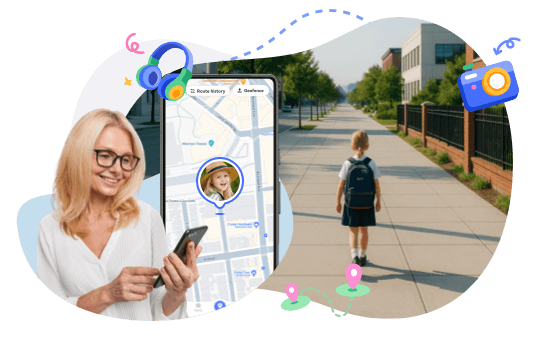
Why Your Child's Location Isn't Updating— Causes & Fixes
When a phone's location stops updating, it's perfectly reasonable for a parent to feel concerned. Many sorts of questions may pop into your head. Why is this happening? Did the phone turn off? Did something happen? Or is this just a glitch?
This guide will help you understand why location sharing stops updating, how to fix it step by step, whether the issue is intentional, and whether it's time for parents to worry.

Why Your Child's Location Isn't Updating
When your child location not updating, parents may initially become worried. Most parents expect to see live updates, but there are many reasons a child's location may stop updating. Knowing these reasons helps parents to quickly resolve issues without worry.
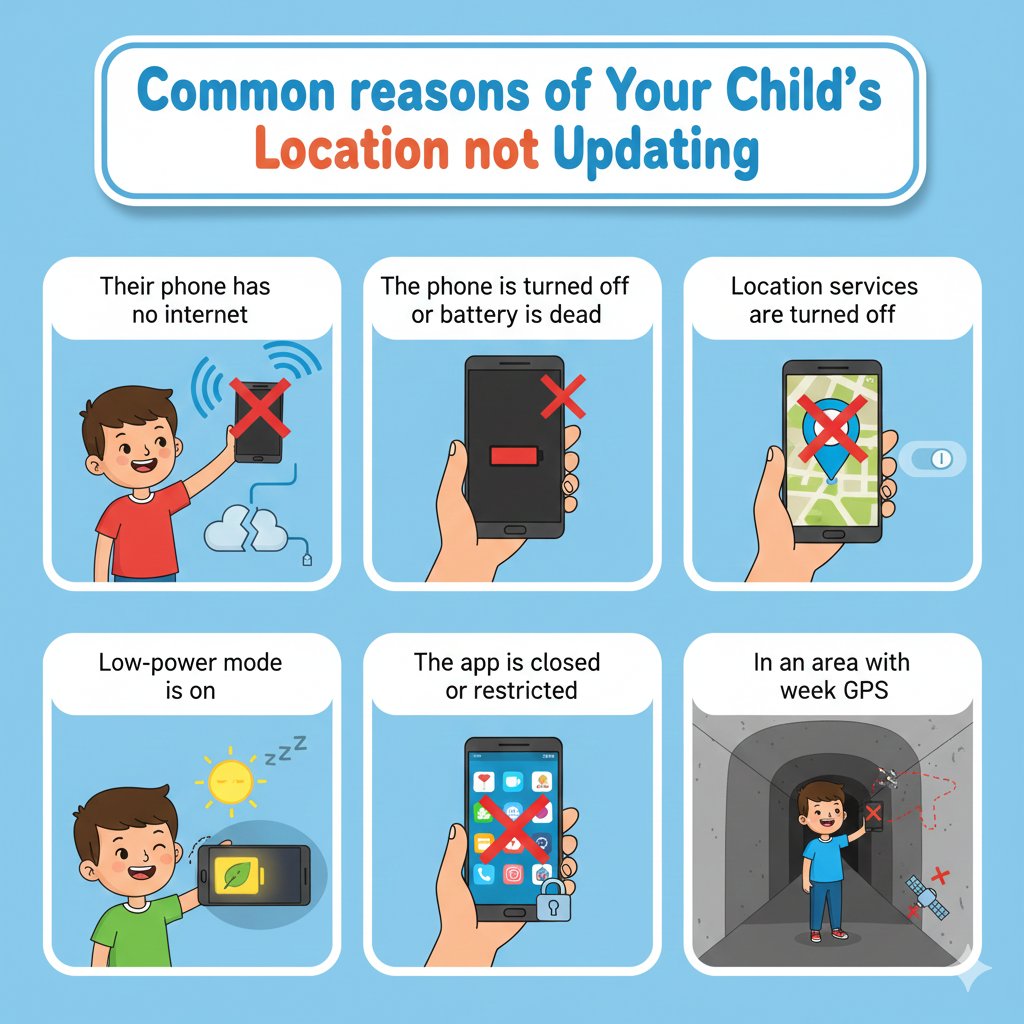
Common reasons
Their phone has no internet
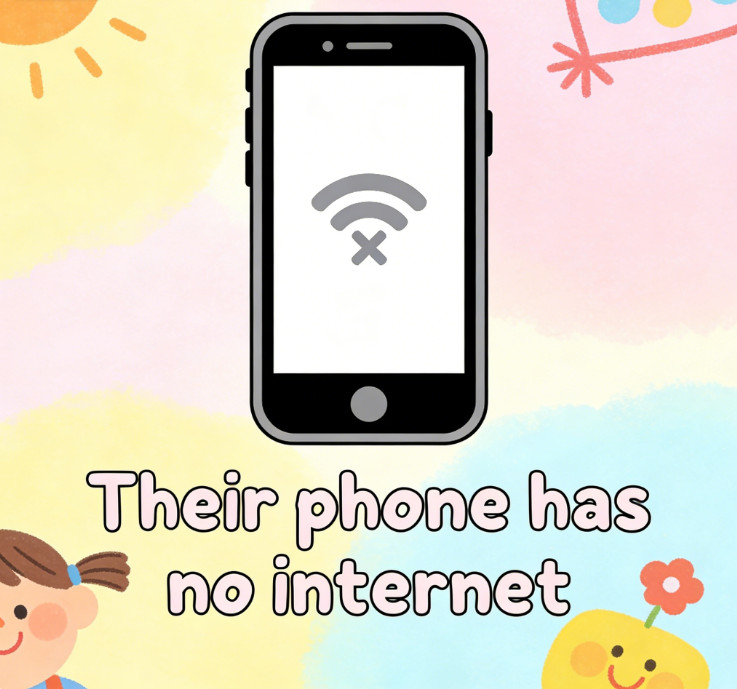
As with many phone applications, location-sharing apps depend on the Wi-Fi or mobile data. If there is no internet connection, the location updates cannot be refreshed, and the phone location cannot be updated.
The phone is turned off or battery is dead
When a phone is powered off or its battery runs out, it cannot send location data. The map will only show the last known position until the device turns on again.
Location services are turned off
If your phone's location services are off, your apps will not be able to access your phone's location. Even with internet access, the map will not update until you toggle location access back on. This happens all the time when people reset privacy settings to the default or update the phone's operating system.
Fixes
For iPhone / iPad (iOS)
For Android
- Go to Settings → Location
- Turn Location ON
- Set app permission to Allow all the time
Low-power mode is on
Your cell phone will save battery when Low Power Mode is on by minimizing background functions. This might delay or pause location updates, making Google Maps and Find My appear not to be updating while the device is still on and connected.
Fixes
- Turn off Low Power Mode in the battery settings
- Keep the phone charges above 20 percent
The app is closed or restricted
When the location-sharing app is closed or restricted in system settings, your child's location cannot be updated in the background. This is often the case when the app is force-closed, battery usage is constrained, or when the appropriate permissions are missing.
Fixes
For iPhone / iPad (iOS)
- Go to Settings → General → Background App Refresh
- Set it to Wi-Fi & Mobile Data
- Open Settings → Privacy & Security → Location Services
- Select the app and choose Always
For Android
- Open Settings → Apps → Select the app
- Tap Battery → Choose unrestricted
In an area with weak GPS
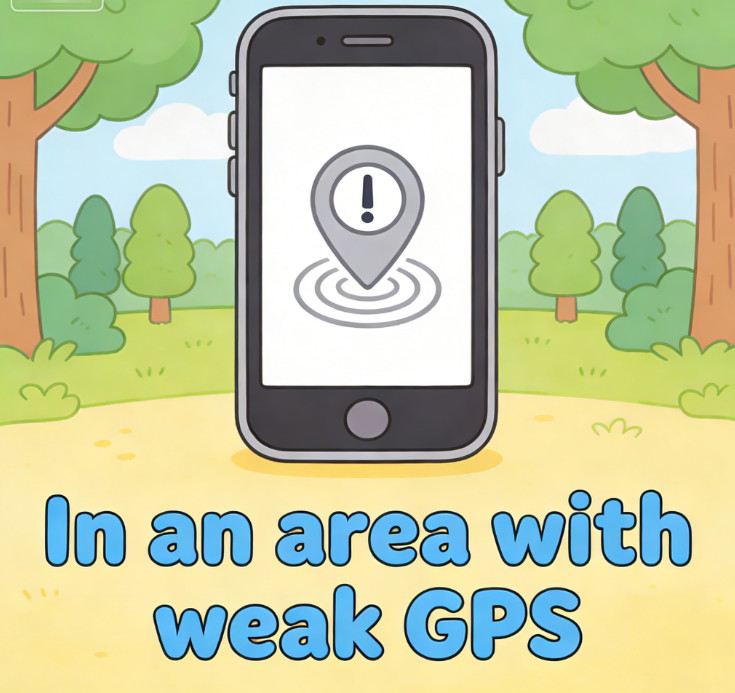
GPS signals are sometimes weak indoors, underground, or when surrounded by tall buildings. Outdoor bad weather and very remote locations can also weaken signals, delaying or freezing location updates.
App Specific Issues
Sometimes the problem isn't the phone or your child. It's the app or system itself.
Child's location not updating on Google Maps (Android)
On Android, Google Maps may not refresh location due to weak GPS or if the app is restricted. Closing the app, battery optimization, restricted background access, and no movement can all stop location updates.
Fixes
- Keeping Google Maps open and running
- Disable battery optimization for Google Maps
- Set location access to always
- Go to an open area with a better signal
- Refresh and update Google Maps
Find My not updating for child device (iOS)
GPS signals are weaker in certain areas, which may cause the Find My not update a child's location. Indoors, underground, and in tall buildings can block GPS signals, causing the location to appear frozen. Even if the phone is on and connected to the internet, iOS updates are delayed until signal strength improves or movement is detected.
Fixes
- Ask your kid to go to a clear, open outside place
- Leave the phone screen on for a couple of minutes
- Turn off Low Power mode so background updates are possible
- Look at Settings → Privacy & Security → Location Services
- Set Find My to access your location at all times.
Potential risks
If your child's location hasn't changed for a long time, it could mean one of a few things:
- Has been in the same place for a long time
- Is stuck somewhere
- Their phone may be taken or damaged
All of these risks raise the importance of not ignoring these issues, as location sharing not working.
Why Location Still Freezes Even When Everything Looks Correct
Tracking apps sometimes get stuck even when the phone's location settings are correct. This can happen when the phone just needs automatic updates in the background to conserve battery life, data, and resources, or for any of the other reasons listed below.
How Phone Systems Automatically Pause Location
Even when the settings are set the way they should be, phones can automatically pause location updates. This is done to conserve battery and allocate system resources. This could be why the map stops updating even when the phone's GPS is working, and the child is in no danger.
How iOS Pauses Location in the Background
On iOS devices, the system checks whether the phone is moving by reading its sensors. If the system does not sense any movement, it assumes the phone is not moving and pauses updates until it detects movement again.
How Android Limits Background Location Updates
For Android devices, there are battery optimization settings that limit background processes. Location updates are refreshed only when the app is in use or when the system detects movement.
Why This Is Easy for Parents to Misunderstand
From a parent's point of view:
- The map does not move
- The location time does not refresh
- Everything looks “frozen”
But in many cases:
- The phone is working normally
- The child may be safe
- The system is simply waiting for a reason to update
This is the reason that a frozen dot on the map is not always a cause for concern, even though many parents are worried that the GPS not updating on phone.
How to Know If Technical Issue or Your Child Turned It Off?
When a child's location stops updating, it is important to know whether location sharing has been turned off due to phone settings, system limitations, or the child turning it off.
Signs It's Likely a Technical Issue
- Phone still receives messages
- Battery level updates
- Location resumes when the phone moves
- Internet was briefly lost
Signs Your Child May Have Turned Location Off
- Location stopped suddenly
- App permissions changed
- Phone shows as online, but no location
- Location sharing settings disabled
This is often the case when location services are turned off purposefully as well.
What Parents Should Do Before Worrying
- Try calling or texting
- Ask the child to open the app
- Check battery and internet status
- Wait a few minutes for a refresh
When to Take It Seriously
- No updates for hours
- Phone unreachable
- Location last seen in an unusual place
- Child missed expected check-ins
Now, it becomes a problem demanding attention around the parental location tracking issue.
Ensure Your Child's Safety When Location Isn't Updating
Just looking at a map dot can be misleading. Parents must understand the reasoning behind location updates stopping or getting delayed or what's really going on.
Why Live Location Alone Is Not Enough
- Location can freeze
- Systems pause updates
- Maps do not show context
- Parents need more than one signal
Sometimes, rather than clarify a situation, a moving map dot can increase stress.
How to make sure your child is safe without location updates
AirDroid Parental Control helps parents understand and provide context for their children's safety, rather than leaving them in the dark when location updates stop or are delayed.
- Remote Camera Access: When parents cannot reach a child by phone, they are able to access the child's phone camera to get a real-time view of their child's surroundings and determine their safety.
- Hear Sounds Around Kids: Without interrupting their child's activities, parents can use one-way audio and ambient sound to listen to their child and understand what's happening around them.
- Screen Monitoring: Screen mirroring lets parents see the phone's screen in real time. This feature is especially useful for determining whether the phone is in use, turned off, or the screen has been active for an extended time.
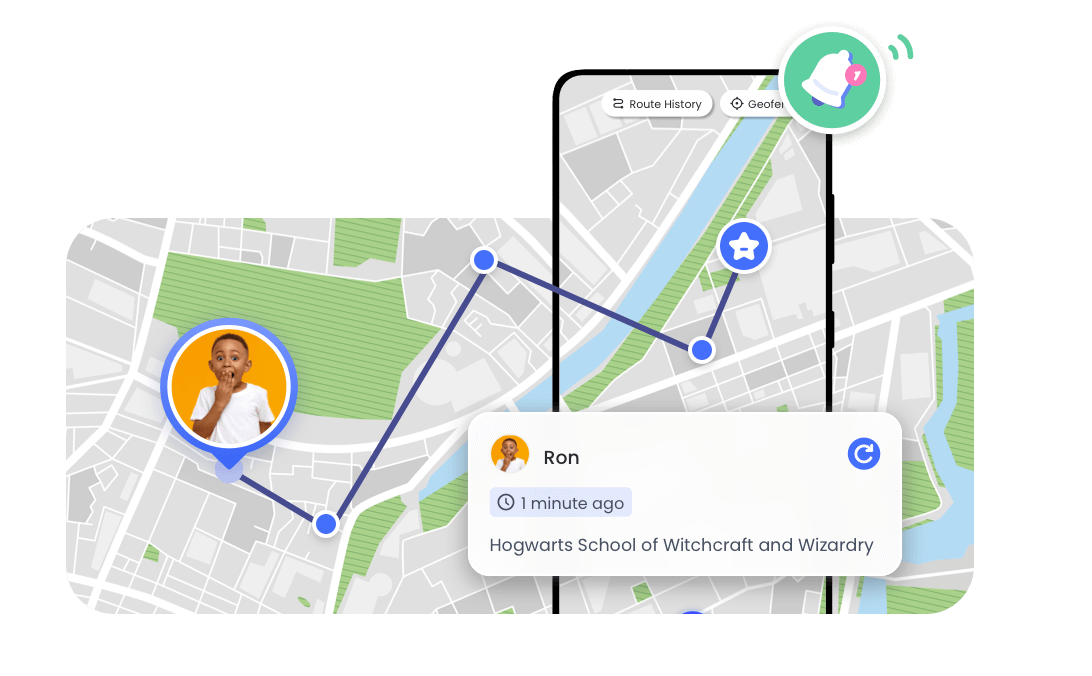
- Real-Time Location Tracking: Live location updates, route history, geofencing, and alerts are provided on the mobile device. It gives parents peace of mind when the app location hasn't updated in real time.
- Activity & Usage Reports: Daily and weekly reports provide parents with information on how the phone is being used, including time spent on each app. This helps parents understand their child's phone usage routines and may help parents understand any patterns of unusual behavior.
Even with the live location not telling the full story, these features continue to keep parents informed, relaxed, and assured.
Conclusion
When your child's location stops updating, it does not always mean danger. Usually, the problem is caused by a loss of internet connection, a battery shutdown, system limitations, or background restrictions. Knowing how location tracking works helps parents avoid assuming the worst. However, relying on a single map dot does not provide parents with a complete picture of their child's location.
This is where AirDroid Parental Control comes in. It combines real-time location tracking with remote camera access, sound monitoring, and screen viewing, providing parents with a more accurate picture of the situation. With accurate, timely information, parents can avoid excessive worry and focus on keeping their kids safe.
FAQs about Location not Updating
1. Can a phone update location while the screen is locked?

GPS location and tracking apps update and track location with the screen locked, as long as background App permissions are enabled and the app is not being limited by battery-saver mode, which can restrict certain background activity.
2. Do software updates affect location sharing?
Yes, system updates can reset permissions or modify background settings, which can pause location sharing, so settings need to be checked.
3. Can switching between Wi-Fi and mobile data cause delays?
Yes, frequent network switching can cause a delay, as the phone may need to reconnect and establish a stable data connection.
4. Does phone overheating affect location accuracy?
Yes, overheating can cause the system to limit GPS and background app use. This can delay location tracking and cause location updates to be inaccurate.
5. Can using multiple tracking apps cause conflicts?
Yes, multiple location apps can cause a permissions conflict that can restrict how frequently the location is updated and drain the battery.










Leave a Reply.