- Step 1. Open Find My
- Step 2. Select your child's name
- Step 3. View their live location, moving route, and last update time
AirDroid Parental Control
All-in-One Tool for Real-World Child Safety
- 📍Real-time location & route history
- 🔍Live surroundings check
- 🔔Geofence alerts on daily routes
- 🆘One-tap SOS with ambient audio
How to Track Your Child on the Way Home
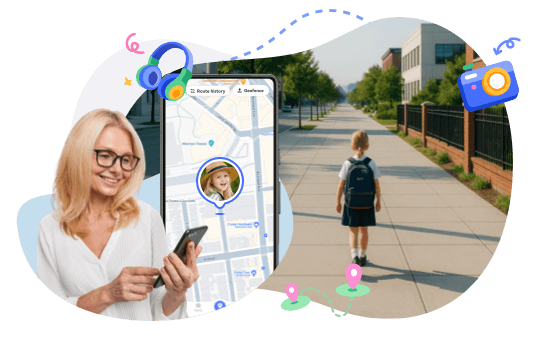
Knowing where your child is after school offers peace of mind and can help you act quickly if something doesn't seem right. Most children travel together on the same paths home, but traffic, friends, weather, or delays sometimes cause minor deviations. Without clear visibility, parents may worry excessively or ignore genuine warning signs.
In this guide, we discover simple and practical ways to track routes, how to differentiate between paths that are safe or risky, and how smart alerts can help you streamline the process.
How to Track the Exact Route and Timing After School
Tracking a child's route after school gives parents peace of mind, confirming safe progress, allowing them to notice delays, and responding appropriately to unexpected situations.
How to Track Your Child in Real Time
Smartphones have location-sharing features, so you don't need special apps or skills to track your child in real time after school.
iPhone: Find My
You can check whether they are walking, riding, or not moving at all. This is a good option for families who use Apple products and want real time child location tracking.
Android: Google Maps or Family Link
Parents with Android devices can use the following two best options provided by Google.
Google Maps Location Sharing
Google Maps Location Sharing allows parents to track their child's live location and movement over time. It offers parents the route progress and keeps them updated without the need to call or send messages.
- Step 1. Open Google Maps on the child's phone
- Step 2. Tap the profile picture in the top right corner
- Step 3. Select Location sharing and tap Share location
- Step 4. Choose the sharing time
- Step 5. Select the parent's contact and send the request
When parents accept this request, Google Maps allows them to see constant updates about the child's real-time location.
Google Family Link
Google Family Link allows parents to manage and monitor their children's Android devices and view their location. It is best for families with younger children to provide location monitoring and basic supervision of their devices.
- Step 1. Install Google Family Link on the parent's phone
- Step 2. Create or sign in with a Google account
- Step 3. Install Family Link on the child's device
- Step 4. Link the child's Google account to the parent's account
- Step 5. Open Family Link to view the child's location and activity
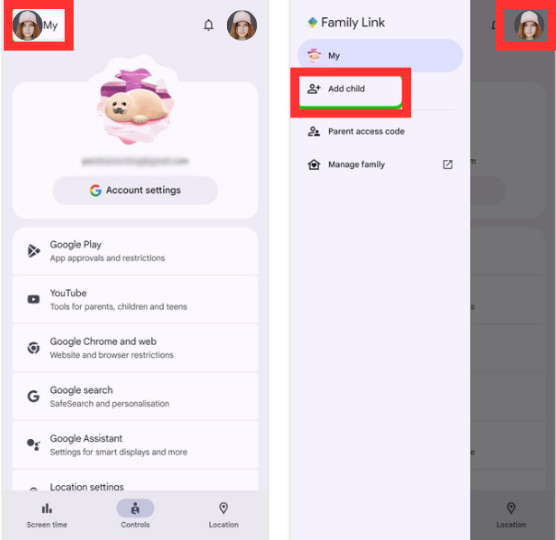
When this is all completed, parents are able to track their child's location anytime. Parents and children both will appreciate the peace of mind this feature brings. Both of these options are free to use and allow parents to track child location in real time.
Tracking When Your Child Takes the School Bus
If your child takes the bus, many school districts have systems that track the bus. These systems show:
- Where the bus is located
- When the bus is expected to arrive at the stop
- If the bus is delayed
School bus tracking for parents can be super useful, especially for younger children. If your school doesn’t have tracking services, your school district may offer third-party bus-tracking apps.
Common Routes vs Risk Routes in the U.S.
As much as tracking matters, knowing routes is equally important. Some are predictable and safe, while others carry more risk if something goes wrong.
| Route Behavior | What It Usually Means | When to Pay Attention |
|---|---|---|
| Same streets each day | Normal routine | No action needed |
| Small delay (5–10 min) | Traffic or chatting | Light check-in |
| Long stop in one place | Waiting or resting | Ask gently |
| New shortcut | Curiosity or peer choice | Monitor closely |
| Sudden detour far away | Possible issue | Reach out fast |
| Phone stops updating | Battery or signal issue | Try calling |
By viewing things this way, parents can tell at a glance whether things are normal or whether something needs attention.
Common After-School Routes
After school, most kids take the same routes every day, which makes them easy to keep track of. Some of the most common routes kids take are:
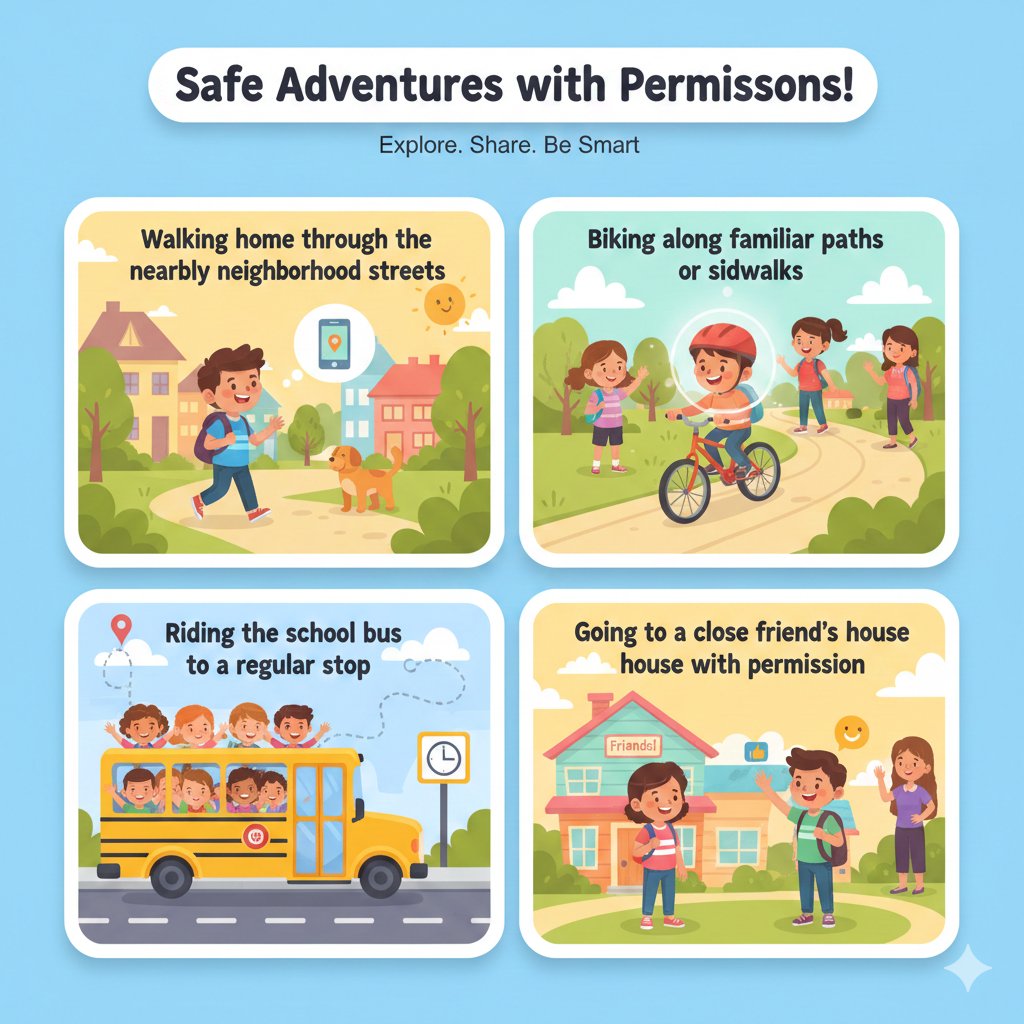
- Walking home through the nearby neighborhood streets
- Biking along familiar paths or sidewalks
- Riding the school bus to a regular stop
- Going to a close friend's house with permission
When routes remain the same every day, parents can notice changes more quickly.
Common Risk Points Parents Often Miss
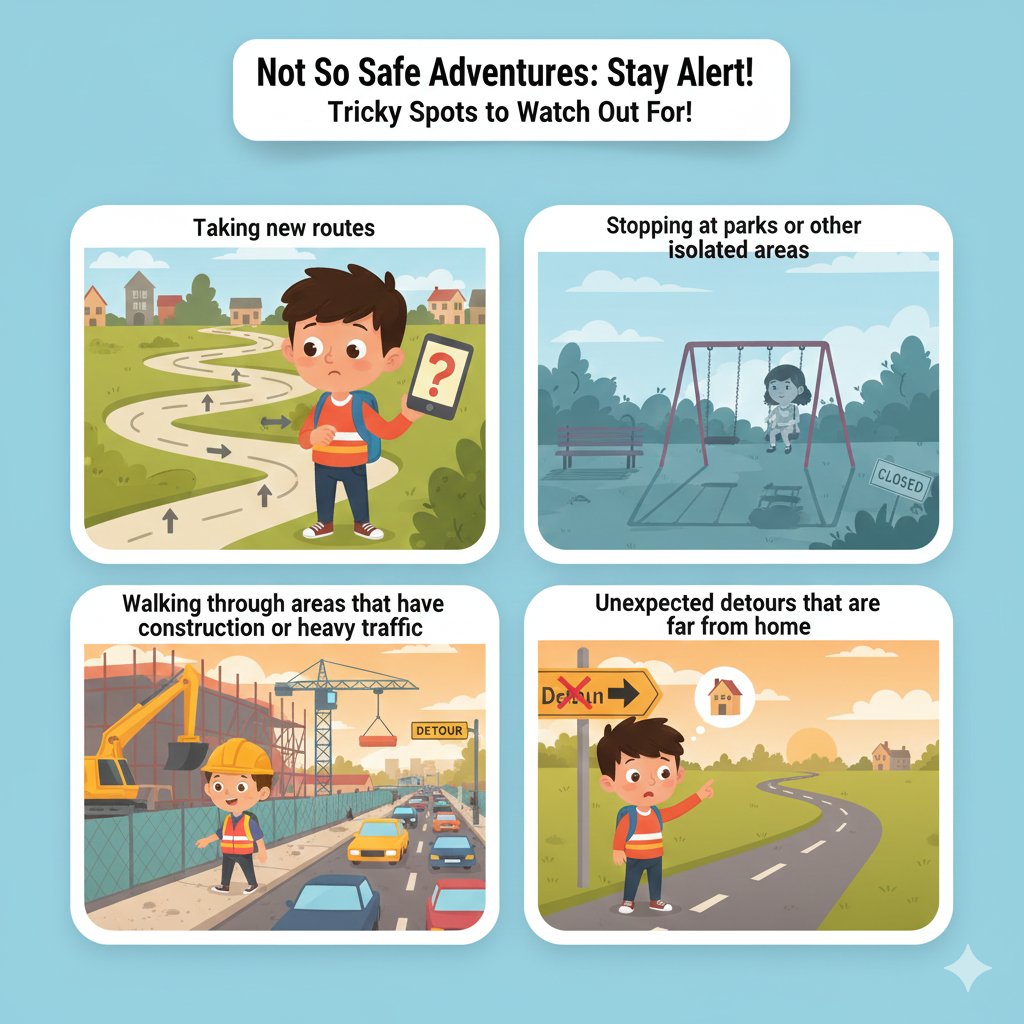
- Taking new routes
- Stopping at parks or other isolated areas
- Walking through areas that have construction or heavy traffic
- Unexpected detours that are far from home
Not all of these situations are necessarily dangerous, but you still need to pay attention to them. If you see a major route change, this'll do:
Send a message to your children, something like “Hi, I see you're not on your regular path. Everything okay?” This method encourages child safety after school without instilling a sense of dread.
Learning More About Route Safety
Learning about route safety allows parents to make informed decisions about everyday travel. Knowing safe routes to school means knowing which streets have sidewalks, safe crossings, and less traffic. This makes travel more predictable and safer for kids.
Route design, combined with attentiveness to surroundings, is key. Parents can analyze neighborhood hustle and bustle and local crime information to identify patterns, which helps determine which areas and times are safer or less safe for everyday travel.
When parents combine local knowledge with route planning, they can establish safer expectations and clearer directions. These actions lower anxiety, increase confidence, facilitate safe routes for school, and help kids get around safely.
How to Set Up Automatic Alerts When Children Take Unusual Routes
While manual checking is possible, alerts are more effective. Alerts tell you when something has changed, and therefore, you should not have to stare at the map all the time.
Using AirDroid Parental Control for Smart Alerts
AirDroid Parental Control is a family safety application designed to help parents manage and monitor their children's movements and surroundings. It provides parents with real-time updates, keeping them aware of their children's routes, and sending them prompt notifications that allow them to manage the balance of trust and independence with their children and the stress of constant supervision and communication. The following are some of the core features that ensure route safety.
Real-Time Location Tracking
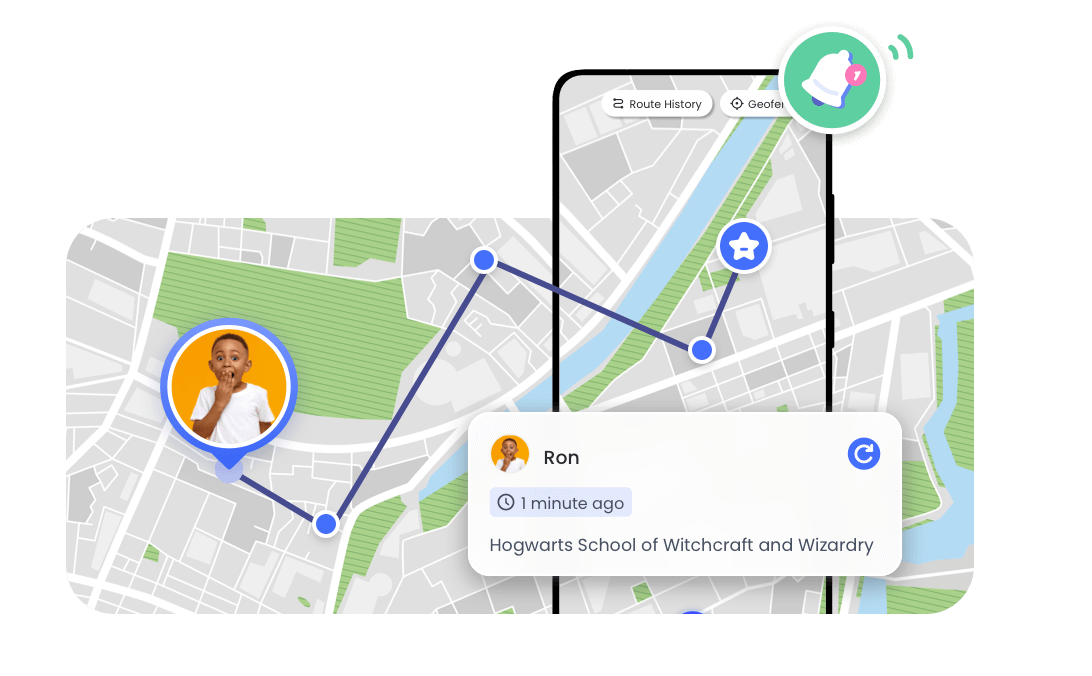
AirDroid Parental Control offers live GPS and WiFi location updates so parents can track a child's location in real time. This helps parents confirm that kids are going to safe places and can help parents see if kids are running late.
Route History
AirDroid keeps track of detailed route history and movement from previous days so parents can examine patterns and identify unusual stops or extended delays that may need explanation.
Geofencing Alerts
Parents can set virtual boundaries around important locations, such as home, school, the park, or a friend's house. If a child enters or exits these places without permission, immediate notifications sent to parents to ensure their safety.
Remote Camera and Surroundings Listening
If your child doesn't answer your call, parents can remotely look through the phone's camera or listen to the audio nearby. This helps parents get a grasp of the situation to assist their child if needed.
Talk to Your Child About Tracking
Tracking works best if children understand the reason behind it.
Start with honesty:
- Explain that tracking is about safety, not spying
- Share real examples, like delays or emergencies
- Let them ask questions and set boundaries
When introducing AirDroid Parental Control, explain that it helps in case:
- Their phone battery is drained
- They can't answer phone calls
- They feel scared but can't speak
This helps set trust, while respecting independence, and allows parents to monitor child commute safety.
Conclusion
Being able to track your child's location is to keep them safe and to give you peace of mind, not to monitor them. AirDroid Parental Control will give you some helpful features like location updates, remote camera, and the listen-in feature. You can feel secure while still respecting your child's trust and independence.
FAQs about Your Child on the Way Home
1. Does location tracking drain my child’s phone battery quickly?

No, advanced location-tracking apps use low power. Battery drain is typically minimal when updates are set at normal intervals.
2. Is it legal to track my child’s phone in the U.S.?
Yes, children’s devices can be monitored by a parent or legal guardian for safety reasons in the U.S.
3. What should I do if location updates stop suddenly?
Check battery power first, then signal strength. Call or text to your children calmly if necessary before you do anything else.
4. At what age should parents stop tracking daily routes?
There is no fixed age. As mutual trust and a desire for independence grow, many families gradually reduce tracking.










Leave a Reply.