Nope. Adding someone's number to your contacts is completely private. They won't get any alert unless you message them, add them to a group, or interact with their content on WhatsApp.
AirDroid Parental Control
24/7 Kids' Guardian via App & Web
- 👀Live surroundings and location tracking
- 🔞Content Monitoring and App/Web Blocking
- ⚠Instant alerts for online risks and geofences
- ⌛Screen time control and monitor

How to Tell If Someone Has WhatsApp[2025]
You have a number saved, but nothing shows up in WhatsApp. No profile, no last seen, no chat window. Did they delete the app, never sign up, or block you? You need a clear answer fast.
Now, instead of those awkward "do you have WhatsApp?" texts, what if we tell you there are various simple ways you can tell if someone has an active WhatsApp account?
This guide walks through every method that actually works, using WhatsApp itself or simple tools you can trust. Parents, business contacts, or anyone who wants certainty can follow these steps without wasting time or privacy.
1. Save the Phone Number to Your Contacts and Search in Whatsapp
The most straightforward way to check if someone's on WhatsApp is by saving their number and looking it up in the app. You can do that easily through these steps:
- 1. Save the person's number in your phone's contact list. Don't forgetr the country code, for example, +1 for the U.S., +44 for the U.K., etc.
- 2. Close and reopen WhatsApp. This gives your phone a quick moment to sync the new contact.
- 3. Inside WhatsApp, tap New Chat and type the saved name into the search bar.
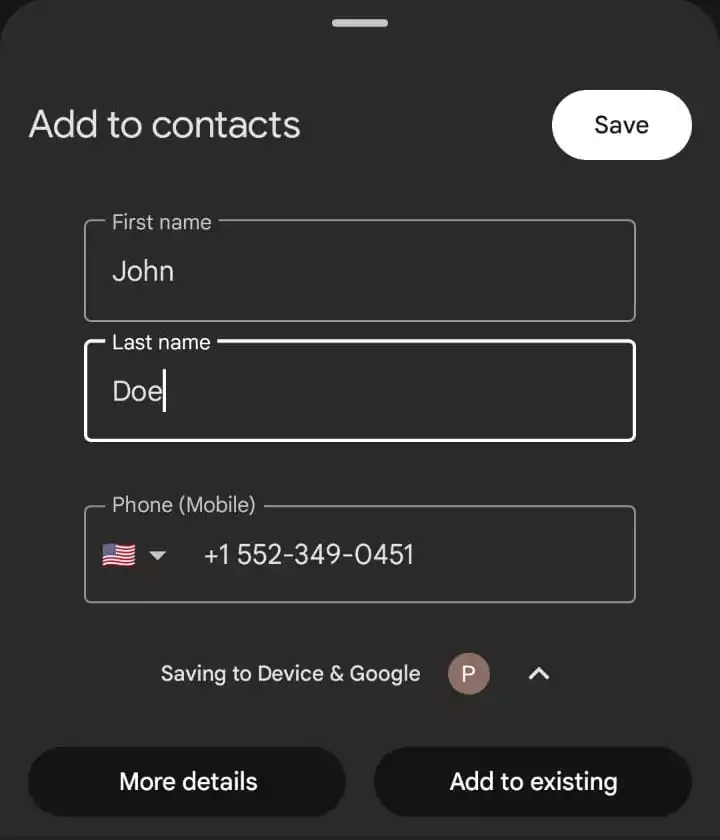
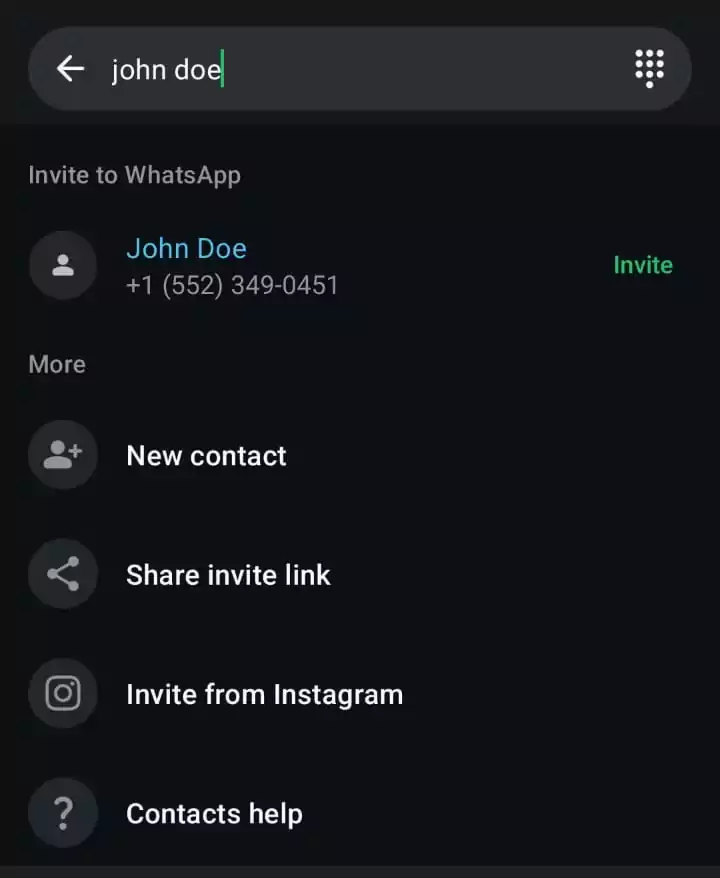
If their profile shows up, they're on WhatsApp. You might see their display picture, status, or "About" line, all of which are signs of an active account. However, if the contact doesn't appear or you see an "Invite to WhatsApp" button instead, that means the number isn't registered.
2. Try Adding the Number to the Group
Instead of storing the contact on your own device, you can let WhatsApp do the legwork. Basically, this method uses WhatsApp's group system to check if a number is registered. This trick works almost every time — because WhatsApp itself confirms whether the number is registered.
Here's how to do it properly:
- 1. Start a new group in WhatsApp (Three-dot menu > New group).
- 2. Tap the search icon and type in the number you want to check.
- 3. Tap next.
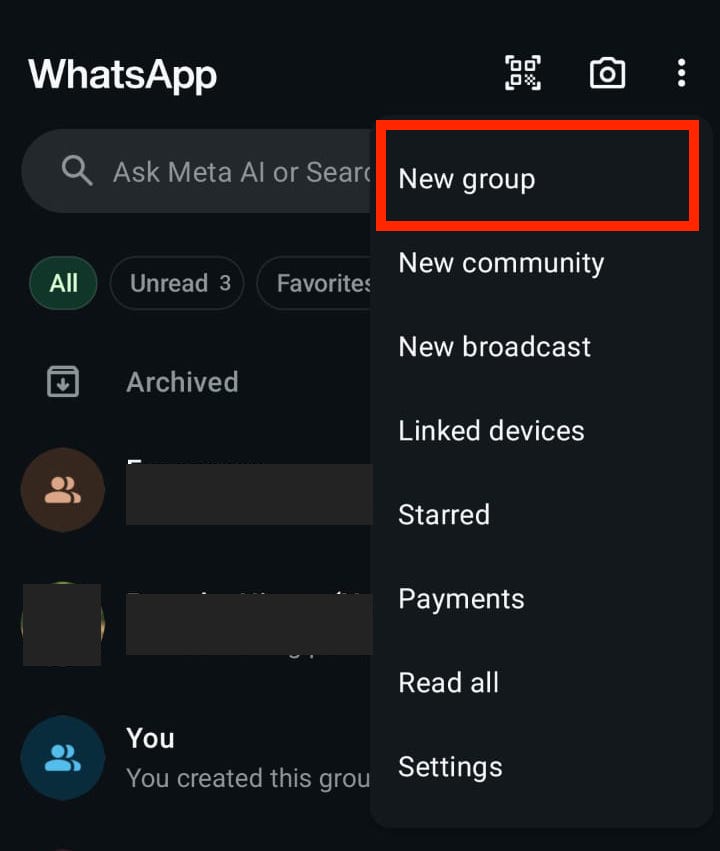
Now, pay attention to what WhatsApp says. It'll be one of two cases:
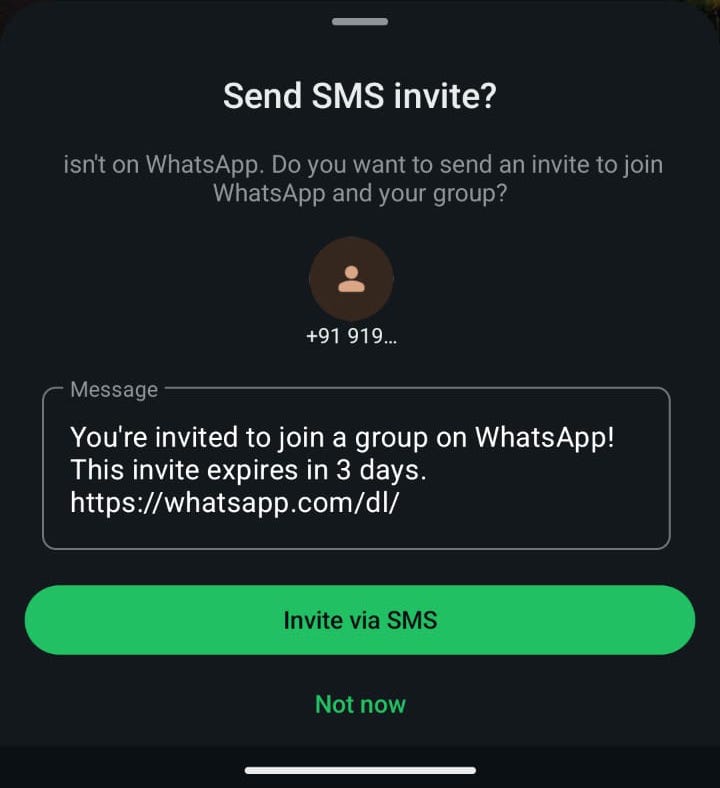
- If it shows "Contact isn't on WhatsApp" or "Invite to WhatsApp," that number isn't registered.
- If it lets you add the person or shows their name or number as a valid contact, they're on WhatsApp. You can cancel the group creation at this point. No group will actually be created. If the group is already created, you can exit and then delete the group.
Privacy tip: Use this method with a temporary group (preferably a new one) that you cancel immediately. Don't add unknown numbers to active groups you're part of—that would be awkward for everyone involved.
3. Using WhatsApp's Click-to-Chat Link
This method is a bit more technical but incredibly useful. It uses a special link that tells WhatsApp to open a chat with any number. The way the app responds tells you everything you need to know.
To use this approach, you need to create a direct Click-to-Chat link as follows::
- 1. Take the number in international format (country code + number, no "+" sign). For example: +1 555 123 4567 → https://wa.me/15551234567
- 2. Paste that link into your phone or desktop browser and hit enter. Then click on "Open app" or "Continue to WhatsApp Web" as needed.
- 3. If WhatsApp opens directly to a chat screen with that number, they're registered. You can even send a message (though you might want to hold off until you actually need to chat)
- 4. If you see an error message like "Phone number shared via URL is invalid," or if WhatsApp prompts you to invite the person, the number isn't on WhatsApp.
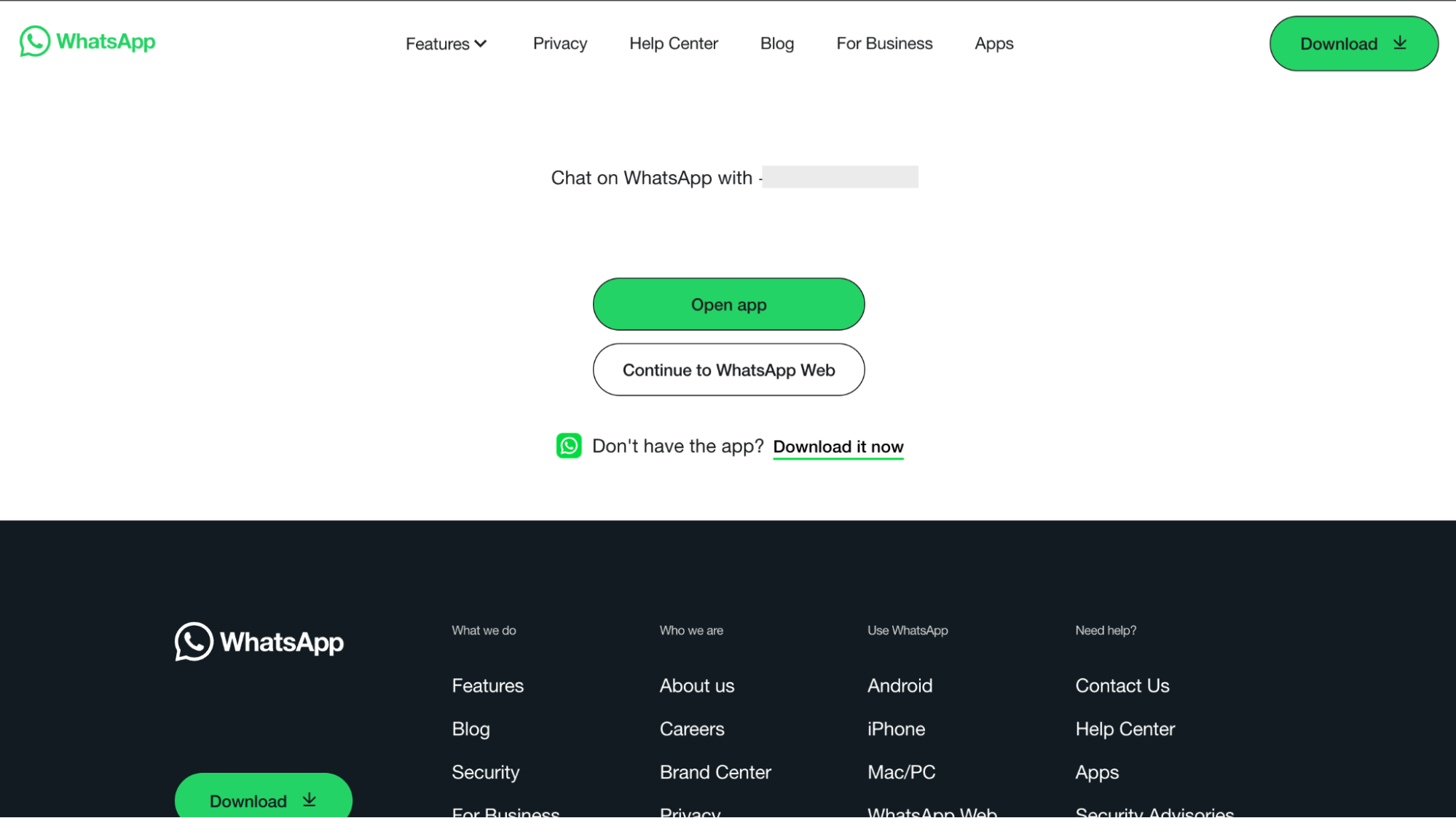
The best part? This works on both mobile and desktop. If you're on a computer, it will open WhatsApp Web., but the process is same. It's quick and handy because it works without saving the number to your contacts first.
Pro tip: You can even add a short message at he end of the link, like this:
- https://wa.me/15551234567?text=Hey%20there
That just pre-fills the message box — it won't auto-send anything.
4. Check the Person's Public Profiles for WhatsApp Links or Contact Badges
With the three methods we just discussed, you'll rarely need to do anything else to tell if someone has WhatsApp. However, if you're still unsure about it, you can search the person's public profiles.
People often leave a WhatsApp number or link right on their public profiles. This is common with business owners, freelancers, or anyone who wants to be reachable. Here are some of the popular platforms you can look at:
You might find a direct "Message me on WhatsApp" button, a WhatsApp logo, or a specific note like "Contact via WhatsApp." Sometimes you'll see a full wa.me link.
For business or public-facing profiles, this is one of the fastest and most legitimate ways to confirm their WhatsApp without even opening the app.
Where to Look | Recommended Platforms |
| Social media bios | Instagram, Twitter, Facebook, LinkedIn |
| Business profiles | Google Business listings, professional directories |
| Personal websites or blogs | Check "Contact" pages or bio sections |
| Email signatures | Your email client |
5. Try Sending a Message (Observe the Single/Double Check/Blue Check Mark)
If you've made it this far and still aren't sure, you can just send them a message and watch the delivery tick marks that appear next to your message. While this isn't a foolproof method, you can still get some signal of whether the person has an active WhatsApp account.
If you can open a chat window and actually send a message, that number is definitely regstered on WhatsApp. Even if they never reply, the message indicators tell you what's going on.
Here's what the check marks mean:
- One gray check: Message sent to WhatsApp servers — the number is registered, but the message hasn't been delivered yet.
- Two gray checks: Delivered to their phone (but maybe not seen).
- Two blue checks: Message seen (unless they've turned off read receipts).
If you can't open the chat at all, or WhatsApp gives you an option to "Invite to WhatsApp," that number isn't registered.
Just a heads-up: A message might stick on one gray tick (✓) if the person has no internet connection, their phone is off, or if you've been blocked. Also, the blue read receipts won't appear if they've turned off read receipts in their privacy settings.
(Not Recommended) Third-Party "WhatsApp Checkers"
A lot of websites or third-party apps promise to check any number for WhatsApp with a single click. You might be tempted to try them out as they sound convenient—type in a number, hit "Check," and get instant results. Unfortunately, they almost never work as promised.
We don't recommend these third-party apps. We've tried dozens of them, and all of them suffer from the following issues:
- They don't work as advertised, and many show inaccurate or outdated results.
- You'll likely be bombarded with ads, verification requests, and pop-ups. The user experience is frustrating.
- They may violate WhatsApp's Terms of Service. In fact, using them could potentially put your own account at risk.
- Some even collect phone numbers and personal data, which can expose you (and the contact you're searching for) to privacy issues.
The bottom line: WhatsApp doesn't share its user database with anyone. So, if an app claims it can verify numbers, it's either guessing or breaking WhatsApp's terms of service. You're much better off using any of the official, in-app methods we've already covered. They're safer, more reliable, and don't put your data at risk.
Bonus: Use AirDroid to Confirm Your Child's WhatsApp Registration With One Click
Checking someone's WhatsApp registration is one thing, but it's a completely different story when it comes to your child's safety and their WhatsApp account status.
Many parents worry their kids might be using WhatsApp without telling them, or getting added to random groups by strangers. But checking their phone every day can feel invasive and unnecessary.
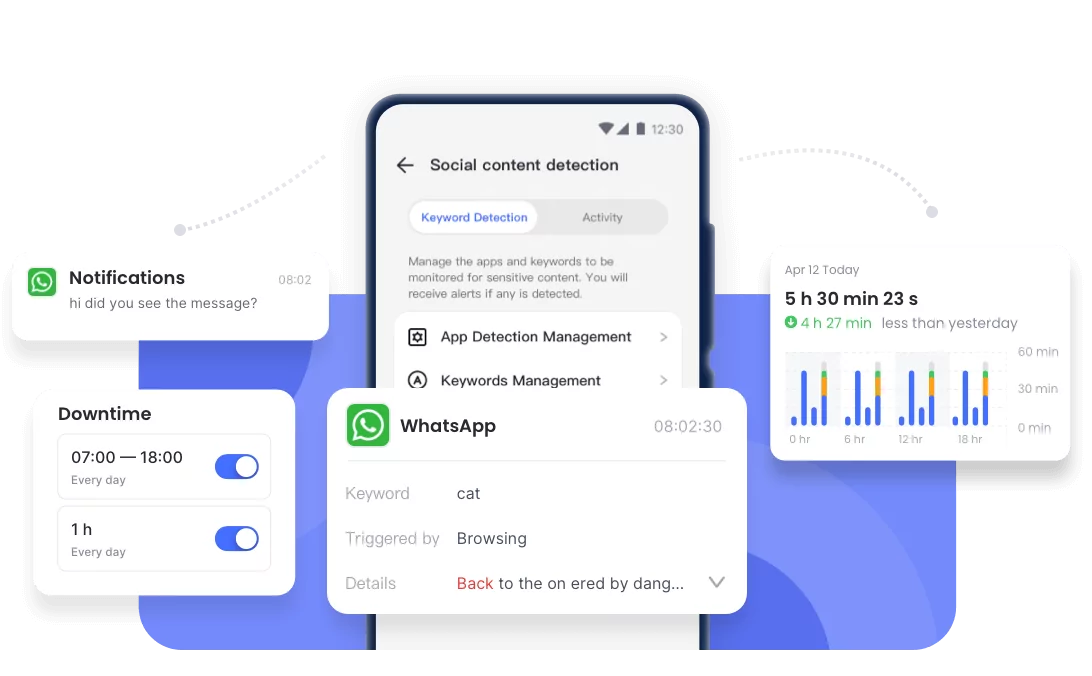
That's where AirDroid Parental Control makes things easier. It gives you a clear picture of your kid's app usage while maintaining trust—no need to guess what they're up to or repeatedly check their phone.
Here's what you can do with AirDroid's Social Content Monitoring features:
- Installed app detection: See instantly if WhatsApp (or any other app) is on their phone, so you'll know whether they're using it even if they don't mention it.
- Inappropriate message monitoring: Get real-time alerts for messages containing risky or harmful keywords (like "meet up" or bullying-related terms), so you can step in early if something feels off.
- App usage time limits: Control how long your child can spend on WhatsApp and other apps, so that it doesn't interfere with homework, family time, or sleep


It's a simple, privacy-respecting way to stay aware and keep your child safe, without snooping or playing detective.
Conclusion
Turns out, figuring out if someone's on WhatsApp isn't a guessing game at all. The app gives you enough built-in clues, you just need to know where to look.
And if your concern goes beyond casual curiosity, say, like keeping an eye on your child's digital safety, tools like AirDroid Parental Control take the pressure off. A quick and straightforward setup, and you'll always know what apps are being used, without crossing any lines.
Does Adding a Number Notify the Other Person?

Can Someone See I Checked Their Profile?
No, WhatsApp doesn't show profile-view notifications. People can see if you viewed their Status (if you have read receipts turned on), but not if you only opened their chat or looked at their profile.










Leave a Reply.