AirDroid Parental Control
24/7 Kids' Guardian via App & Web
- 👀Live surroundings and location tracking
- 🔞Content Monitoring and App/Web Blocking
- ⚠Instant alerts for online risks and geofences
- ⌛Screen time control and monitor

Bark vs Covenant Eyes: What's Actually the Difference?
Trying to pick between Bark and Covenant Eyes? These two apps both aim to protect, but they've got totally different vibes. That said, choosing between Bark and Covenant Eyes is an easy decision, depending on your goal. Here is the breakdown of how they compare in 2026.
- Bark vs Covenant Eyes: Key Differences
- Detailed Comparison Between Bark and Covenant Eyes
- Pros & Cons of Bark and Covenant Eyes
Bark vs Covenant Eyes: Key Differences
| 🐶Bark | 👁️Covenant Eyes | |
|---|---|---|
| Main Focus | Child or teen online safety | Porn recovery or accountability |
| Standout Feature | Social media monitoring & alerts | Screen monitoring & accountability |
| What It Monitors | Texts, emails, YouTube, 30+ social media | All screen activity |
| How It Works | Connects to child's device or app accounts to scan content | Captures screenshots and shares blurry reports with a partner |
| Compatibility | iOS, Android, Chromebook, Windows, Mac, Amazon Fire, Game Consoles | iOS, Android, Windows, Mac |
| Pricing | $5-$14/month $49-$99/year | $18/month $184/year |
💡So, which one should you choose?
- Choose Bark if you're a parent who needs to protect your children from online risks (like cyberbullying, mental health issues, etc) on social media.
- Choose Covenant Eyes if your goal is to fight porn addiction, whether for yourself or help a family member.
Detailed Comparison Between Bark and Covenant Eyes
Well, now, you know that Bark and Covenant Eyes are designed for different purposes. To get to the bottom of the hype, I spent 3 days hands-on with both apps, installing and using them on the Android and iPhone devices. Now, let's see which one can fit you better.
1 Core Features
Here's a quick look at the main features of the two apps. Understanding them will make it easier to know the differences.
Bark
Covenant Eyes
2 Effectiveness
Bark (Testing using web version and Samsung Galaxy S20+)
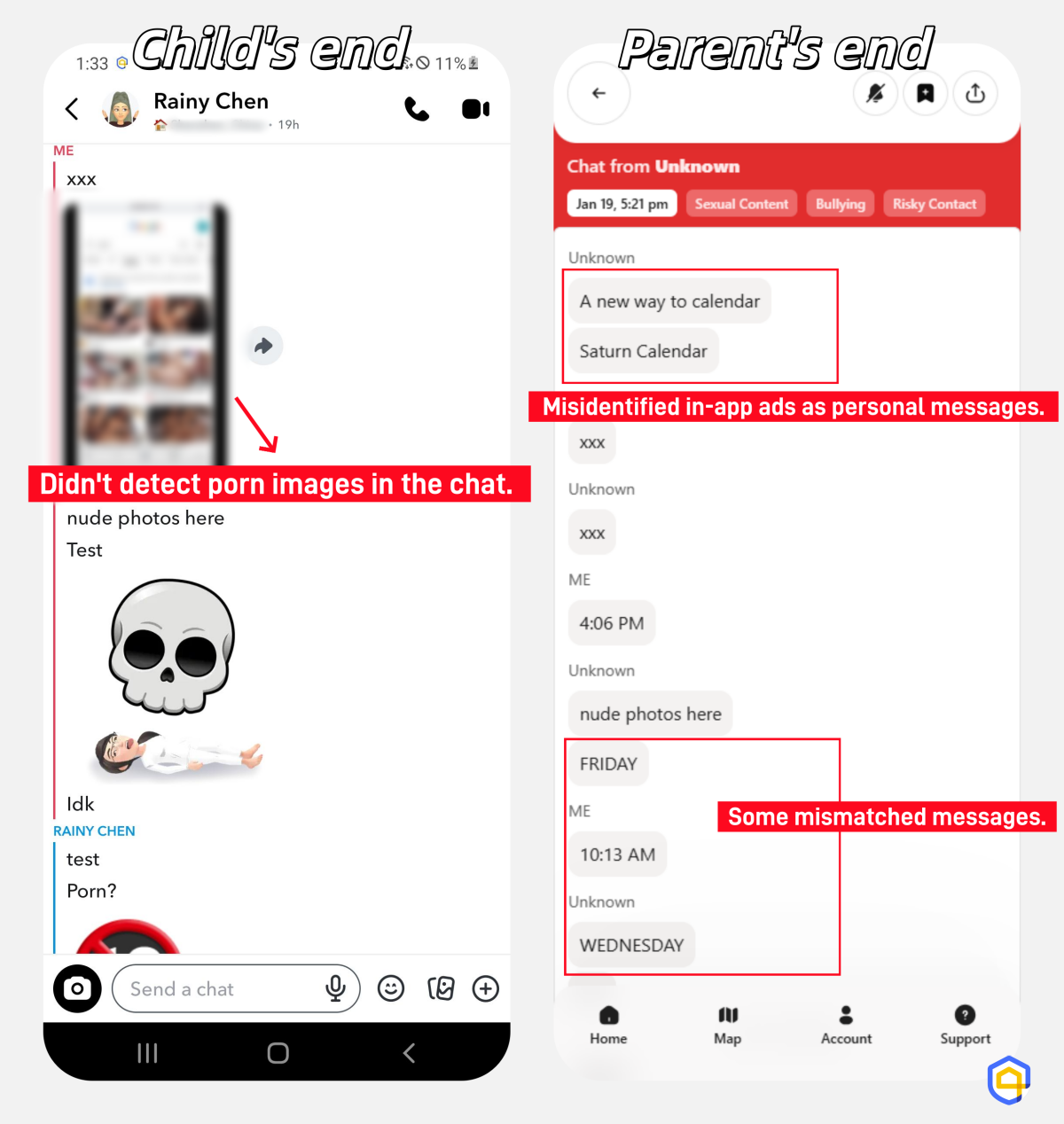
During my testing on Snapchat, I found Bark is great at catching suspicious words in social media and provides related context. However, the app often misidentified in-app ads as personal messages (as shown in the screenshot below).
Moreover, it could not detect explicit images inside conversations, which limits its effectiveness in monitoring for adult content.
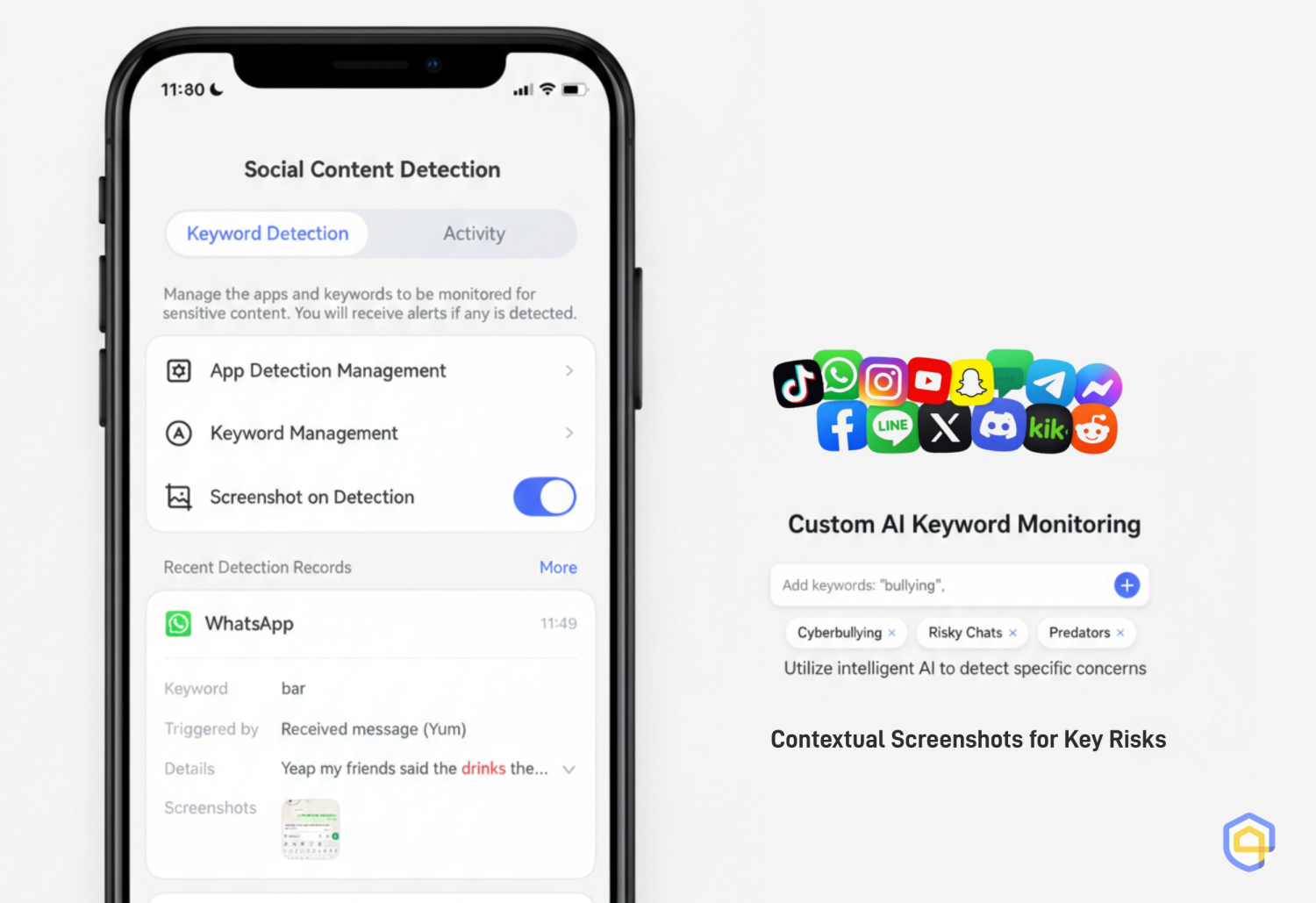
💡For this, I prefer AirDroid social content detection. With it, I can see full screenshots of conversations, making it easier to see exactly what's happening.
Covenant Eyes (Testing using web version and iPhone 14)
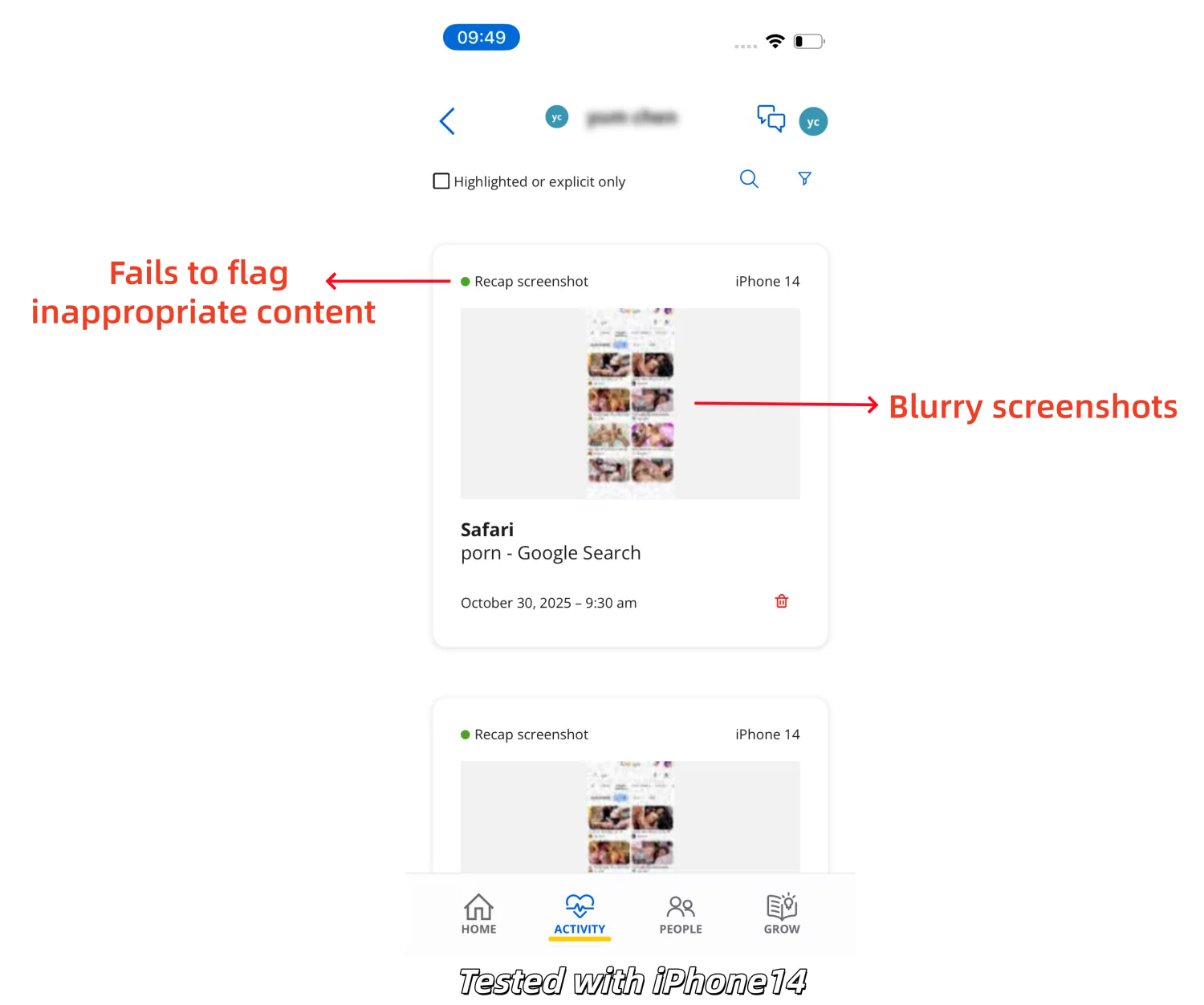
Its web filtering was excellent, which could block porn and VPN sites with the "Strong" level enabled. But its core feature, Screen Accountability, sucked.
Even though I searched for "porn images," the report still showed the activity as normal instead of "explicit."
3 Monitoring Scope
Bark
Focuses on monitoring risky social media conversations, SMS, and emails. Also, it monitors your child's location, recently installed apps, and visited web categories.
What it catches that Covenant Eyes misses: Cyberbullying, suicidal ideation, predatory grooming, and other harmful content.
Covenant Eyes
More focused on web content filtering and screen accountability. It doesn't monitor social media or texts directly, but via blurry screenshots.
What it catches that Bark misses: Explicit visual content across apps.
4 Ease of Use
Bark
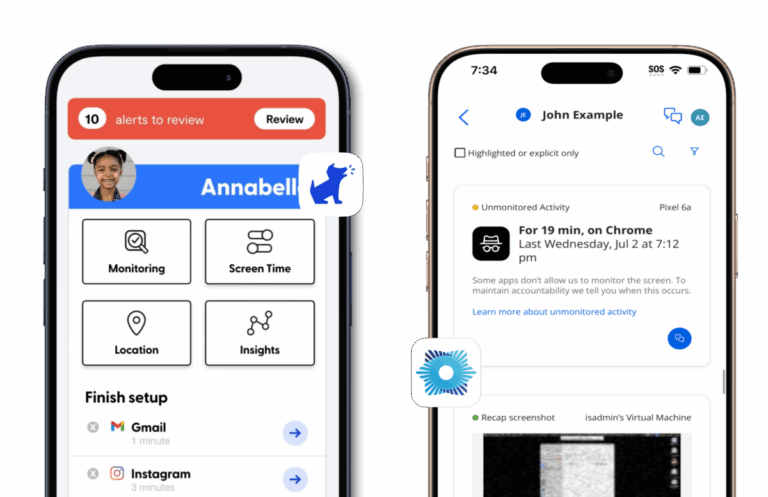
Very intuitive and easy to use. The home dashboard is categorized into five sections: Alerts, Monitoring, Screen Time, Location, and Insights.
Once installed, it automatically detects potentially harmful content across apps. However, for apps like Gmail, you have to manually connect your child's account by logging in through Bark's portal.
Covenant Eyes
Though the Covenant Eyes app's user interface is sleek, its reports are cluttered with random and blurry screenshots, which require more scrolling to understand what's actually happened. I mean, it would be better if there were a chart to summarize the highlighted activities.
Additionally, the "Ally" system undoubtedly adds a layer of social complexity. You have to invite a partner, they have to accept, and download the app.
5 Pricing & Value
Bark
- Offers multiple plan tiers. You can start around $5/month (Bark Jr) or $14/month (Bark Premium) for unlimited devices.
- At this price, you get features like location tracking, app & web blocking, screen time management. However, the cheaper plan lacks the core text and social monitoring features.
- Has a 14-day free trial.
Covenant Eyes
- More expensive at around $15/month or $184/year. Without feature-based tiers, you can get web filtering, screen accountability, and reporting in one package.
- Officially offers a 14-day free trial. And if you can get a promo code, you may be able to extend that to 30 days.
Want a more budget-friendly option?
AirDroid Parental Control is a more cost-effective alternative. For a lower price ($9.99/month or $59.99/year), it gives you access to all core features, including real-time screen viewing, surrounding checking, app and website blocking, screen time usage and controls, etc.
Pros & Cons of Bark and Covenant Eyes
Here's a quick summary of the strengths and weaknesses of Bark and Covenant Eyes based on real-world testing and user feedback.
Bark
Pros
- Detects harmful content over 30+ social media platforms.
- Alerts you to various issues, including cyberbullying and depression, not just pornography.
- Includes essential parental control features.
- Only provides concerning context without invading the child's privacy.
Cons
- May fail to detect explicit images.
- Expensive for full features.
- Easy to bypass by deleting Bark VPN.
Covenant Eyes
Pros
- Monitors all screen activity by taking periodic screenshots.
- Human accountability is a more powerful deterrent than software.
- Comes with uninstall protection.
Cons
- Very expensive with significantly fewer features.
- May miss explicit screen activity in reports.
- Blurred screenshots.
- Only alert for sexual content.
FAQs















Leave a Reply.