Access, Control, and Support Devices Anytime & Anywhere
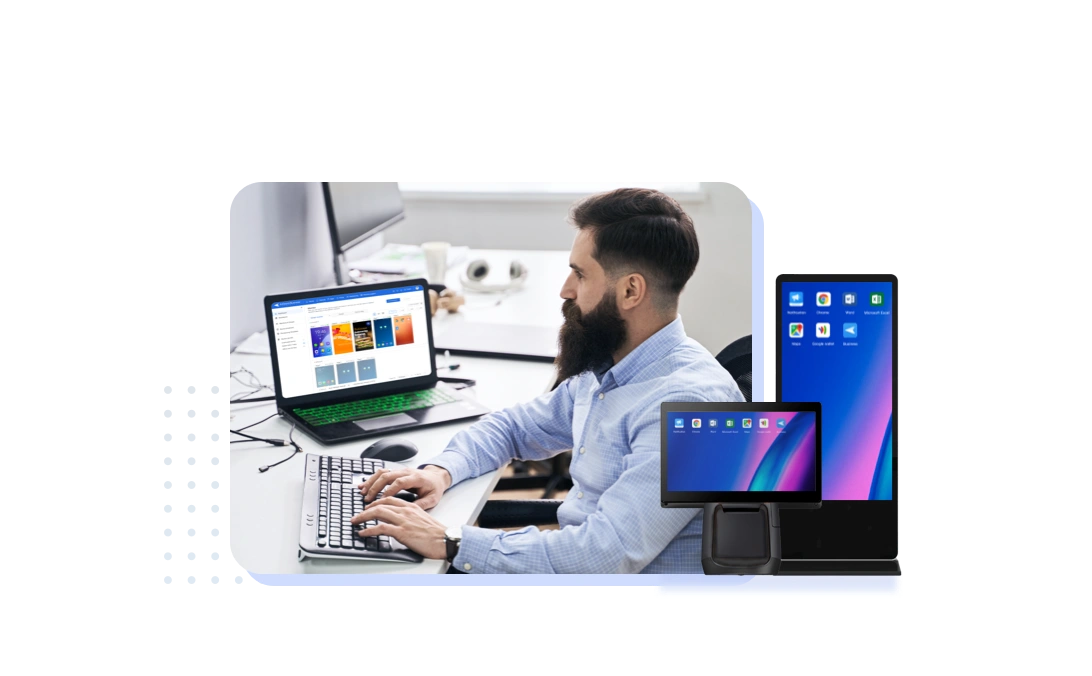
AirDroid offers three remote access methods. You can choose the option below that best suits your needs.

AirDroid BusinessManage, support and secure Android devices with ease in your organization, boosting productivity and security.
AirDroid Remote SupportInstant, reliable remote control and support for companies having Windows and Android devices.
AirDroid Remote Support for PersonalProviding fast and secure support for individual users on Android and Windows
Key Benefits of Our Remote Access Solutions

Seamless Device ControlAirDroid Business is known for its world-class device management system, giving IT teams centralized control and full remote access to deployed Android devices. Whether managing digital signage or field devices, administrators can lock devices into kiosk mode, push updates, and monitor status without physical access.
AirDroid Remote Support enables instant access to Android and Windows devices for issue resolution, eliminating the need for on-site visits.
For individual users, AirDroid Remote Support for Personal streamlines tech support for friends and family from anywhere.

Real-Time SupportResponding to device issues as they arise is important for maintaining uptime and user satisfaction. AirDroid lets IT teams and service providers offer live troubleshooting via screen sharing, voice chat, and AR guidance.
Personal users can guide loved ones step-by-step through issues, thanks to intuitive support tools designed for ease of use.

Security FirstEnterprise-grade encryption and granular permission settings safeguard remote sessions across all three solutions.
AirDroid Business offers role-based access control and detailed activity logs, ensuring compliance and visibility.
Remote Support solutions for both enterprises and individuals prioritize secure connections to protect user privacy.

Cost EfficiencyBy reducing the need for onsite visits and increasing first-time fix rates, AirDroid’s remote access tools help organizations lower operational costs.
Businesses can scale support without increasing headcount, while personal users save time and money by handling device issues remotely.
All solutions contribute to efficient workflows, making them a smart investment for long-term device management.
Use Cases for Different Industry
 MSPs
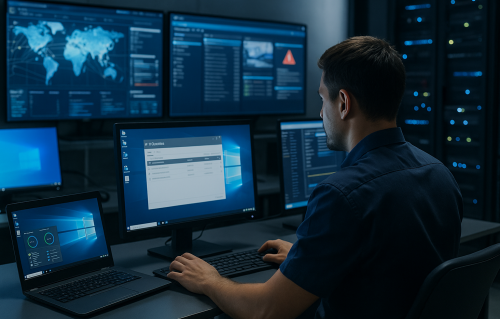
MSPsAirDroid Remote Support offers fast and reliable access to Android and Windows devices, enabling MSPs to deliver high-quality remote support.
➡️Unattended access for resolving client issues without interruption
➡️Real-time screen sharing, voice chat, and remote control
➡️Reduced ticket resolution times and increased service capacity
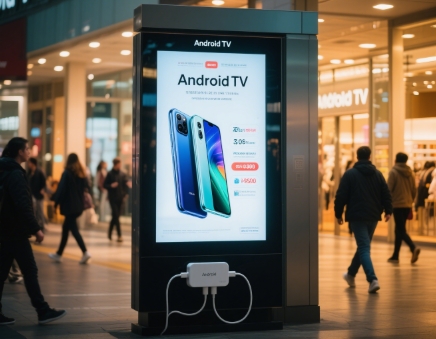 Digital Signage
AirDroid Business provides complete remote management for digital signage, featuring Content Management Service(CMS) capabilities and kiosk mode for seamless content and device control.
➡️Centralized dashboard for pushing updates and monitoring displays
➡️Kiosk mode to prevent user interference with signage devices
➡️Remote troubleshooting to keep systems online and performing
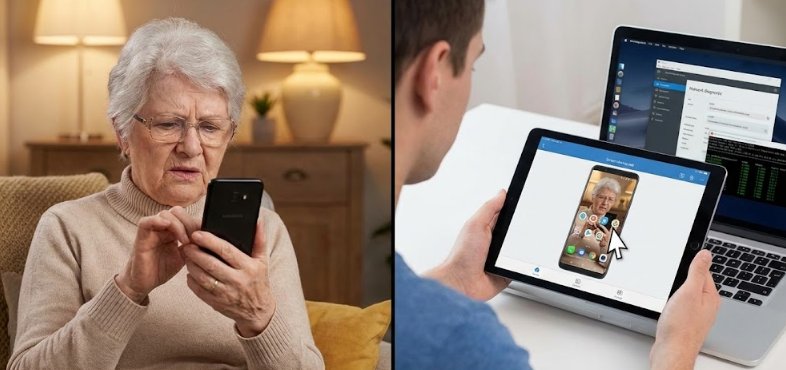 Family Help
AirDroid Remote Support for Personal makes it simple for individuals to support their family’s devices from a distance.
➡️Control or guide Android and Windows devices remotely
➡️Easy-to-use interface for tech assistance without technical jargon
➡️Secure connections for peace of mind when supporting loved ones
Customer Success Stories
- Digis Squared
- Discount Vending Store
- Visionfund
AirDroid helps DigiSquared manage 2,000+ telecom devices across Africa and the Middle East.
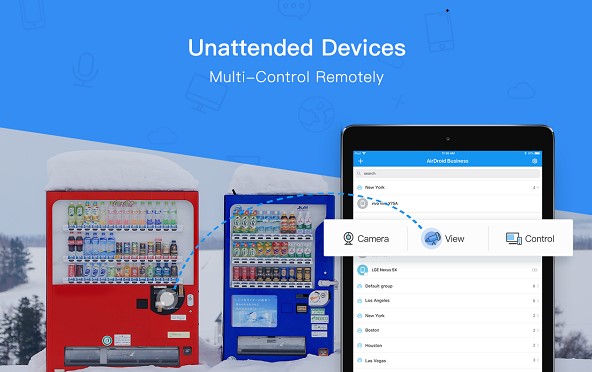
AirDroid enables Discount Vending Store to monitor vending machines remotely and cut maintenance time.
AirDroid supports VisionFund in delivering secure remote management solutions for field teams across Kenya.


Get Started with AirDroid's Remote Access Solutions Today!

Why Choose AirDroid?
- Stability: Our infrastructure ensures high availability, low latency, and consistent performance during remote sessions. Whether you're managing one device or thousands, AirDroid delivers dependable results every time.
- Security: End-to-end encryption, access control, and detailed session logs protect your data and ensure compliance. Both business and personal tools maintain strict standards to safeguard user privacy and device integrity.
- Cross-platform support: AirDroid solutions work across Android and Windows platforms, supporting everything from smartphones to tablets and digital displays. This versatility allows teams and individuals to manage a wide range of devices without switching tools.

FAQs


What Our Customers Say?
Airdroid Biz makes it easy to monitor and control multiple devices remotely in real time. We can push new video content, update applications and quickly troubleshoot when our app crashes or a device has issues. The platform's intuitive interface, device grouping, and policy management features help streamline our operations and reduce downtime, which is critical for our nationwide disease awareness campaign in hospital channels.
Trung T.
We were previously using AnyDesk to provide unattended remote access to our field devices, and while it handled basic remote control well, AirDroid Business offers that capability and much more. The UI is extremely intuitive and easy to navigate, which made onboarding quick and painless. One standout feature is device grouping, which allows us to organize and manage large numbers of devices efficiently.
Richard J.
I appreciate being able to remotely reboot screens, push new media, and check whether the display is frozen. The preview feature is also helpful, as it allows me to verify content.
Hanif T.