Keep Teen Accounts More Private
Limit unwanted contact through stricter default account protections.
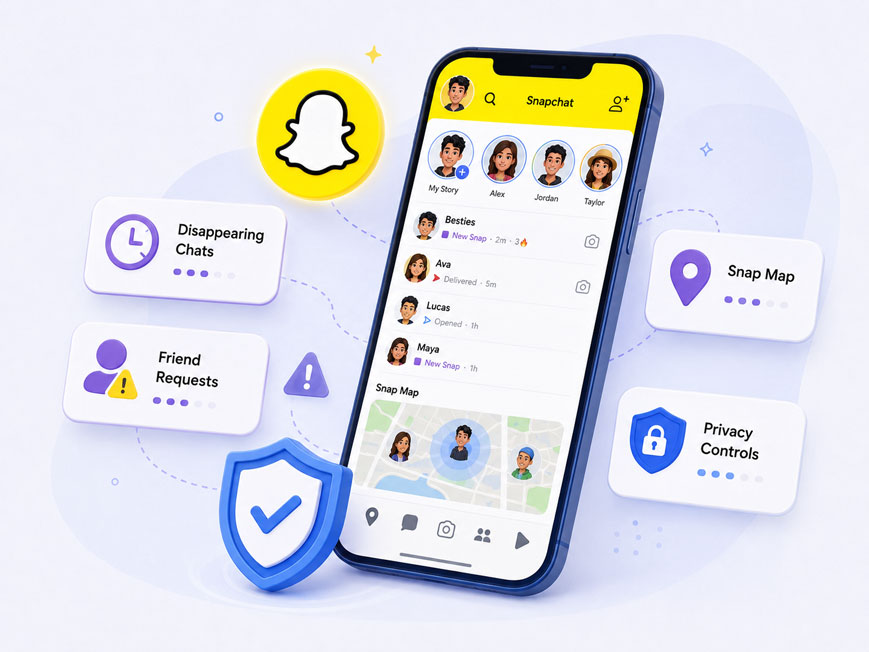
For many teens, Snapchat is woven into how they share everyday moments, maintain friendships, and stay in the loop. Four features help explain why it can feel like more than just another app.
01Disappearing Snaps and friend-to-friend exchanges can feel less exposed than public posts. But “disappearing” does not mean private—content can still be saved, captured, or shared. Compare Snapchat’s privacy and message visibility with other popular messaging apps.
02Camera-first messages make it easy to share small moments without writing a full message or creating a polished post. These quick exchanges help teens stay present in one another’s daily lives. Explore why teens use Snapchat and what makes it socially important.
03Streaks, notifications, and quick-reply expectations can create pressure to keep conversations going. Sometimes a teen reopens Snapchat because a friend—or a Streak—seems to be waiting. Learn how Snapchat Streaks can affect teens’ habits and emotions.
04My AI lets teens ask questions, explore ideas, and chat with a bot without leaving Snapchat. However, teens still need to think critically about its answers and what they share. Find out what parents should know about Snapchat My AI.

Meeting Snapchat’s minimum age requirement does not automatically mean a child is ready to use it. Look for these four signs before deciding.
Identify which skills and safeguards your child still needs before deciding whether to allow Snapchat.
Snapchat is not risky in just one way. Problems usually arise when specific features create too much privacy, access, pressure, or exposure. Use this overview to identify what deserves attention first.
| Risk Source | What Can Go Wrong | Watch For | First Step |
|---|---|---|---|
| Disappearing Snaps and Chats | Sexual pressure, bullying, or the false belief that content is gone forever | Distress after a Snap or fear that an image will be shared | Stay calm, preserve safe evidence, and block or report the account |
| New Contacts and Fake Accounts | Impersonation, scams, grooming, or pressure to move to another app | A fast-growing Friends list or unclear explanations about new contacts | Verify the person outside Snapchat and remove unsafe accounts |
| Stories, Spotlight, and Discover | Sexualized, violent, or otherwise age-inappropriate content | Repeated mature themes or distress after viewing content | Limit sensitive content and unfollow, block, or report concerning accounts |
| Snap Map | Location exposure, unwanted tracking, or pressure to prove where a teen is | Location shared with a large audience or unfamiliar contacts | Review who has access and turn on Ghost Mode when needed |
| Streaks, Snap Scores, and Notifications | Compulsive checking, sleep disruption, or social pressure | Late-night use or anxiety about losing a Streak | Create notification-free school, family, and sleep hours |
| My AI | Unreliable advice, oversharing, or emotional dependence | Sharing private details or acting on answers without checking them | Set clear “never share with AI” rules and verify important advice |
These signs are reasons to start a conversation—not proof that your child has done something wrong.
Snapchat gives teen accounts extra default protections and offers parents additional visibility through Family Center. These tools are a useful starting point—but they do not cover every risk.
No single setting can address every Snapchat risk. Combine platform protections, device-level boundaries, and family oversight—adjusting each layer to your child’s age and needs.
Safety tools work best when teens understand the rules and believe they can ask for help without immediately losing their phone.
Promise to address the safety problem before discussing consequences: “If someone pressures, threatens, tricks, or embarrasses you on Snapchat, tell me. We’ll handle the danger first.”
People: Only add people you can identify.
Privacy: Treat every Snap as something that could be saved or shared.
Problems: Stop replying and ask for help when someone requests secrecy, sexual content, money, or an in-person meeting.
Stop the interaction → preserve safe evidence → report and block → involve a trusted adult → escalate immediate danger.
Do not pay, send more content, or continue negotiating. Never ask a child to forward a sexual image of a minor as evidence.
No. Snapchat requires users to be at least 13 in most regions. Parental controls do not change the age requirement, so the safer choice is to delay access.
No. Thirteen is a minimum account age, not a readiness guarantee. Contact judgment, privacy awareness, self-control, emotional maturity, and willingness to ask for help matter more than a birthday alone.
No. Family Center shows recent contacts, group members, friends, settings, and other contextual information, but it does not show the content of private Chats or Snaps.
Parents connected through Family Center can stop My AI from replying to their teen. This does not let the parent read earlier AI conversations.
There is no universal limit. Start with outcomes: sleep, schoolwork, mood, movement, family time, and offline friendships. If Snapchat disrupts those needs or the teen cannot stop without distress, add notification-free periods and scheduled downtime.
Age-appropriate, lawful parental controls may be appropriate when they are transparent and proportionate to the risk. Explain what is monitored, why, and when the arrangement will be reviewed. Covert surveillance can damage trust and encourage workarounds.
Yes. iPhone families can use Screen Time or compatible parental controls; Android families can use Family Link, Digital Wellbeing, or compatible tools. Methods and feature strength differ by operating system, and no restriction should be described as impossible to bypass.
Combine clear family rules, practical device boundaries, and the right level of support for your child’s age and risk.

App Usage Insights

Screen-Time Boundaries

Location Safety Support

Family Safety Tools