AirDroid Parental Control
24/7 Kids' Guardian via App & Web
- 👀Live surroundings and location tracking
- 🔞Content Monitoring and App/Web Blocking
- ⚠Instant alerts for online risks and geofences
- ⌛Screen time control and monitor

How to Watch YouTube Without Signing In (2025)
Not everyone wants to be a part of Google, and that's okay. But YouTube has gotten more and more aggressive in prompting users to sign in even for something as simple as hitting the like button. And you definitely can't watch age-restricted videos without signing in to YouTube.
However, there are still ways to watch YouTube videos without logging in. Read on to find out how to watch YouTube without signing in.
Why is YouTube Forcing Me to Sign In
There's no lack of age-restricted content on YouTube, targeted at only specific audiences. If you're not signed in, there's no way for YouTube to verify your age and validity to watch that content.
Another reason is that they need to store your data to personalize your recommendations and curate videos for you. That's why they block all features except watching videos when you're not logged in to your Google account.
How Can I Watch YouTube Videos Without Logging In on YouTube
There are several ways to watch YouTube videos without signing into a Google account, whether you're on Android, iOS, desktop, or a smart TV.
We've compiled methods that allow you to bypass login requirements, while maintaining your privacy. We've also included practical tips and tools such as alternative front-ends, browser extensions, and guest modes to improve your viewing experience.
1Android/iOS
For Android and iOS devices, you can use apps or browsers that allow you to watch YouTube without the need to sign in:
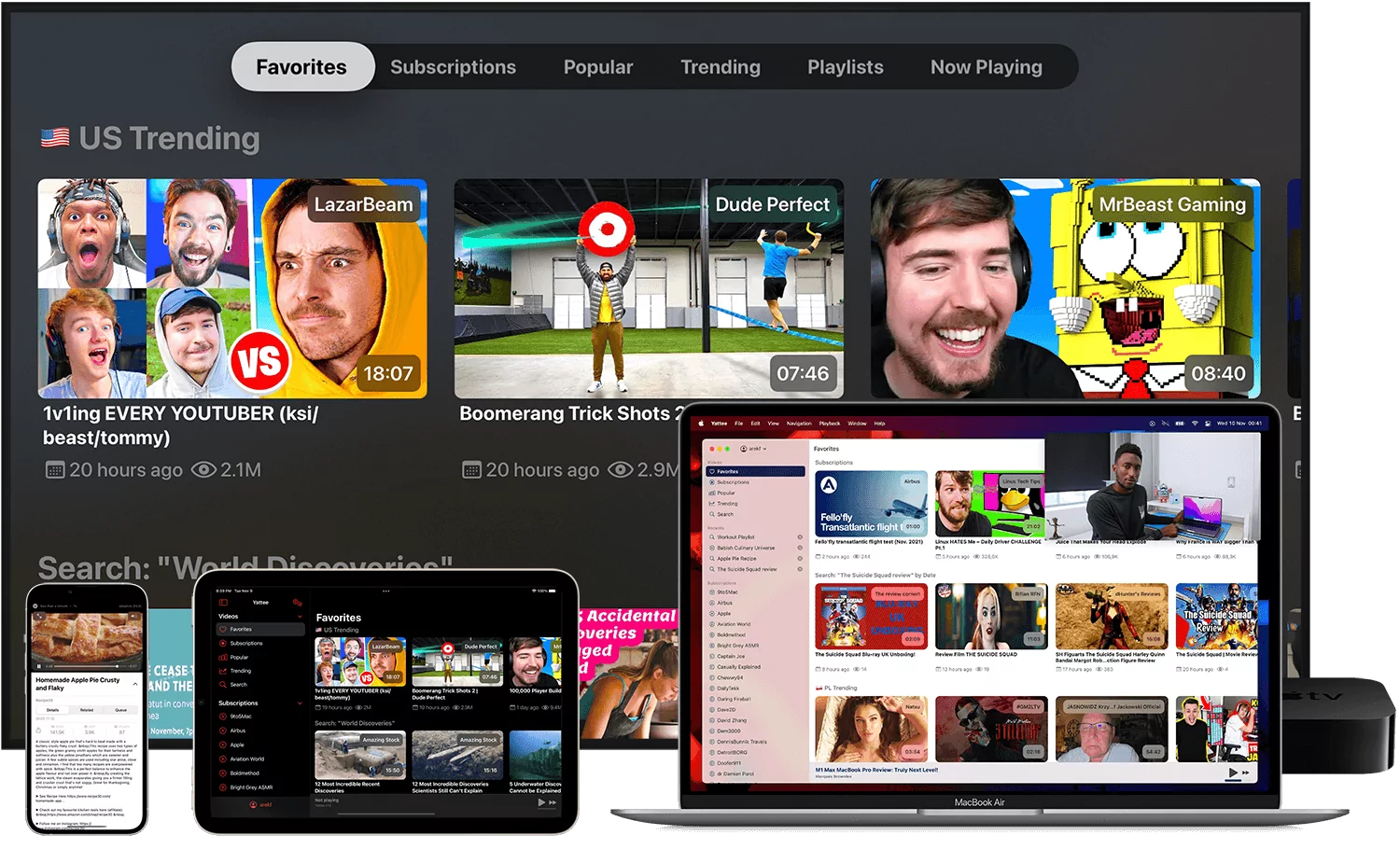
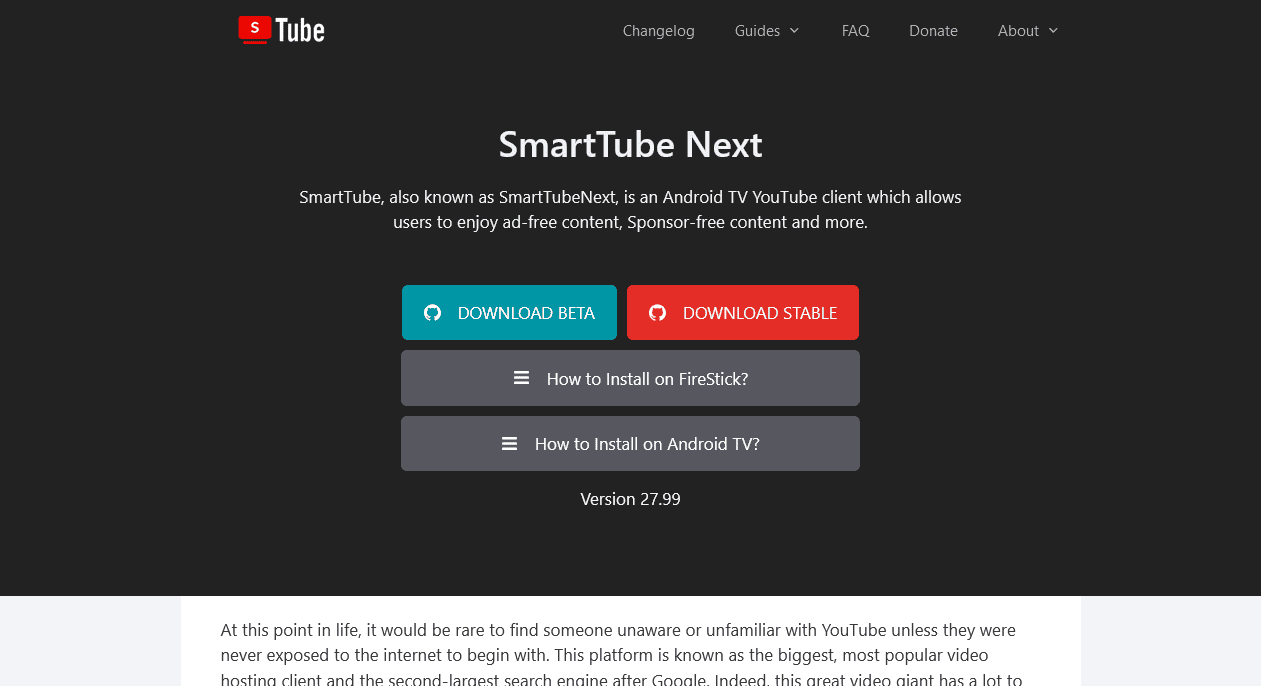
- Third-Party Apps: Apps like NewPipe (Android) or Yattee (iOS) allow you to watch YouTube videos without needing a Google account.
- Browsers: Use privacy-focused mobile browsers like Firefox Focus or Brave to watch YouTube without logging in.
NewPipe, for example, is an open-source app that provides an ad-free viewing experience, enables background playback, and offers offline downloads. Please note, these apps may not be available in official app stores and must be downloaded from trusted sources like GitHub.
These browsers block ads and trackers, helping protect your data while accessing YouTube. Simply visit m.youtube.com and disable the YouTube app as the default for direct viewing.
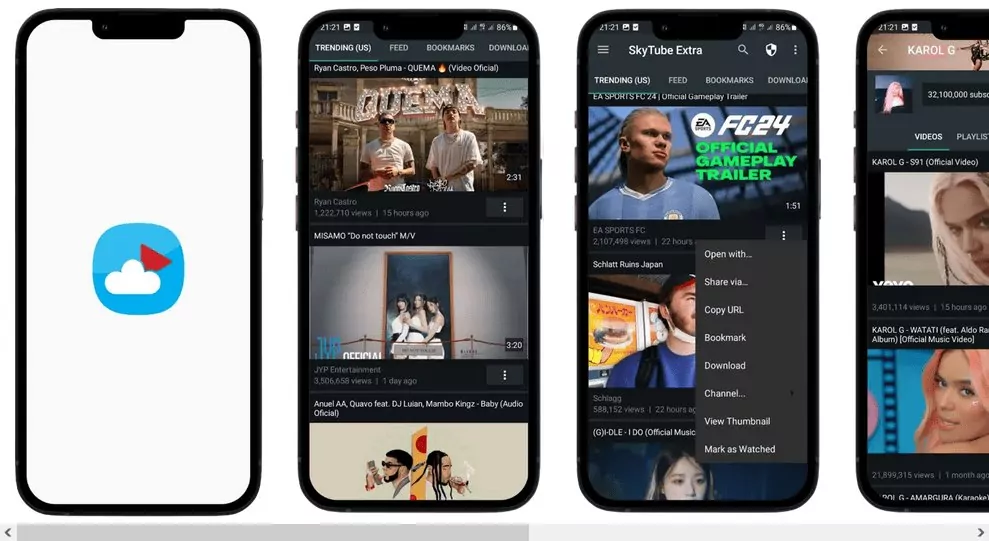
Tip: Only download apps from trusted sources, such as official websites or repositories like GitHub, to ensure security. Always keep apps updated, as YouTube regularly updates its code to prevent these methods from working.
2Desktop/Web
When using a desktop or web browser, you have several options to enhance your YouTube experience without signing in:
- Invidious and Piped: These are open-source, privacy-conscious YouTube front-ends that don’t require a Google account.
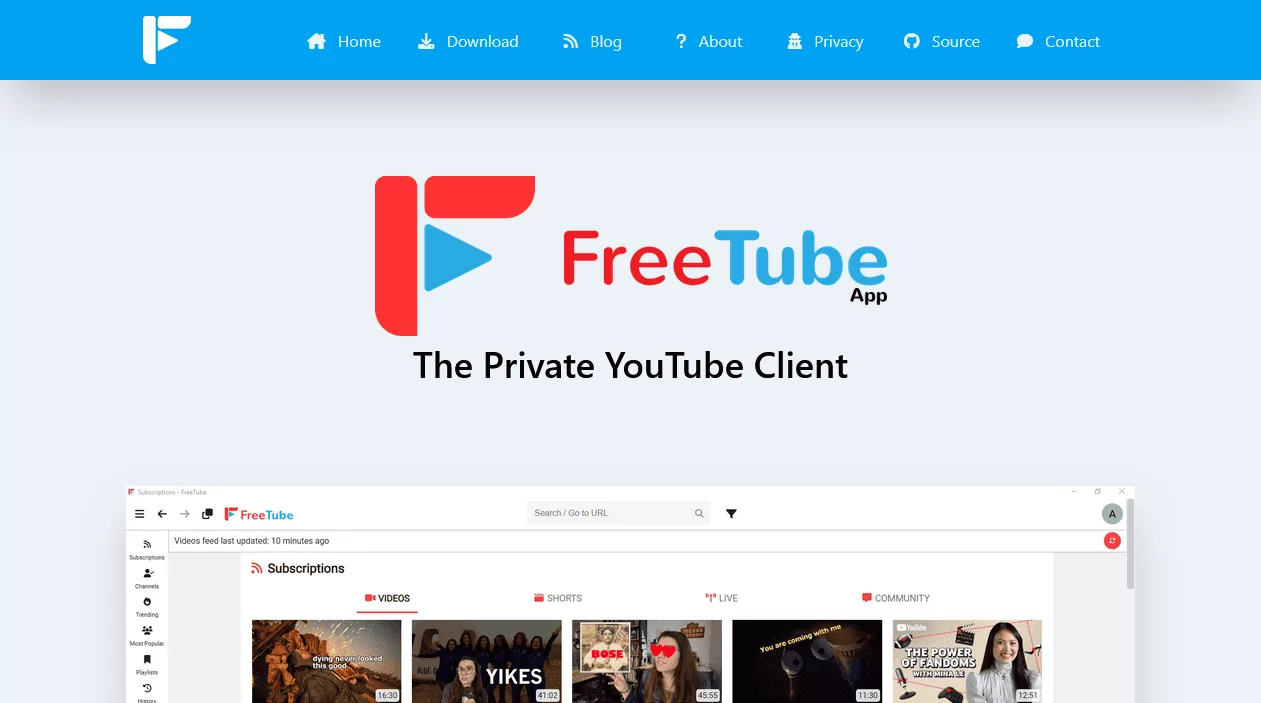
- FreeTube: A desktop application (Windows, macOS, Linux) that blocks ads, allows local subscriptions, and bypasses age restrictions. It’s a great option for privacy-conscious users who want to enjoy YouTube without a Google account.
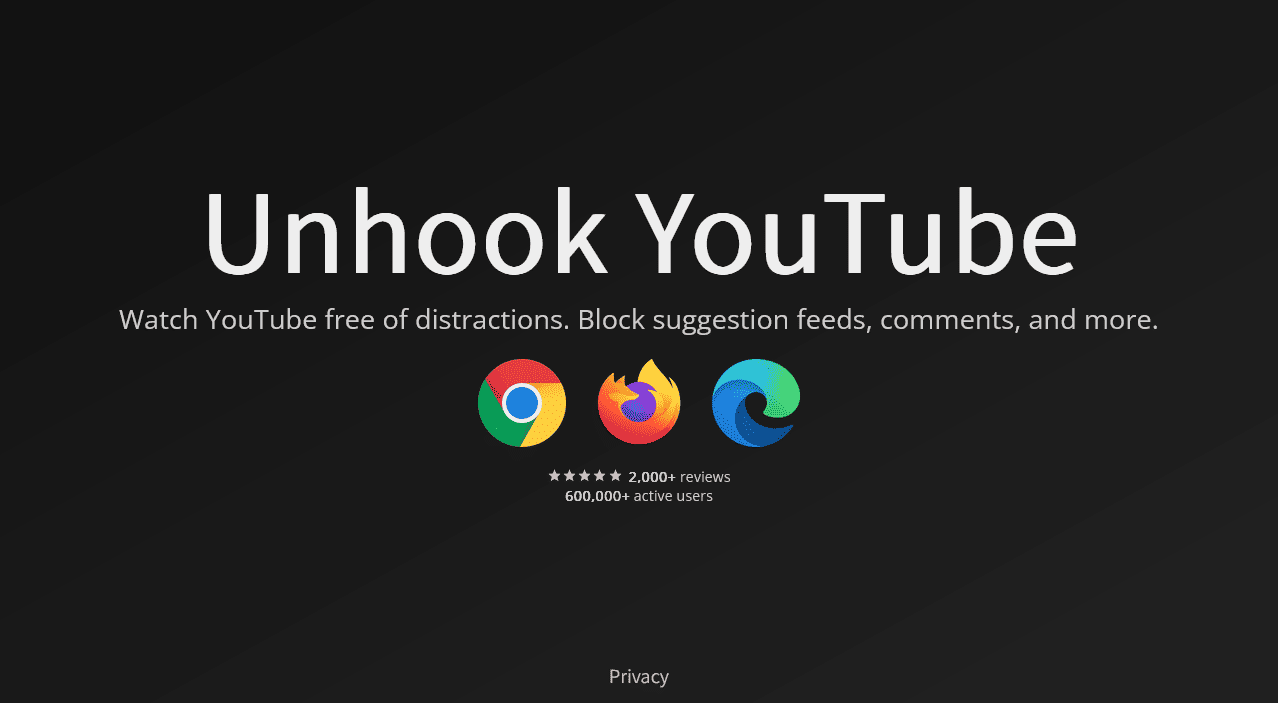
- Extensions: Browser extensions like DF Tube (Distraction-Free Tube), SponsorBlock, and Unhook can help remove distractions on YouTube, like comments and suggestions, for a cleaner viewing experience. The Simple YouTube Age Restriction Bypass script works with Violentmonkey to enable access to age-restricted videos.
Invidious lets you search and watch YouTube videos without ads, and proxies your connection to reduce tracking (though your IP address may still be visible to YouTube).
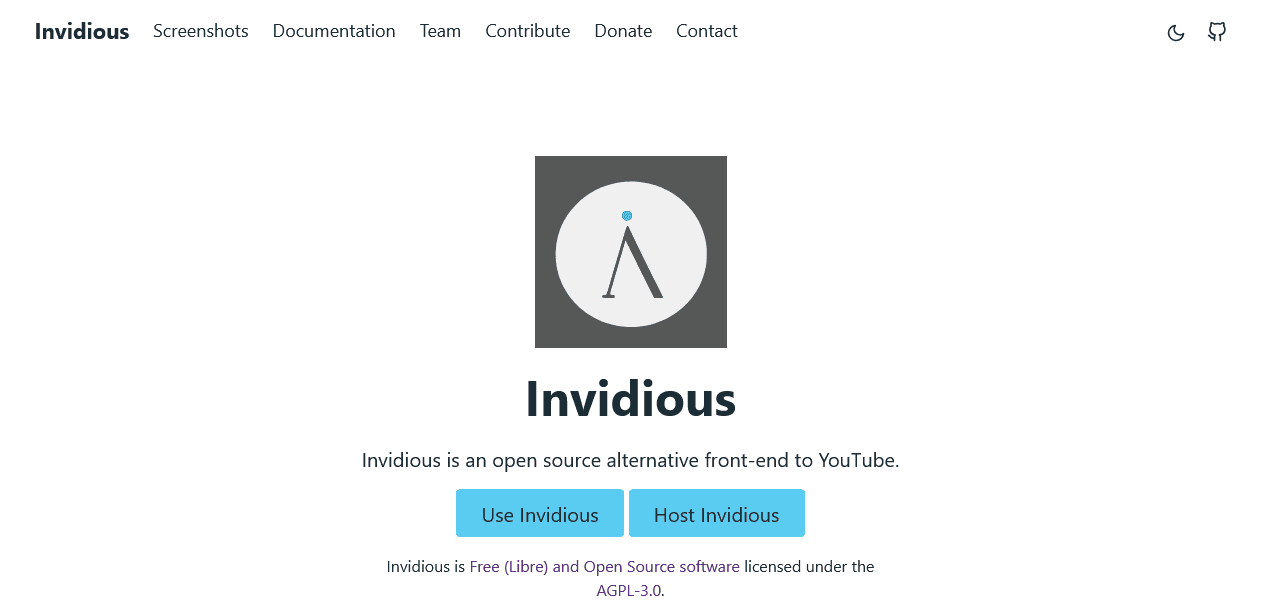
Note: Be aware that public instances of Invidious may experience downtime or regional restrictions, and certain userscripts may break when YouTube updates its platform. Always use trusted instances listed on official documentation sites.
3Smart TV
Most smart TVs (e.g., Roku, Fire Stick, Apple TV) allow you to access the YouTube app without logging in. Simply open the app, skip the sign-in prompt, and browse or search for videos. This mode supports basic viewing but does not allow interaction features like liking, commenting, or creating playlists.
Tip: Use a universal remote or voice search for easier navigation of YouTube in Guest Mode on your smart TV.
How Do I Stop YouTube from Asking to Sign In
To stop YouTube from prompting you to sign in, try using incognito or private browsing modes available in browsers like Chrome, Firefox, or Safari. These modes prevent cookies from tracking your session, so YouTube won't keep asking you to log in.
Another easy way is to regularly clear your cookies and cache through your browser settings—for example, Chrome's "Clear Browsing Data" option—which resets those login prompts.
You can also install browser extensions like uBlock Origin or Privacy Badger to block sign-in pop-ups and trackers.
For an even smoother experience, combine these with privacy-focused browsers like Brave—automatically blocking YouTube's intrusive sign-in requests. Using these methods lets you watch anonymously without the constant hassle of signing in.
What You Can and Can't Do Without an Account
You can watch almost all videos you want, but you won't be able to watch age-restricted videos (in most cases). You can share videos, of course, by just sharing the link however you want. But you can't support your favorite creators with likes, comments, subscriptions—and you can't create dedicated playlists for your needs.
You can't watch private videos (that you have access to) without logging in. And YouTube won't track viewing or suggest tailored content, so you won't have a personalized feed saved.
Bonus: How Parents Can Let Kids Watch YouTube Safely
Parents often search for ways to allow their children to access YouTube content while ensuring a safe and controlled environment. Fortunately, AirDroid Parental Control is here to protect your child from YouTuBe video addiction! For the menial price of less than a coffee a day, you can:

- Establish sensible time limits: Setting daily screen time limits for YouTube and other apps is simple.
- Keep an eye on your kids' activity: Remotely monitor your child's entire device activity and YouTube viewing history.
- Get immediate alerts: Receive alerts when your children try to access content that has been blocked.
Stop worrying about your child's online exposure—get AirDroid Parental Control right now.
Conclusion
While YouTube pushes users to sign in for personalization, you can still watch anonymously using incognito mode, cookie clearing, or extensions like uBlock Origin.
For parents, tools like AirDroid Parental Control offer a safer way for kids to watch YouTube without an account. These methods balance privacy and functionality, letting you bypass login prompts while keeping viewing secure and kid-friendly.
FAQs
Can I Use YouTube Without a Google Account?
Yes, you can use YouTube without a Google account. But you'll miss several features such as: like, dislike, comment, subscription, playlists, watch history and more.
Is There a Way to Avoid YouTube Ads Without an Account?
You can use ad blockers to blog YouTube ads. However, YouTube will continue alerting you about the use of ad blockers. Hence it's better to use other frontends such as NewPipe, or FreeTube.
How Can I Watch Restricted Content?
YouTube doesn't allow viewership of restricted content without a signed-in, age-verified account. Hence you have to use Invidious (web), FreeTube (desktop) or NewPipe (Android).
Can I Like or Save Videos Without Signing In?
No, you can't like or save YouTube videos without signing in. With certain YouTube frontend clients like FreeTube or NewPipe, you can save YouTube videos to different playlists. But you still can't like them.











Leave a Reply.