Why Your MDM Isn't Enough Without Automation
You've deployed an MDM solution. Devices are enrolled, policies are pushed, and your team finally has a dashboard. But here's the uncomfortable truth: devices are still going offline without warning, your IT inbox is flooded with alerts nobody has time to read, and somewhere across the country, a kiosk screen has been blank for the past three hours — and no one knows yet.
Sound familiar? You're not alone. And the problem isn't your MDM.
The problem is that most MDM deployments stop at visibility — they can show you what's happening, but they can't do anything about it automatically. In a world where a single device going offline can halt a POS transaction, delay a delivery, or frustrate a customer staring at a frozen self-service screen, visibility alone is no longer enough.
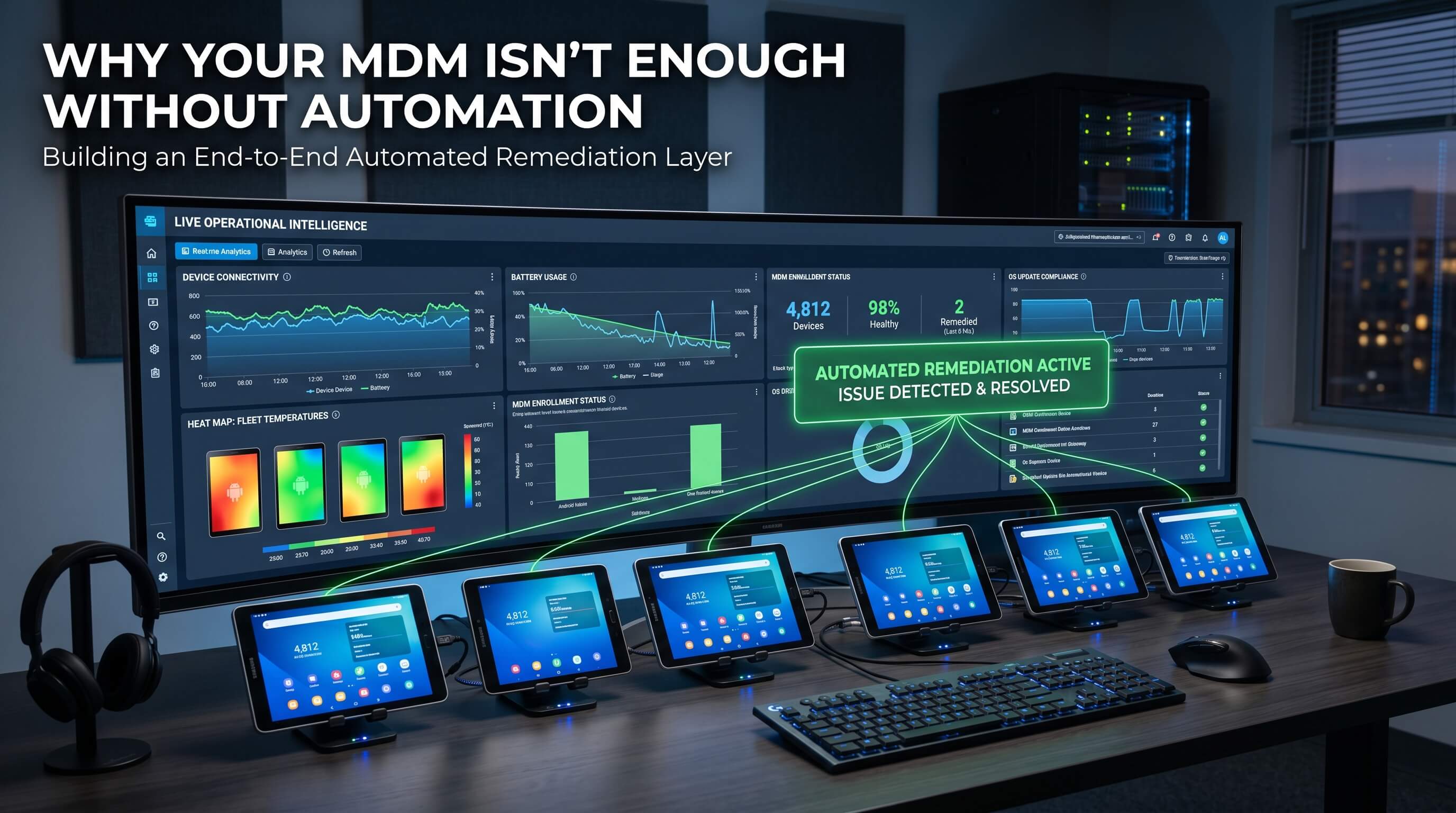
This article breaks down the four most costly device management problems that even MDM-equipped IT teams face every day — and why the only sustainable fix is automation.
Problem 1: You're Always the Last to Know When a Device Goes Down
Device downtime is expensive. But what makes it truly damaging isn't the downtime itself — it's the delay between when the problem starts and when your IT team finds out.
Think about the scenarios playing out right now across industries:
- A retail POS terminal goes offline mid-shift. The cashier reboots it manually — or worse, tells the customer the system is down. By the time IT is notified, three queues have backed up.
- A delivery driver's handheld scanner loses its connection. The driver can't confirm the pickup. Dispatch doesn't know. The SLA clock keeps ticking.
- A digital signage display in an airport goes black. Travelers are confused. No alert was triggered. IT finds out from a facility manager's phone call two hours later.
In each case, the MDM was running. The device was enrolled. But because there was no automated detection and response, a recoverable issue became a business disruption.
The real cost: It's not the 5-minute outage. It's the 45-minute gap between failure and recovery — during which revenue is lost, SLAs are broken, and customer trust erodes.
What proactive monitoring changes
With event-driven automation, the moment a device goes offline, a predefined workflow kicks in — no human required. The device can be automatically rebooted, and at the same time, a Slack message is sent to the on-call channel and a ticket is created in your helpdesk system. By the time anyone looks at the dashboard, recovery is already underway.
AirDroid Business detects online/offline status changes in real time and triggers automated workflows instantly. When connected with GoInsight.AI, these workflows can extend into your existing operations stack — automatically opening Jira tickets, notifying teams via Slack or Microsoft Teams, and generating incident logs without manual input.
AirDroid Business - Stop Finding Out About Device Downtime Too Late
When a device goes offline, every minute matters. AirDroid Business helps IT teams detect offline devices in real time and trigger automated workflows, from remote reboot to team notifications, so recovery starts before downtime turns into a business problem.
Problem 2: Alert Fatigue Is Quietly Destroying Your IT Team's Effectiveness
Here's a scenario most IT managers recognize: you set up alerts for everything — battery levels, app crashes, offline status, storage warnings — because you want full visibility. Six months later, your team has stopped reading alert emails entirely.
This is alert fatigue, and it's one of the most underestimated risks in device operations. When every alert looks the same, and most of them don't require immediate action, the human brain learns to tune them out. The danger is that the one alert that actually matters — a critical system failure, a device that's been offline for six hours, an app that's stopped running on 40 devices simultaneously — gets lost in the noise.
Why traditional alerting systems make this worse
Most MDM solutions treat all alerts the same way: send an email notification and wait for someone to act. This creates three compounding problems:
- Volume without context: 200 low-battery alerts look identical to 1 critical failure alert.
- No automatic triage: everything requires a human to read, assess, and decide.
- No automatic resolution: even when IT spots the alert, they still have to manually execute the fix.
The result is an IT team that spends more time managing notifications than managing devices — and a growing Mean Time to Repair (MTTR) as genuine issues get buried.
The shift that matters: The goal isn't fewer alerts. It's alerts that trigger automatic actions, so your team only needs to step in when automation can't handle it.
How automated remediation changes the equation
AirDroid Business allows you to define precise trigger conditions for each alert type — specific thresholds, device groups, and time windows — so alerts are meaningful rather than constant. More importantly, each alert can be paired with an automated workflow: restart the device, clear app cache, switch configuration profiles, or push a notification to the device.
With GoInsight.AI integration, the automation extends further. Alerts can be automatically routed by severity: low-priority issues get resolved silently in the background, while critical incidents trigger escalation workflows — creating a helpdesk ticket, notifying a senior engineer, and logging the event for compliance reporting — all without anyone reading a single email.
→ Related: How to Automatically Restart Offline Android Devices With Automated Alerts
AirDroid Business - Turn Device Alerts Into Automated Actions
Stop asking your team to read every alert manually. With AirDroid Business, alerts can trigger the next step automatically, such as restarting a device, clearing app cache, switching profiles, or notifying the right team. Your IT team only steps in when human judgment is actually needed.
Problem 3: Distributed Devices Create a Visibility Black Hole
Managing 20 devices in one office is straightforward. Managing 500 devices across 30 locations — retail stores, warehouses, vehicles, field sites — is a fundamentally different challenge. And it's one that most MDM deployments aren't fully equipped to handle.
The core issue is that traditional device monitoring gives you a snapshot, not a live picture. You can see what a device's status was when it last checked in. But you can't see what's happening right now, and you certainly can't intervene remotely when something goes wrong.
When device visibility matters most in distributed environments:
- A warehouse device goes dark at 2 AM. It won't show up as offline until the next morning check-in window — and by then, an entire shift's worth of inventory data may be missing.
- A field device stops moving for four hours. Is it broken? Forgotten? Stolen? Without motion status monitoring, you have no way to know.
- A device's battery is at 8% and draining fast. Without proactive alerts, it'll be dead before anyone notices — taking an active session with it.
This is what we mean by android device monitoring that actually works: not a static dashboard you check once a day, but a live operational layer that detects anomalies and responds before they become incidents.
Building real-time device visibility
AirDroid Business provides continuous device health monitoring across your entire fleet — battery levels, storage, connectivity status, app states, and physical movement — all updated in real time. Features like Last Seen timestamps, Battery Alerts, and Device Motion Status detection give IT teams an accurate, live picture of every device in the field.
When connected with GoInsight.AI, this visibility layer becomes operational intelligence. Device health data can automatically trigger reports sent to operations managers, flag anomalies for investigation, or initiate remediation workflows — without waiting for someone to notice the dashboard.
→ Go deeper: How to Monitor Android Device Health Remotely
Problem 4: Kiosk Devices Fail More Often Than You Think — and Nobody Tells You
Kiosk deployments look simple from the outside: lock the device into a single app, deploy it, done. But anyone who has managed a fleet of kiosk devices at scale knows the reality is far messier.
Kiosk devices fail constantly — and quietly. Common failure modes include:
- App crashes: the kiosk app freezes or force-closes, leaving a blank or error screen.
- Kiosk mode exits: a user (intentionally or accidentally) navigates out of the locked kiosk environment.
- Network drops: the device loses connectivity, making the app non-functional without displaying an obvious error.
- Battery issues: the device isn't charging properly, drains during operating hours, and shuts down.
- No visibility: IT has no idea any of this has happened until a customer complaint comes in or a staff member notices.
For businesses that rely on kiosks for customer-facing transactions, self-service check-ins, or digital signage, every minute of kiosk downtime is a direct hit to customer experience and operational efficiency.
The kiosk problem in numbers: In high-traffic environments, a kiosk that's down for just 30 minutes during peak hours can affect hundreds of customer interactions. The device itself costs less than an hour of lost productivity.
Automated kiosk recovery: detect, respond, restore
AirDroid Business monitors kiosk status continuously. If a device exits kiosk mode, an alert fires immediately and an automated workflow can relaunch the kiosk app and switch back to the correct configuration profile — all without anyone touching the device.
Foreground App Status monitoring takes this further: if the kiosk app stops running in the foreground (even without fully crashing), the system detects it and triggers an auto-recovery workflow. Battery alerts ensure devices are flagged before they go dead, not after.
With GoInsight.AI, kiosk incidents can automatically notify on-site staff or regional managers, log the event for SLA reporting, and escalate to IT if the automated recovery fails — creating a complete, self-managing kiosk operations layer.
→ See the full workflow: How to Prevent Kiosk App Crashes Automatically
AirDroid Business - Keep Your Kiosks Running Without Waiting for a Complaint
AirDroid Business continuously monitors kiosk status, foreground app activity, battery level, and connectivity. If a kiosk app stops running or the device exits kiosk mode, automated workflows can relaunch the app, restore the right profile, and alert your team only when escalation is needed.
The Common Thread: Your IT Team Is Stuck in Reactive Mode
Look at the four problems above. They seem different on the surface — downtime, alert fatigue, visibility gaps, kiosk failures — but they share the same root cause: reactive IT operations.
Reactive IT means your team responds to problems after they've already happened. A device goes down → someone notices → someone investigates → someone fixes it. This cycle works when you have 20 devices and a dedicated on-site team. It breaks down completely when you have 200+ devices spread across locations your team can't physically reach.
The consequences are measurable:
- MTTR creeps upward as incident volume outpaces team capacity.
- IT staff spend the majority of their time on repetitive, low-complexity tasks that could be automated.
- Critical incidents get delayed because the team is already buried in lower-priority issues.
- Scaling the device fleet means scaling the IT team — an unsustainable model.
The alternative — proactive monitoring combined with automated device operations — fundamentally changes this equation. Instead of waiting for problems to be reported, the system detects anomalies as they emerge and executes remediation automatically. IT teams shift from firefighting to oversight.
This is the transition from reactive IT to what modern device operations actually requires: a system that watches, thinks, and acts — without waiting for a human to notice something is wrong.
→ Understand why reactive IT is failing modern businesses: Why Reactive IT Operations Are Failing Modern Businesses
MDM Gets You in the Game. Automation Lets You Win It.
Having an MDM solution is table stakes in 2025. Every serious organization managing Android devices at scale has one. But MDM without automation is like having a security camera with no recording — you can watch, but you can't act.
The businesses pulling ahead aren't the ones with more IT staff. They're the ones who've built automated device operations into their infrastructure — systems that detect issues in real time, respond without human intervention, and escalate intelligently when something genuinely needs attention.
AirDroid Business's Alert & Workflow engine, combined with GoInsight.AI's automated workflow capabilities, gives IT teams exactly that: an end-to-end automated remediation layer that sits on top of your existing MDM deployment. Devices trigger alerts → AirDroid executes device-level actions → GoInsight.AI handles the business process layer — tickets, notifications, reports, escalations — automatically.
The result is fewer incidents, faster recovery times, and an IT team that spends its time on work that actually requires human judgment.



Leave a Reply.