What is AI-native MDM? A practical guide to AI-powered device operations
-
Part 1: Why traditional device management gets harder at scale
-
Part 2: What is AI-native MDM?
-
Part 3: Traditional MDM, automation, and AI-native MDM
-
Part 4: How AI can change device operations
-
Ask device questions in natural language
-
Turn status data into a useful summary
-
Guide common operations
-
Part 5: Turn alerts into follow-up workflows
-
Part 6: What to automate and what to review
-
Part 7: Common use cases
-
Part 8: What to look for in an AI-native MDM platform
-
Part 9: How AirDroid Business fits this model
-
Frequently asked questions
-
Part 10: IT remains in control
Enterprise device management used to focus mainly on enrollment, security, and policy enforcement. Those jobs still matter, but they are no longer the whole story. As companies deploy more devices outside the office, IT teams also have to keep them ready for daily work.
The devices now under management include POS terminals, driver tablets, warehouse scanners, patient-facing devices, digital signage, self-service kiosks, rugged field hardware, and unattended Android endpoints. Many are spread across stores, clinics, warehouses, vehicles, and customer sites.
Market research points to continued growth in mobile device management as organizations deploy more mobile, frontline, and dedicated devices. Scale creates a practical problem: traditional MDM consoles contain plenty of useful data, but turning that data into a timely response often requires several manual steps.
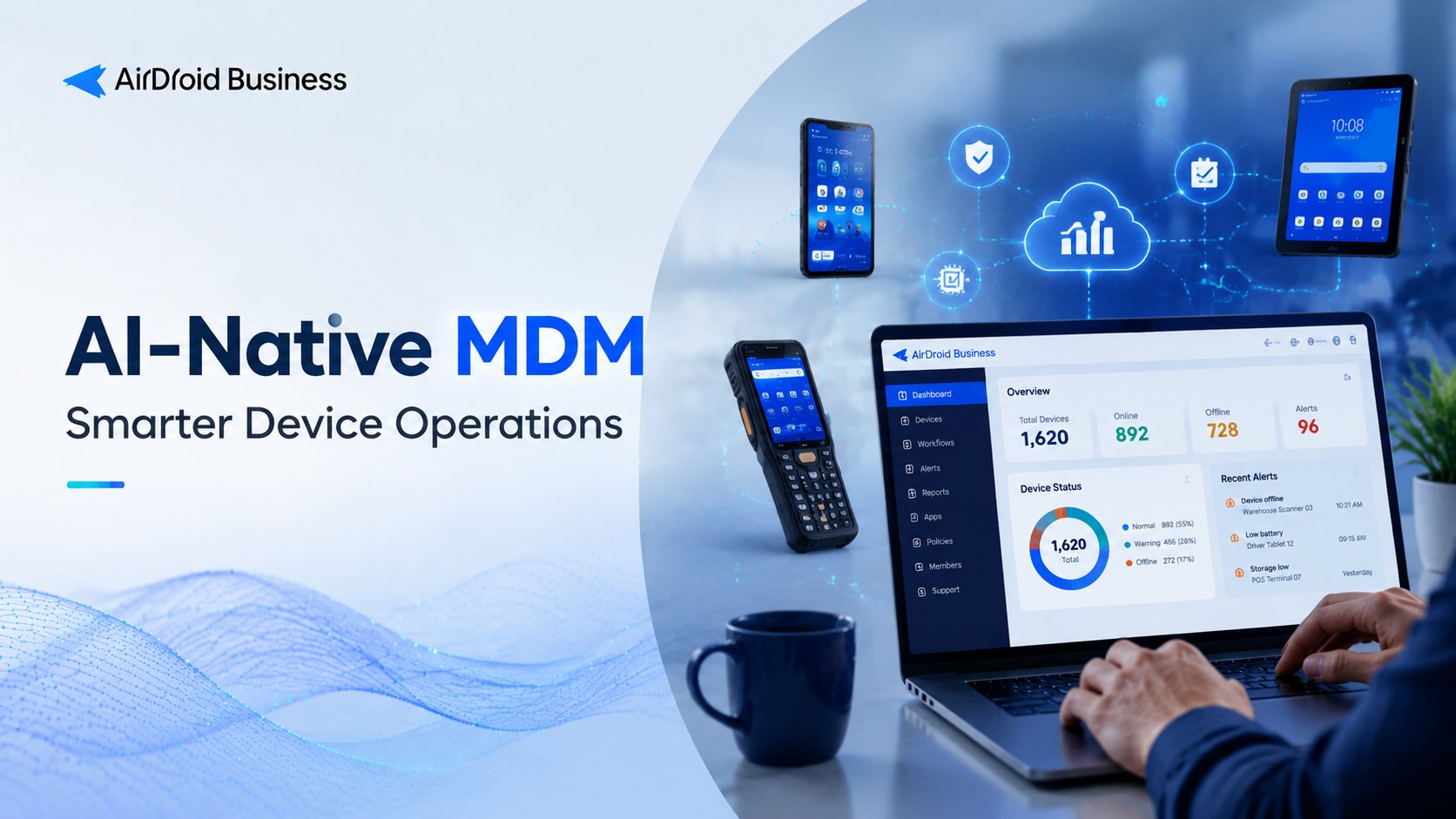
AI-native MDM is one response to that problem. It combines established MDM controls with AI-assisted queries, summaries, prioritization, and workflows. The aim is to reduce routine work while keeping sensitive actions subject to permissions, confirmation, and audit.
Part 1: Why traditional device management gets harder at scale
Traditional MDM platforms already let administrators enroll and provision devices, organize them into groups, enforce policies, configure Kiosk mode, distribute apps, monitor status, receive alerts, generate reports, and troubleshoot remotely.
The difficulty is usually not a missing feature. It is the amount of navigation and judgment involved in everyday operations. To investigate one issue, an administrator may have to open a device list, apply several filters, select the right columns, review battery and network data, check app or Kiosk status, export a report, send it to another team, and then start a remote support session. The same sequence may need to be repeated for every site, customer, or device group.
That process may be acceptable for a small fleet. With hundreds or thousands of distributed endpoints, it is hard to sustain.
The operational demands also vary by industry. Retail teams need POS terminals and self-service devices ready before stores open. Logistics teams monitor driver tablets, vehicle-mounted hardware, and warehouse scanners across regions. Healthcare organizations need patient-facing devices to remain charged, connected, and locked to the right apps. Managed service providers may repeat the same reporting and alert follow-up work for many customers.
In each case, the devices are more than inventory records. They support live business processes, so IT teams need a faster way to turn device data into action.
Part 2: What is AI-native MDM?
AI-native MDM is an approach to mobile device management that uses AI to help teams query device data, summarize conditions, identify items that need attention, and run repeatable operational workflows. Critical actions remain under human control.
Vendors may also use terms such as AI MDM, AI-powered MDM, or AI-assisted device management. The wording varies, but the useful distinction is simple: AI should help administrators work with existing device data and management tools. Adding a chatbot to an MDM console, by itself, does not make the platform AI-native.
In practice, an AI-assisted MDM system may help an administrator:
- ask for device status in natural language
- summarize health across a site or device group
- find offline devices or devices with low battery or limited storage
- check Kiosk and Policy status
- produce inspection reports
- start a workflow in response to an alert; or
- guide an administrator through an approved management task.
This does not imply autonomous device management. AI can shorten the path from a question to a useful result, but administrators still need accurate source data and control over consequential actions.
Part 3: Traditional MDM, automation, and AI-native MDM
These three approaches overlap, but they solve different parts of the problem.
| Approach | How it works | Best suited to | Main limitation |
|---|---|---|---|
| Traditional MDM | Administrators use console pages, device lists, policies, reports, alerts, and remote tools | Centralized device management | Routine work still depends on manual navigation, filtering, and administrator experience |
| MDM automation | Rules, alerts, or schedules trigger predefined actions | Repetitive tasks with known conditions | Logic is usually limited to fixed conditions and actions |
| AI-native MDM | AI helps query, summarize, prioritize, and coordinate workflows | More efficient day-to-day device operations | High-impact actions still require permissions, confirmation, and auditability |
Consider a rule that sends an alert when battery level falls below 20 percent. It is useful, but it evaluates a fixed condition. It may not account for whether the device belongs to a critical store group, has recently been offline, shares the problem with similar devices, or needs to enter a follow-up process.
AI-native MDM builds on the controls already provided by MDM and automation. Its role is to interpret available context, present the important details, and connect events with defined operational processes.
Part 4: How AI can change device operations
AI is most useful here when it removes effort from finding, understanding, and acting on device information. It does not replace monitoring, alerts, reports, policies, or remote troubleshooting. It makes those capabilities easier to use in daily work.
1Ask device questions in natural language
With a conventional console, an administrator often has to know which page, filter, report, or device group contains the answer. An AI-assisted interface can accept questions such as:
- Which devices are offline?
- Which devices have low battery?
- What is the status of devices in this group?
- Which devices have not checked in recently?
- Are any devices outside their expected Kiosk or Policy state?
An administrator responsible for store tablets, for example, could ask for offline or low-battery devices and receive a summary of the affected endpoints and their current status. The result still depends on reliable device data and should be reviewed, but the administrator can begin evaluating the issue without first building a set of console filters.
2Turn status data into a useful summary
A single device may have data for online status, last check-in time, battery and charging state, available storage, network connection, installed apps and versions, Kiosk and Policy status, remote-access history, alerts, and previous operations.
AI can organize these signals into a shorter operational view. Instead of presenting only a large table, the system might group devices that have been offline for several days, are low on battery, lack storage, or have left the expected Kiosk state.
The claim should remain narrow. AI can identify, summarize, and prioritize conditions represented in the data. It should not be assumed to find every root cause or repair every problem. In many cases, a clear summary is enough to save the IT team time; the team still chooses the response.
3Guide common operations
Natural-language interaction can also provide a simpler starting point for common tasks. An administrator might export inventory, flag devices for follow-up, run an inspection workflow, verify Kiosk or Policy status, or prepare a report for operations or audit staff.
These are guided operations, not unrestricted execution. Each task should stay within the administrator's permissions and the platform's confirmation rules. Routine, low-risk work may run automatically. Actions that could interrupt service, alter access, or remove data need tighter controls.
Part 5: Turn alerts into follow-up workflows
Alerts notify IT when a device goes offline, battery falls below a threshold, storage runs low, an app behaves unexpectedly, or a kiosk leaves its intended state. In many organizations, that notification is only the first step.
Someone still has to decide who receives the alert, whether to record the event, whether to add the device to a follow-up list, and when to escalate it. The response may also require a report, a remote support session, or administrator approval.
An event-driven workflow gives those next steps a defined structure:
| Layer | Example |
|---|---|
| Event | A device goes offline, reaches a battery threshold, or leaves its expected Kiosk state |
| Condition | The problem continues for a set period or affects a specified device group |
| Workflow | Record the event, generate a summary, notify the responsible team, or prepare an action for review |
| Outcome | A faster response with less manual coordination and a clearer operational record |
Suppose a retail kiosk leaves its expected state. Rather than waiting for a store employee to report the problem, the alert can start a workflow that records the device, rule, group, and event time. The system can then send that context to the operations team. The immediate value is not an automatic fix; it is getting useful information to the right people quickly and preserving a record of the event.
AirDroid Business - Turn Device Alerts into Smarter IT Workflows
Go beyond traditional MDM with early access to intelligent automation that helps streamline routine tasks and keep device operations running smoothly. Share your goals, and our team will review your request and follow up with next steps.
Part 6: What to automate and what to review
The best automation candidates are structured, repeatable, low-risk, and easy to verify. Examples include:
- routine device inspections
- offline-device and low-battery reports
- inventory exports
- Kiosk and Policy status checks
- account activity and alert summaries
- scheduled operational reports; and
- reusable templates for recurring checks.
These jobs usually follow a stable sequence: collect data, apply a condition, summarize the result, create a report, notify a person, or retain the outcome for later review. An offline report can find devices that have not connected for a defined number of days. A battery report can help a team prepare shared or field devices before a shift. A Kiosk status check can confirm that business-critical endpoints remain in their intended state.
Other actions carry more operational risk and should stay under human review:
- rebooting or powering off a device
- clearing app data or cache
- unenrolling or factory-resetting a device
- deleting device groups; or
- applying broad Policy or Kiosk changes.
These operations can interrupt work, remove local data, alter access, or affect many endpoints at once. If a workflow concludes that several devices may need their app cache cleared, it should first show the affected devices and apps, explain the possible impact, and wait for an administrator to approve the action.
Human review is a basic enterprise control, not a shortcoming. Sensitive operations should be permission-based, confirmed, and traceable in operation logs and audit records. The platform should make routine work faster without making accountability harder.
Part 7: Common use cases
The benefits are easiest to see in fleets that are both distributed and important to daily operations.
| Use case | Where it matters | Operational value |
|---|---|---|
| Routine device inspection | Retail, logistics, healthcare, MSPs | Checks connectivity, battery, storage, and readiness |
| Offline-device query and export | MSPs, logistics, digital signage | Finds devices that have been offline long enough to require follow-up |
| Low-battery checks | Logistics, healthcare, retail | Helps prepare shared or field devices before work starts |
| Kiosk and Policy status checks | Retail POS, digital signage, healthcare kiosks | Verifies that endpoints remain in their expected managed state |
| Alert-triggered workflows | Distributed device operations | Connects device events with notification, reporting, and follow-up |
Retail IT teams can check store devices for connectivity, battery, and Kiosk state before problems affect POS, self-service, or inventory processes. Logistics teams can summarize battery, connection, and application status across driver tablets, vehicle-mounted devices, and scanners. Healthcare teams can monitor device status and produce operational summaries while keeping sensitive commands behind approvals and audit trails.
For digital signage and kiosk networks, scheduled inspections reduce the need to check every screen manually. MSPs and device solution providers can turn onboarding checks, inventory exports, offline reports, and customer-specific inspections into reusable workflows.
Part 8: What to look for in an AI-native MDM platform
An AI interface is only useful if it can work with real device context and established controls. When evaluating a platform, examine whether it provides:
- access to device status, groups, tags, apps, policies, Kiosk state, alerts, reports, and operation history
- natural-language queries grounded in that device data
- monitoring for connectivity, battery, storage, network, and application state
- repeatable workflows rather than only one-off commands
- templates for recurring inspections, exports, reports, and status checks
- visibility into Kiosk, Policy, compliance, and operational baselines
- a route from detection to remote investigation
- confirmation steps for sensitive actions
- role-based access controls that match administrator and operator responsibilities; and
- audit records showing who acted, when, on which devices, and with what result.
Android Enterprise is often part of the enrollment, configuration, and security model for business-owned or dedicated Android devices. For kiosks, rugged tablets, POS hardware, and unattended endpoints, an AI-native platform should combine monitoring and workflow automation with remote troubleshooting and clear permission boundaries.
The practical objective is consistent handling of recurring work, not automatic execution of every available command.
Part 9: How AirDroid Business fits this model
AirDroid Business - Bring AI-Assisted Device Operations to Your MDM Workflow
Go beyond traditional MDM with early access to intelligent automation that helps streamline routine tasks and keep device operations running smoothly. Share your goals, and our team will review your request and follow up with next steps.
AirDroid Business brings together device-management data, operational workflows, and controlled actions. Its MDM capabilities include monitoring, alerts, remote control, Kiosk management, Policy configuration, app management, reports, and operation logs for distributed Android and Windows endpoints.
The platform is intended for organizations whose daily work depends on remote device operations, stable Kiosk deployments, alert handling, and structured follow-up. This includes fleets of Android kiosks, POS terminals, rugged tablets, digital-signage screens, and other unattended devices.
AirDroid Business Copilot provides an AI-assisted entry point for device questions and guided operations. Administrators can use it to query status, review context, summarize device information, and begin common management tasks.
GoInsight.AI supplies the related AI and automation environment through Workflows, Tools, Templates, Skills, and workspace-based capabilities. AirDroid Business provides the device-management context, while GoInsight.AI coordinates repeatable processes around it.
AirDroid Business alerts can trigger GoInsight.AI workflows. An offline device, low battery, app issue, or Kiosk abnormality can therefore lead to a defined follow-up process that records the event, prepares a summary, notifies a team, or presents the next step for review. Teams can use the same model for device inventory, battery reports, offline-device reviews, Kiosk and Policy checks, account activity reports, and routine inspections.
Sensitive actions remain subject to permissions and confirmation. Activity logs and audit records provide a way to review what happened without giving up human oversight.
Frequently asked questions
Part 10: IT remains in control
Traditional MDM remains the control layer for enrollment, policy, monitoring, and remote management. Automation handles fixed, repetitive steps. AI helps administrators query device data, make sense of status information, prioritize follow-up, and connect alerts with established workflows.
The workable model is therefore AI-assisted rather than fully autonomous. IT teams gain a shorter path from device data to action, while permissions, approvals, and audit records keep consequential operations under their control.
AirDroid Business - Ready to Make Device Operations Smarter?
Go beyond traditional MDM with early access to intelligent automation that helps streamline routine tasks and keep device operations running smoothly. Share your goals, and our team will review your request and follow up with next steps.











Leave a Reply.