How to Deploy 1000+ Samsung Tablets in Minutes: The Zero-Touch Fleet Management Guide
In the rapidly expanding digital age, businesses often face a seemingly simple yet extremely resource-intensive challenge: how to quickly and accurately deploy hundreds or even thousands of brand-new Samsung tablets to frontline employees? Traditional manual setup methods have become a hidden trap hindering agility and scalability.
This article will reveal how zero-touch deployment technology can compress this once-burdensome task, which used to take weeks, into a few hours or even minutes, enabling seamless transitions from unpacking to frontline use.
Part 1 : The Hidden Cost of Manual Tablet Deployment
Imagine this scenario: To prepare for the peak sales season, the company urgently purchased 1,000 Samsung tablets for the delivery team. Two colleagues from the IT department confidently began unpacking, powering on, configuring the network, installing applications, and setting up strategies…
The “166-Hour” Trap: Quantifying the Productivity Drain

Even if each IT staff member is highly skilled and only needs 10 minutes to complete the basic setup for each device, it may seem insignificant. However, a simple multiplication reveals a startling fact: 1000 devices × 10 minutes = 10,000 minutes, or more than 166 man-hours.
This is equivalent to more than a month's work for one employee. And this doesn't even include the additional time and effort consumed by software installation failures, configuration errors, repeated communication, and subsequent troubleshooting.
AirDroid Business- Deploy 1,000 Samsung Tablets Without the 166-Hour Setup Grind
Manual setup doesn’t just waste time—it creates inconsistencies that come back as support tickets.
AirDroid Business helps you roll out Samsung tablets at scale with zero-touch enrollment, standardized policies, and silent app installation—so devices go from box to frontline fast.
From Box to Frontline: The Promise of Zero-Touch
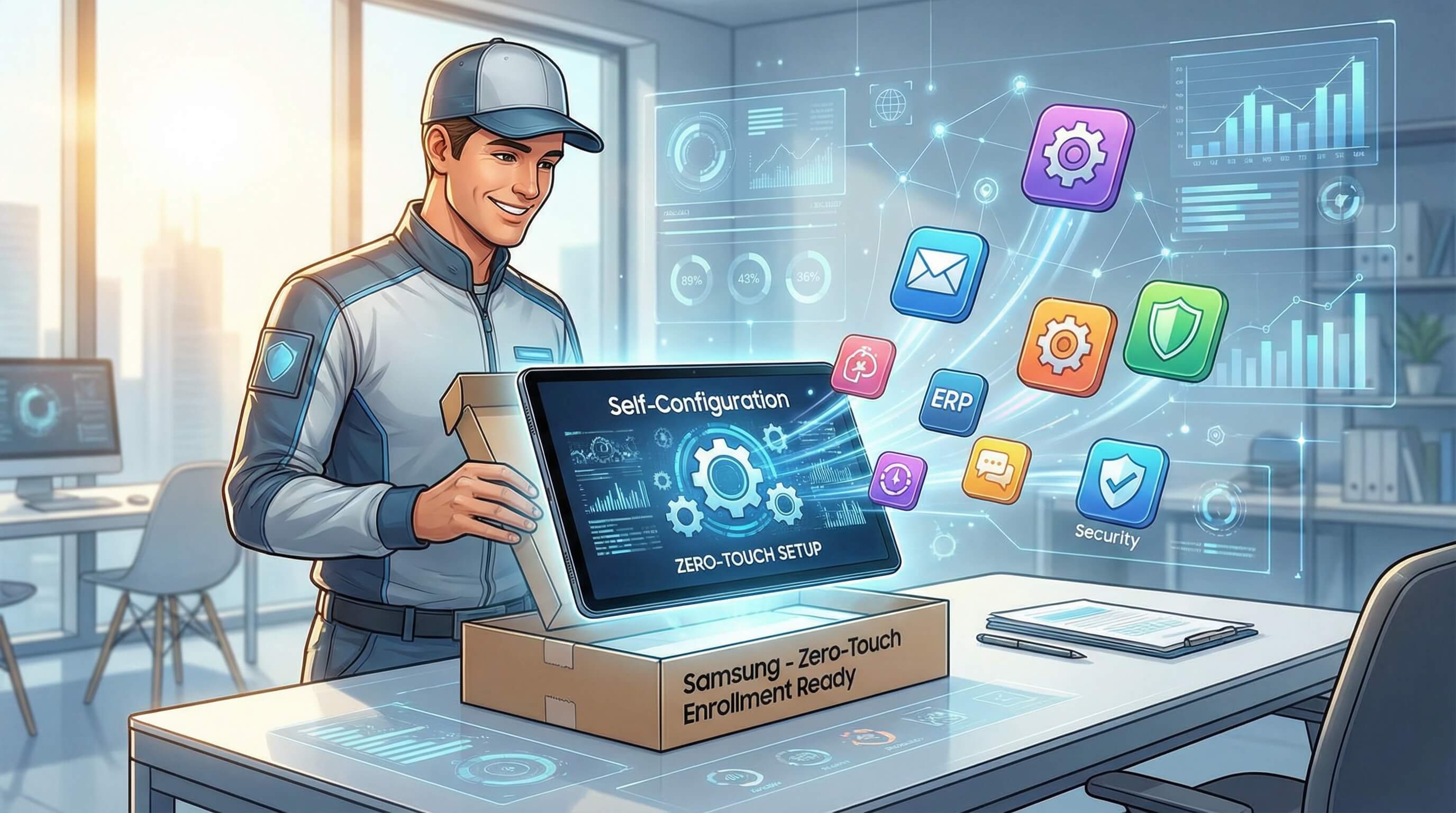
In contrast to the time-consuming and laborious scenarios described above, zero-touch deployment paints a picture like this: An employee at a logistics center opens a brand-new Samsung tablet, presses the power button, and connects to the company Wi-Fi.
Then, as if by magic, the device begins its automatic configuration: company email, dedicated business applications (such as an inventory management system), security policies, VPN settings, and more are silently installed one by one. A few minutes later, a fully ready productivity tool, compliant with all company regulations, is handed to the employee. The entire process requires no IT intervention.
Part 2 : Why Manual Setup Fails Modern Business Scale
The Challenge of Rapid Scaling
During peak retail seasons, major promotional events, or the opening of new chain stores, businesses need to equip a surge of temporary delivery personnel or new counters with standardized equipment in a very short time.
Manual configuration has inherent bottlenecks in terms of speed and consistency, making it impossible to meet the elastic demands of such explosive growth. This often leads to the awkward situation where business has already started, but the equipment is not yet in place.
The Need for Fixed, Standardized Terminals
Samsung's Galaxy Tab series (such as the SM-T and SM-X series) are widely deployed in fixed scenarios such as retail store checkouts, warehouse inventory management, and logistics vehicle dispatching. These devices are no longer personal consumer goods, but critical business terminals. They require:
- Absolutely consistent configuration: Ensuring that the POS interface, application version, and operating procedures are completely identical across all stores citywide, providing a seamless experience for customers and employees.
- Strict security measures: Preventing employees from unauthorized installation of irrelevant applications, modification of system settings, or access to irrelevant content, ensuring business focus and data security.
Manual configuration cannot guarantee standardization in such large-scale deployments; human error is the biggest risk.
Part 3 : Core Solution: Automating Deployment with Samsung Knox & AirDroid Business
How Samsung Knox Mobile Enrollment (KME) Enables True Zero-Touch
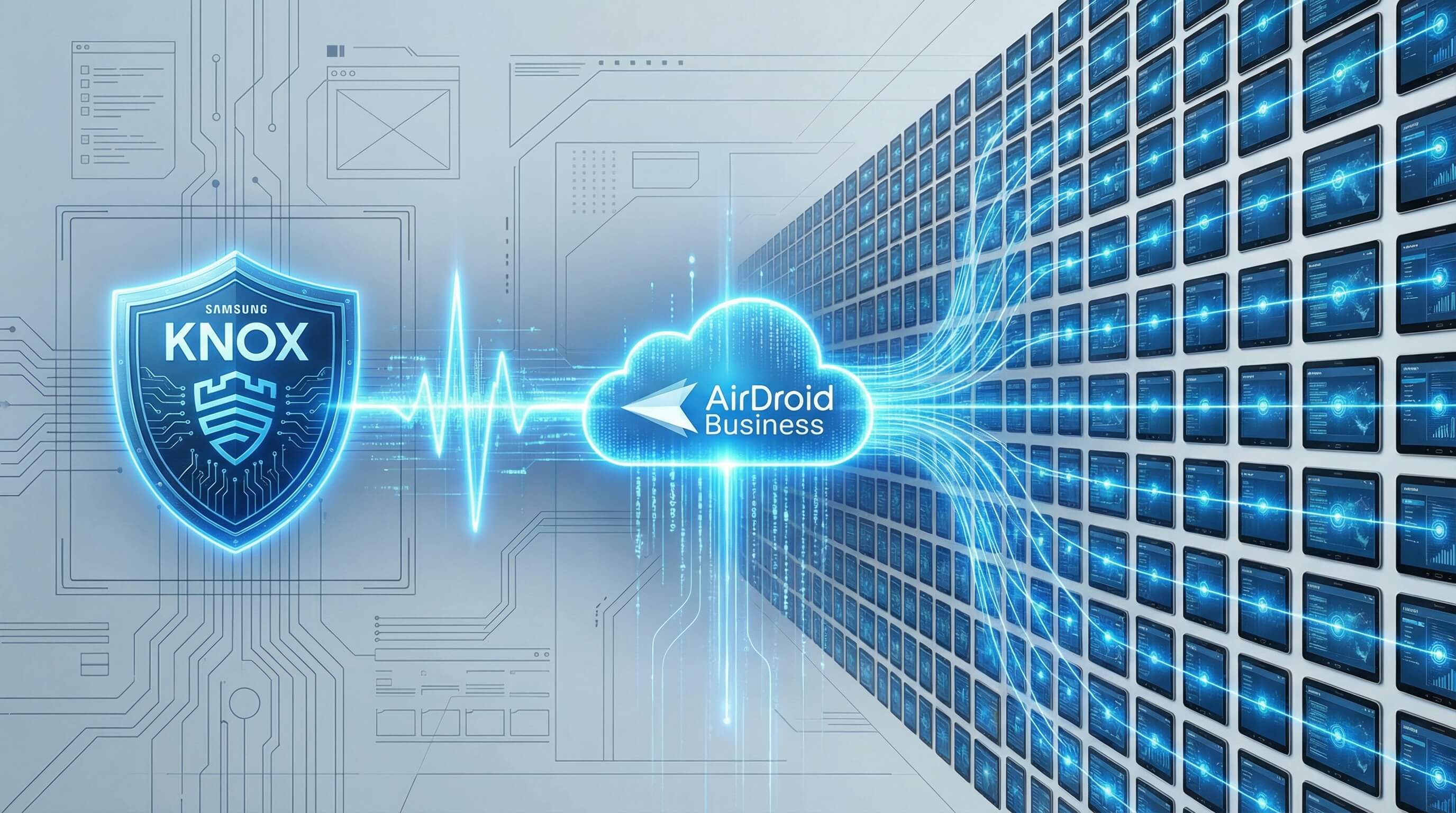
The cornerstone of this automation is Samsung Knox mobile deployment. Its working principle is as follows:
- Pre-association: IT administrators configure device policies, application whitelists, etc., in an MDM platform (such as AirDroid Business), generating a unique deployment configuration.
- Hardware binding: The serial numbers of purchased Samsung tablet devices are imported in batches into the Knox deployment portal and associated with the deployment configuration on the MDM platform.
- Automated activation: When a device is powered on for the first time after leaving the factory, it automatically connects to Samsung's server for authentication. Once the server recognizes that the device has been assigned, it guides it to the designated MDM platform for registration.
- Policy delivery: After the device completes registration on the MDM platform, it immediately and automatically downloads and executes all preset configuration policies, completing a "self-service" deployment.
AirDroid Business - Turn KME Into a Real Deployment Workflow (Not Just a Portal)
KME is the foundation, but your MDM is what turns it into a repeatable rollout. With AirDroid Business,
you can bind devices to profiles, push Wi‑Fi/VPN/security settings, and silently deploy the exact apps each team needs—automatically on first boot.
Step-by-Step: The Automated Provisioning Workflow
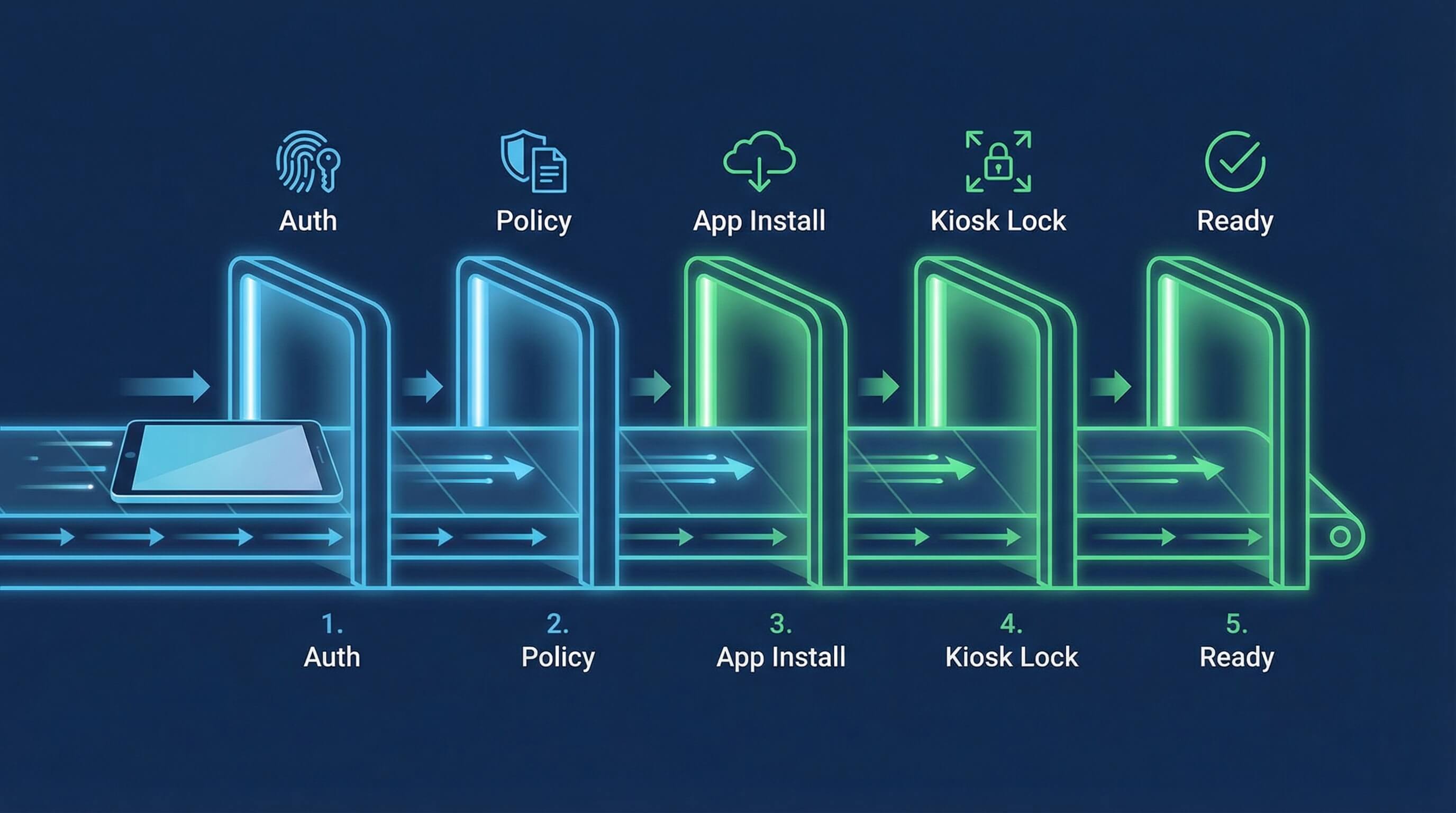
Let's break down what happens in those magical few minutes after the device connects to the network:
- Step 1.Registration and Authentication:
- The device automatically registers with the AirDroid Business management platform via KME.
- Step 2.Policy Application:
- The platform immediately distributes a pre-set "policy package" for this device group, which may include enforced password rules, network settings (Wi-Fi, VPN), encryption requirements, etc.
- Step 3.Application Deployment:
- A suite of customized business applications, such as WeChat Work, a customized ERP client, and scanning tools, are silently installed.
- Step 4.Interface Locking:
- Depending on the needs, the device interface can be locked to a single-application mode or a controlled multi-application menu mode, i.e., kiosk mode.
- Step 5.Ready:
- After the device restarts, it is ready for use and displays simple usage instructions.
Part 4 : Advanced Management Capabilities for Your Samsung Fleet
Kiosk Mode for Dedicated Use Cases
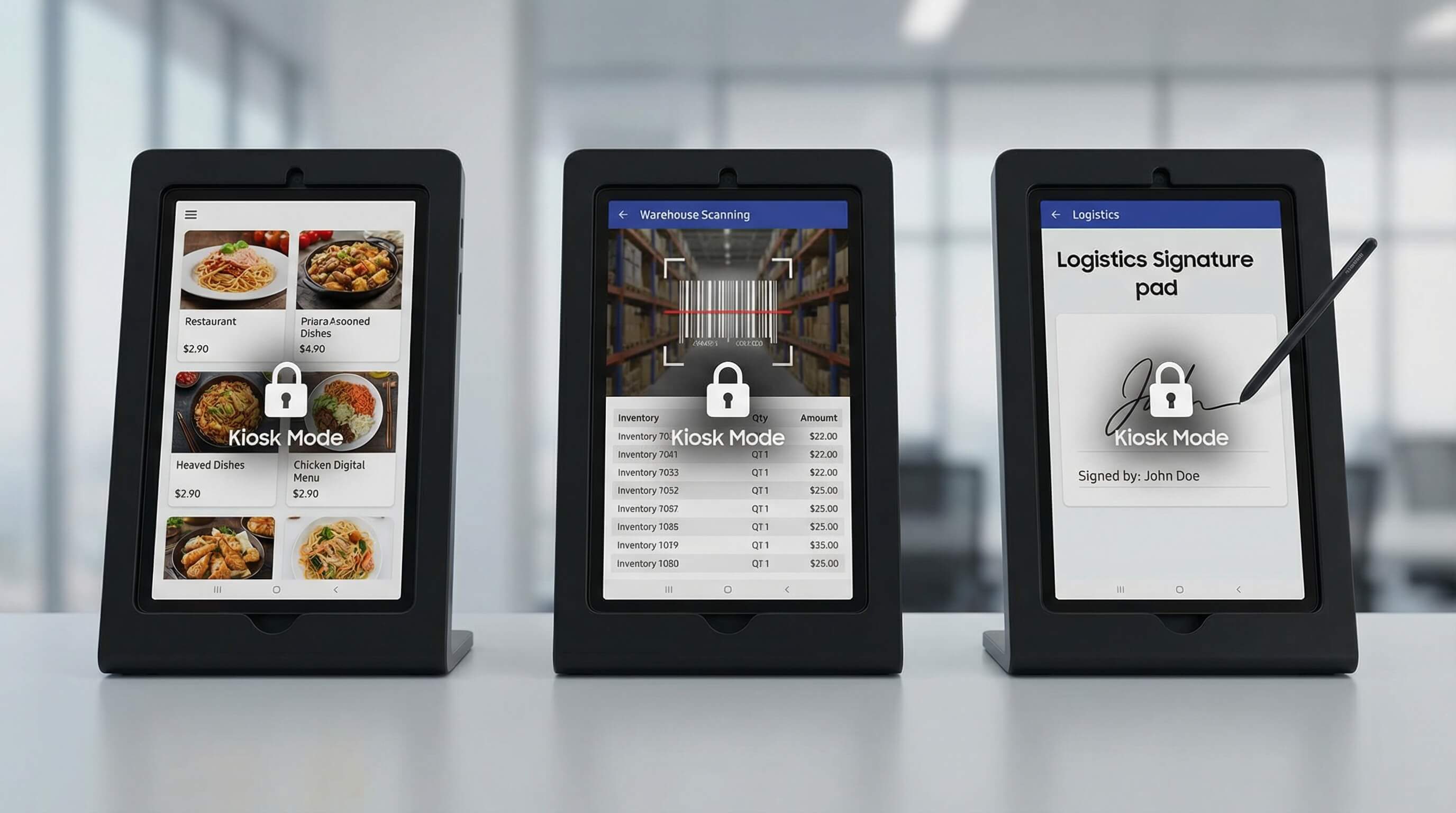
Whether it's a restaurant's ordering tablet, an interactive guide in a showroom, or a warehouse picking terminal, these can all be completely locked into a single or limited set of applications using an information kiosk model.
This not only prevents employee distraction and unauthorized tampering but also provides customers with a simple and immersive experience.
Bulk Application Management & Silent Updates
When business applications need to be upgraded, IT administrators do not need to notify users or reclaim equipment. Through MDM's application management service, silent updates can be pushed to all relevant devices in the background with a single click.
This ensures consistency in application versions across the entire fleet and completely eliminates security vulnerabilities or compatibility issues caused by outdated versions.
Unattended Remote Support for Distributed Devices
For equipment located in stores or vehicles across the country, IT support personnel can initiate secure remote control sessions through the MDM platform when software malfunctions or operational issues arise.
Even if no one is available to respond at the device, they can directly view the screen, demonstrate operations, or resolve problems, minimizing travel costs and response time.
Real-Time Location & Security Monitoring
The management platform provides a real-time location view of devices and allows for the setting of geofences. The system automatically triggers an alarm if a device leaves a designated area (such as a warehouse).
Furthermore, if a device is lost, it can be remotely locked immediately, or business data can be erased, maximizing the protection of corporate information assets.
AirDroid Business - Keep Every Tablet Standardized, Locked Down, and Supported—Remotely
Deployment is only step one. AirDroid Business helps you keep fleets consistent with kiosk mode, bulk app management and silent updates, unattended remote support, and fast lock/wipe actions if devices go missing. Less drift, fewer visits, fewer disruptions.
Part 5 : Key Takeaways & Business Impact
Efficiency Gains: From Weeks to Hours
In summary, the most direct value of zero-touch deployment is an order-of-magnitude improvement in efficiency.
Deploying thousands of devices is reduced from weeks to hours or even minutes, freeing IT teams from repetitive tasks and allowing them to focus on more strategically important projects.
Uncompromising Consistency & Security
By automating the execution of pre-defined strategies, every Samsung tablet deployed to the front lines ensures that it is a completely consistent, secure, and compliant standard productivity tool.
This fundamentally eliminates configuration drift and lays a solid foundation for passing various security audits.
Building a Scalable & Future-Proof Device Foundation
Investing in zero-touch deployment not only addresses current pain points but also builds a scalable, easily managed, and highly secure smart terminal infrastructure for the enterprise's digital future. Device management can handle any scale of business expansion with ease.
FAQs



Leave a Reply.