1Introduction: Transforming Samsung Tablets into Mission-Critical Tools
Samsung's Galaxy Tab series (SM-T/SM-X series) has become a popular choice for business scenarios due to its stable hardware performance and compatibility.
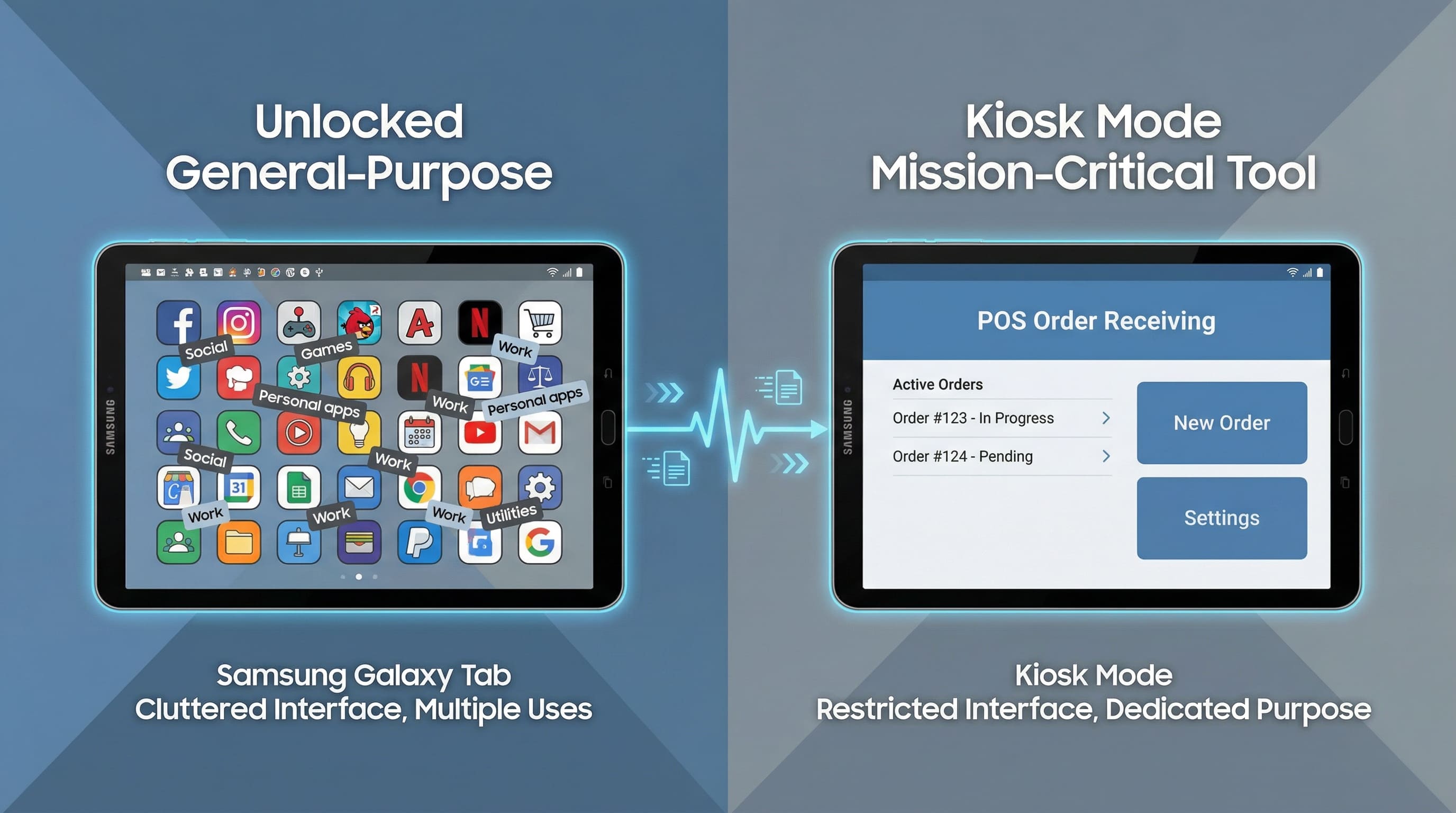
However, the openness of general-purpose devices has become a hidden danger in enterprise environments: problems such as employees accidentally exiting business apps, installing entertainment software without authorization, and tampering with system settings have led to decreased device availability and increased risk of data leakage.
1The "General-Purpose" Dilemma
Unlocked Samsung tablets face three core issues in scenarios such as logistics fleets, restaurant operations, and retail stores:
- Business interruption: Drivers/store staff accidentally exiting delivery/ordering apps, leading to order delays or data loss.
- Efficiency loss: Non-work applications consume device resources, affecting the running speed of core business software.
- Security vulnerabilities: Unauthorized access to system settings may lead to network configuration errors or data leaks.
2The Core Objective
By deploying in Kiosk Mode, readily available Samsung tablets are transformed into three main categories of dedicated tools:
- Food and Beverage/Retail Scenarios: POS order terminals, self-service ordering devices
- Logistics Scenarios: In-vehicle navigation and fleet management terminals
- Enterprise Field Scenarios: Mobile office and data collection terminals
3Global Impact
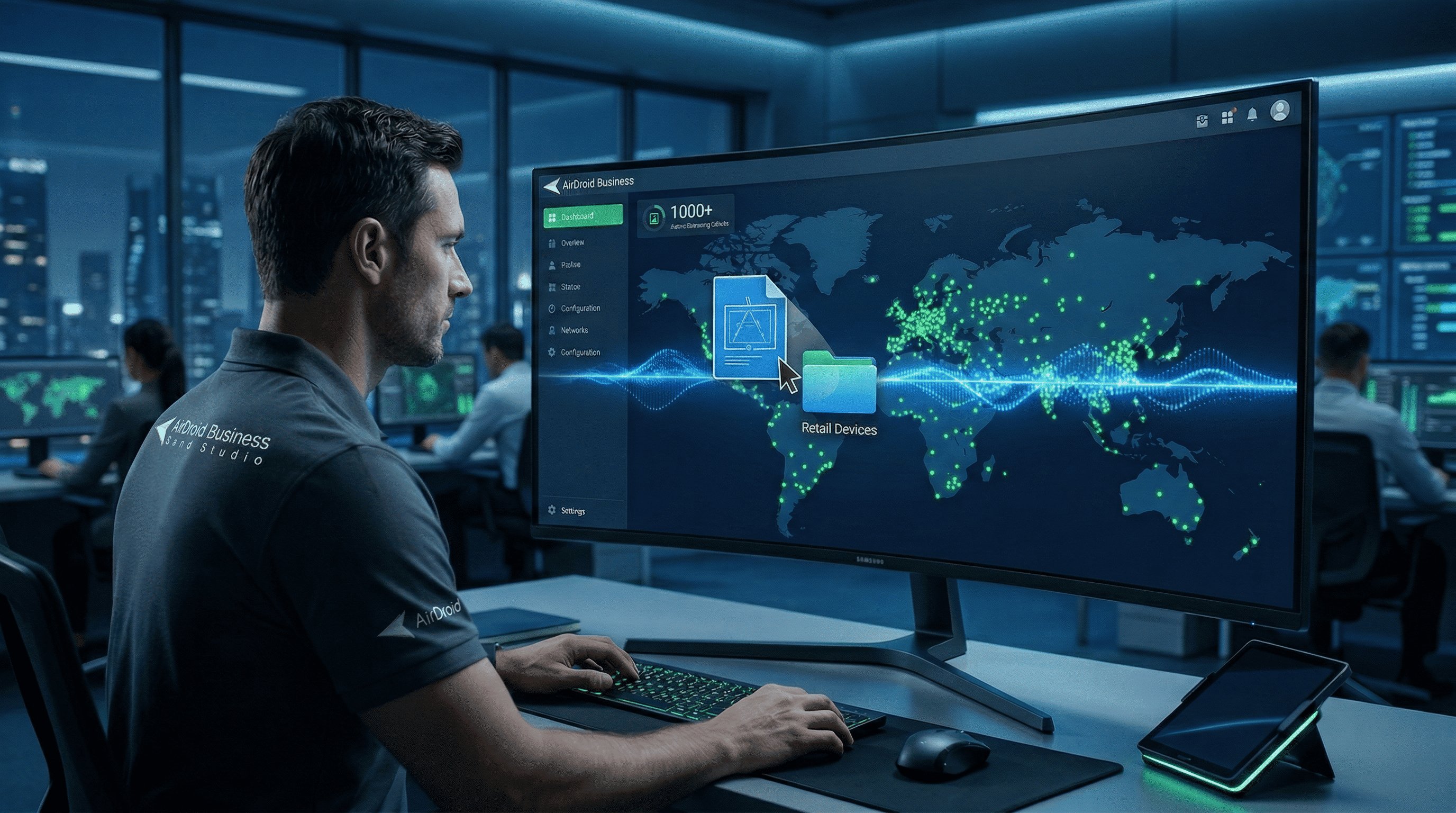
From IT service companies in Europe to transportation enterprises in South America, from retail stores in North America to restaurant chains in Asia, more than 1,000 businesses manage their Samsung tablet fleet through AirDroid Business, achieving a 35% increase in operational efficiency, an 80% reduction in equipment failure rates, and near-zero risk of data breaches.
2The Configuration Gap: Samsung Native Settings vs. AirDroid Business
When deploying a kiosk model, enterprises first face a choice between "manual operation of native settings" and "centralized management via MDM," with significant differences in efficiency and security between the two:
| Comparison Dimension | Samsung Native Settings (Manual Operation) | AirDroid Business (Centralized Management) |
|---|
| Batch Deployment | Must be configured device-by-device; 42 devices take 8+ hours | Template-based configuration; one-click push to all devices; completed in 5 minutes |
| Remote Updates | Devices must be recalled or updated on-site; no remote adjustment available | Modify policies in the dashboard; changes take effect immediately when devices are online; no manual intervention required |
| Permission Control | Only supports basic app locking; cannot hide system UI | Deep lockdown: hide status bar, disable physical buttons, block access to system settings |
| Status Monitoring | No real-time device status feedback; difficult to troubleshoot failures | Visual dashboard: online status, policy effectiveness, and real-time anomaly alerts |
| Scalability | Suitable for small-scale deployment under 10 devices | Supports 10–1000+ devices with seamless scalability |
Centralize Kiosk Security at Scale
Turn tablets into mission-critical kiosks with drag-and-drop policies, batch deployment, and real-time anomaly alerts. AirDroid Business keeps your POS, self-service, and logistics terminals locked down and productive.
Start Free Trial
1The Limitations of Manual Setup
A logistics company attempted to deploy 15 SM-T220 tablets using Samsung's native "App Pinning" feature, but ultimately abandoned the project due to three main issues:
- Employees could force exit the app by pressing and holding the power button + volume button, rendering the locking feature ineffective.
- New business apps needed to be installed on each tablet individually, resulting in extremely high deployment costs across different regions.
- The inability to prevent employees from turning off Wi-Fi or Bluetooth caused the fleet management system to go offline.
2The AirDroid Business Solution: Centralized Drag-and-Drop Management
AirDroid Business's "Kiosk Mode" module addresses the aforementioned pain points through a visual interface:
- Policy Template Creation: Drag and drop to select applications to be locked (single application/multiple applications), and set disabled functions (such as status bar, USB debugging).
- Batch Push Deployment: Supports push notifications by device group; policies automatically take effect upon new device startup.
- Real-time Status Monitoring: Whether a device is in Kiosk Mode and whether there are any unauthorized operation attempts are visible in real-time in the backend.
- Flexible Adjustment and Iteration: When business changes occur, the application list or permission settings can be modified in the backend without physically touching the device.
An IT manager from a fast-food brand commented:
"Previously, it took 3 hours to deploy 10 tablets using the native setup. Now, using AirDroid to manage 50 tablets, it only takes 20 minutes from configuration to activation, and we can also remotely monitor the operating status of each device."
3Industry Practical: Single-App vs. Multi-App Kiosk Mode
Depending on the business scenario, Samsung tablets' kiosk modes are mainly divided into two types: "single app locked" and "multiple app controlled," adapting to different industry needs.
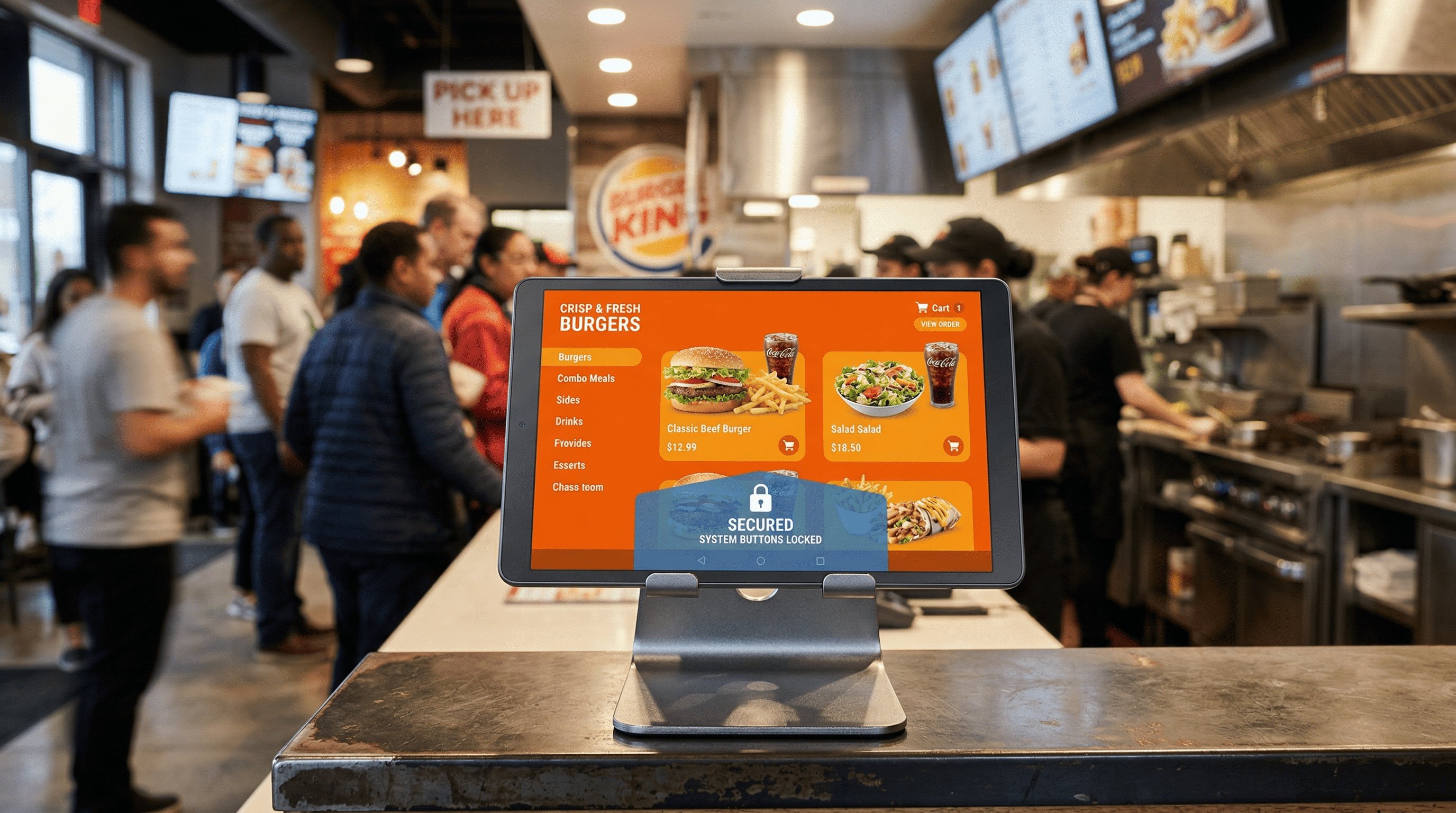
1Scenario A: The Dedicated Order Hub (Food & Beverage)
Device: Samsung SM-T220/SM-T290.
Setup: Single-App Kiosk Mode for online order receiving.
Detail: Ensuring the tablet stays locked on a custom delivery app, preventing accidental exits and ensuring immediate order response. Core Requirement: Restaurant tablets run only a customized ordering App, ensuring uninterrupted order processing and preventing operational errors.
- Device Models: Samsung SM-T220 (Android 13/14), SM-T290 (Android 11)
- Deployment Mode: Single-App Kiosk Mode
- Key Configurations:
- a. Lock the customized delivery App as the only accessible application and block all system home screen access
- b. Disable the Back and Home buttons, keeping only in-App operation buttons available
- c. Automatically hide the status bar to prevent staff from turning off the network or adjusting volume
Actual Value:
- Order response speed increased by 25%, with no missed or delayed orders
- Employee training costs reduced by 60%; new staff only need to learn the App, not device operations
- Device failure rate reduced from 12% to 1.5%, eliminating system issues caused by misoperations
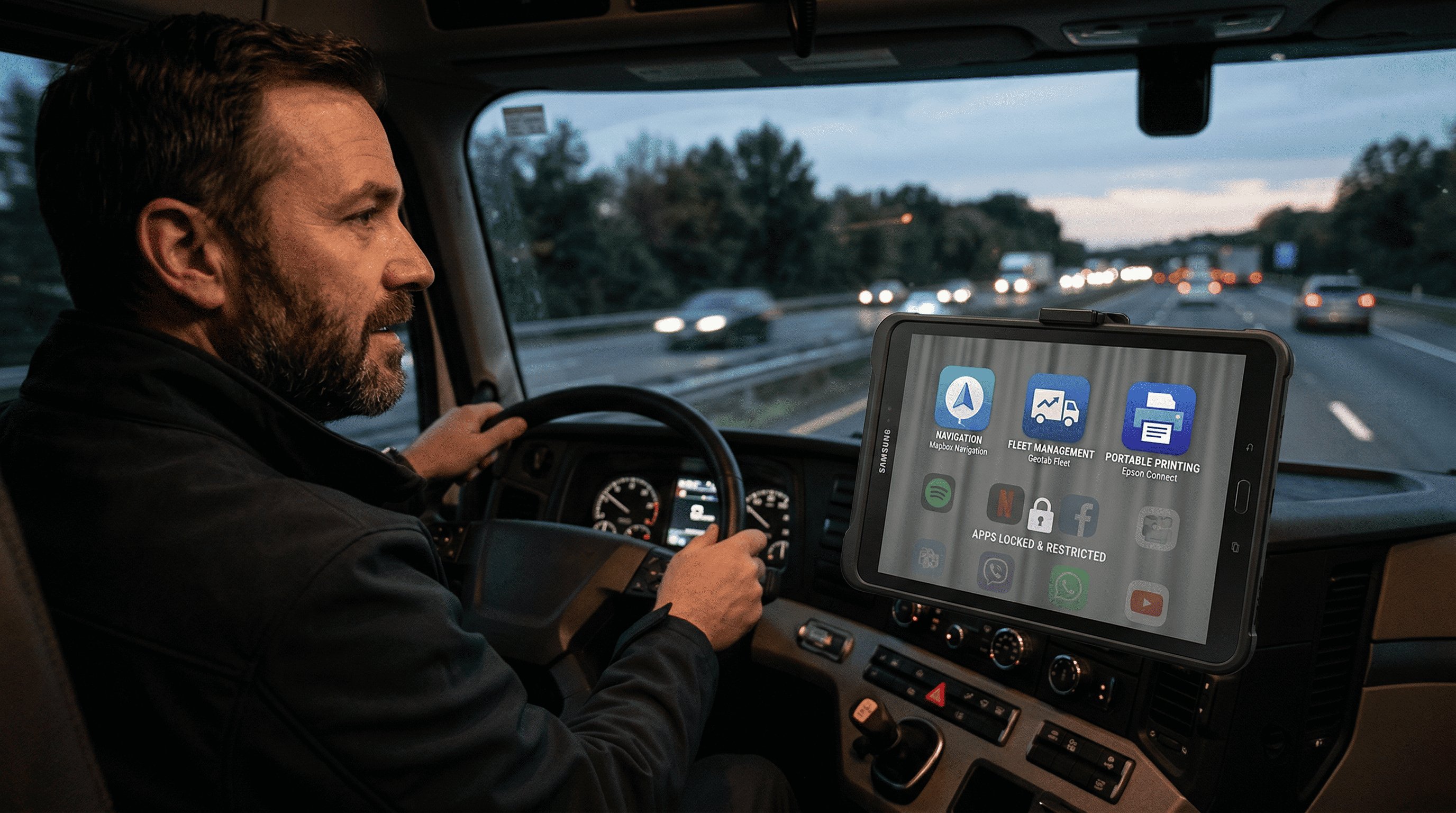
2Scenario B: The Mobile Office for Long-Haul Trucking (Logistics)
Device: Samsung SM-T220 series.
Setup: Multi-App Kiosk Mode for drivers.
Detail: Restricting the tablet to run only 3 essential apps: Maps/Routing, Fleet Management, and Portable Printing.
Core Requirement: In-vehicle driver tablets run only essential work applications, balancing navigation, fleet management, and receipt printing.
- Device Model: Samsung SM-T220 (Android 13/14)
- Deployment Mode: Multi-App Kiosk Mode
- Key Configurations:
- d. Allow only three core applications to run: Map navigation (route planning), Fleet management (task receiving / check-in), and Portable printing (electronic receipt output)
- e. Applications can be switched between, but exiting to the system home screen or installing new apps is not permitted
- f. Lock Wi-Fi and Bluetooth connections, allowing access only to enterprise-designated networks
Actual Value:
- Driver usage of non-work applications reduced to zero, improving focus by 40%
- Fleet management system online rate increased from 85% to 100%, enabling faster real-time dispatch response
- Electronic receipt printing accuracy reached 99.8%, reducing lost or incorrect paper documents
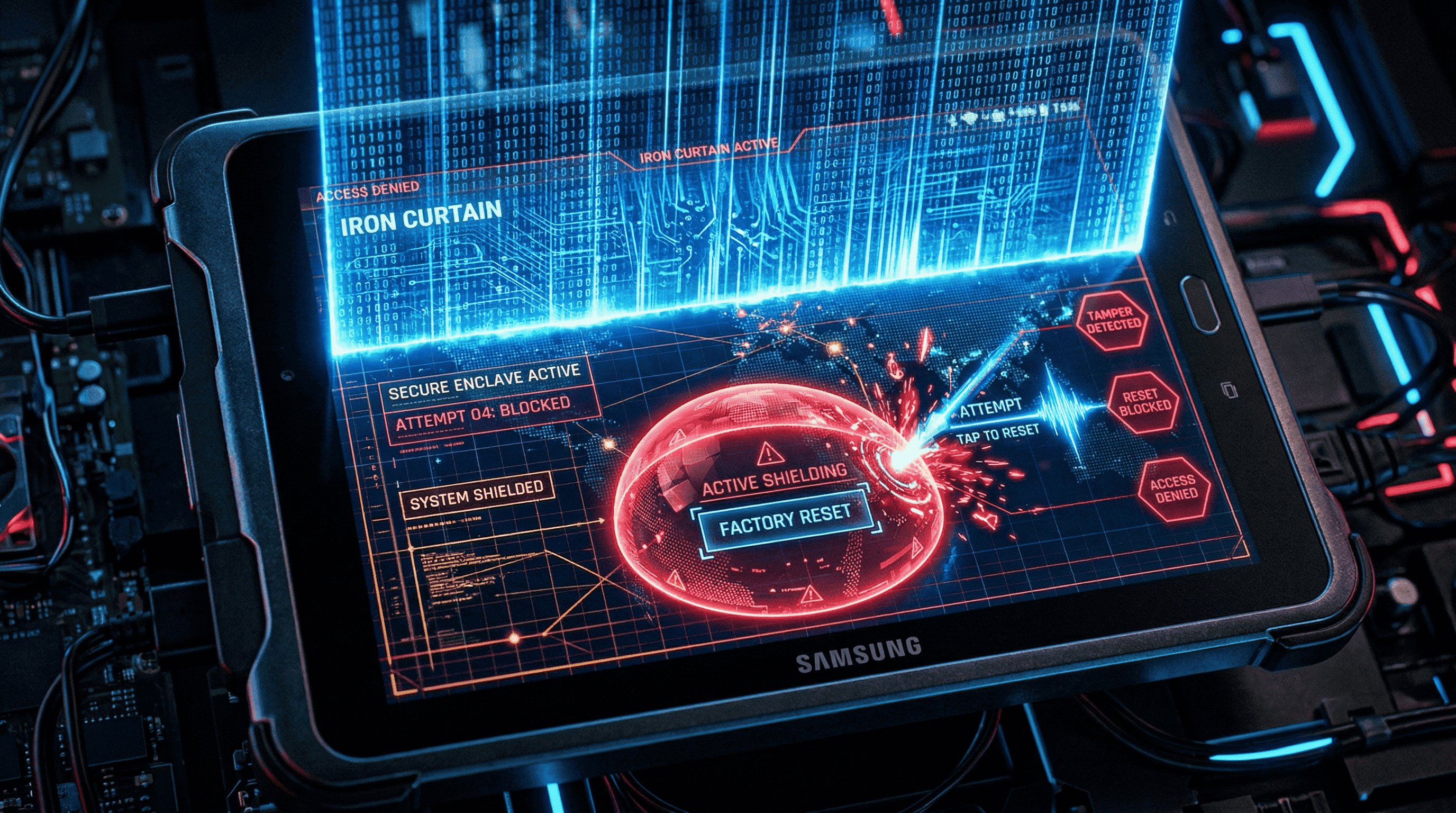
4The "Iron Curtain": Hiding System UI & Hardening Security
The core value of kiosk mode lies not only in “locking applications,” but more importantly in “eliminating system interference and strengthening security controls,” ensuring that devices consistently serve business objectives.
1Eliminating Digital Distractions
Hiding Status Bars & Drop-Down Menus
Through AirDroid Business, you can deeply hide system UI elements on Samsung tablets:
- Automatically hide the top status bar (time, battery, notifications) and the bottom navigation bar
- Disable the pull-down notification panel to prevent drivers/store staff from turning off the network or enabling airplane mode
- Block physical button combinations (such as Power + Volume keys for forced reboot)
Disabling System Settings
Completely block unauthorized system operations:
- Prohibit access to the Settings app to prevent changes to critical configurations such as network, storage, and accounts
- Disable the factory reset function to avoid business data loss caused by accidental employee actions
- Lock app installation permissions, allowing applications to be deployed only in batches through the AirDroid admin dashboard
2AirDroid Browser: Safeguarding Web Access
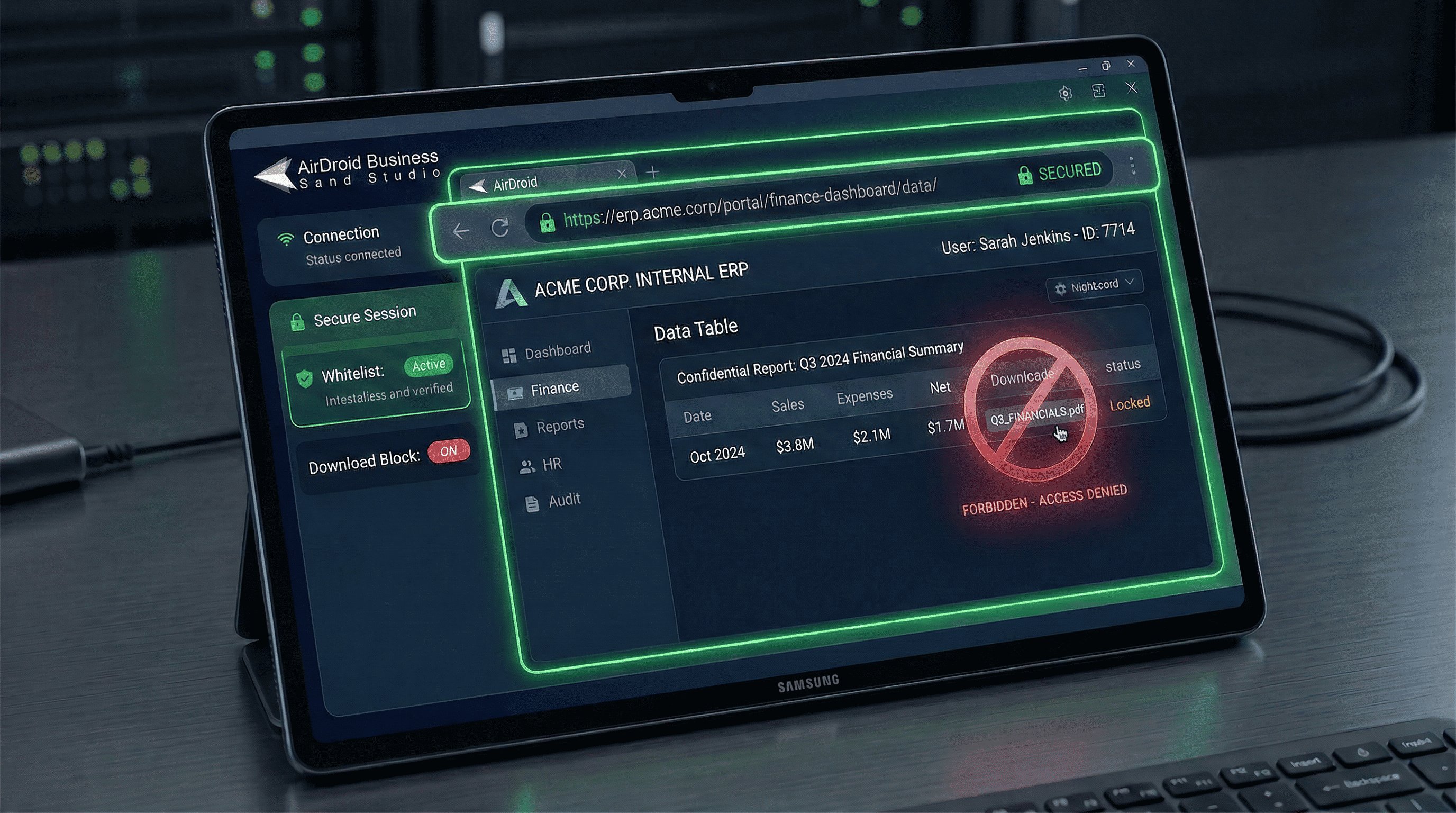
In commercial scenarios where tablets need to access web pages (such as internal business systems), the native Chrome browser poses security risks (e.g., visiting unauthorized websites or downloading malicious software). AirDroid Browser provides a secure alternative:
- Website whitelist: Allows access only to enterprise-designated internal portals or business websites
- Download restriction: Disables file downloads to prevent unauthorized files from being saved via the browser
- Browsing history cleanup: Automatically clears access records to protect business data privacy
- Ad-free experience: Blocks webpage advertisements to ensure smooth business operations
An IT service provider, when deploying Samsung SM-X200 tablets, used AirDroid Browser to restrict access exclusively to its internal collaboration platform. As a result, the annual number of data leakage incidents dropped from an average of three per year to zero.
5Branding & Customization: Professionalizing Your Fleet
A consistent device appearance not only enhances brand image but also strengthens employees’ sense of alignment with business objectives.
1White-Labeling the User Experience
- Custom desktop wallpaper: Set the company logo, business slogan, or operational guide images.
- Customized app icons: Standardize business app icon styles to improve recognition.
- Hide AirDroid branding: Optional white-label mode ensures no third-party tool traces on devices, maintaining brand consistency
2Consistent Deployment Across Geographies
For enterprises operating across regions, AirDroid Business ensures consistent device configurations worldwide:
- IT teams in Italy, transport fleets in Brazil, and retail stores in the USA all use the same kiosk policy templates
- When new stores or fleets are launched, no local IT support is needed—headquarters can remotely push configurations
- Security protocols are standardized globally, complying with data protection regulations in different regions (GDPR and local privacy laws)
A multinational restaurant brand leveraged this feature to deploy over 200 Samsung tablets across 12 stores in 3 countries. All devices maintained identical app configurations, security rules, and brand appearance, resulting in a 70% improvement in management efficiency.
6Real-World Outcomes: Scalable Fleet Management
In industries such as logistics, retail, and government/corporate data security, an increasing number of enterprises are replacing traditional industrial terminals with “Samsung tablets + AirDroid Business Kiosk Mode.” This approach not only reduces hardware costs but also addresses long-standing management challenges in day-to-day operations, delivering tangible and measurable business results.
1Case Study 1 (Logistics): The In Vehicle Terminal Revolution for Long Haul Fleets
Background: A cross-regional freight company equipped 42 long-haul trucks with Samsung SM-T220 tablets to digitalize navigation, dispatch, and electronic receipt printing. However, they faced three major challenges: drivers frequently exited work apps to watch videos, causing fleet disconnections; devices were scattered nationwide, requiring on-site IT maintenance; and occasional misconfigurations led to terminal offline issues.
Deployment Mode: Implemented a targeted Multi-App Kiosk Mode, allowing only three core tools—Navigation, Fleet Management, and Portable Printing—while hiding the status bar, locking network settings, and centrally monitoring all device statuses from the dashboard.
Key Outcomes:
- Device business availability reached 100%, eliminating dispatch interruptions caused by misconfigurations
- IT teams no longer had to travel long distances for tablet maintenance, saving over 40 hours per month in field support, allowing focus on core business tasks
- Driver focus improved significantly, with transport task completion rates increasing by 30% and customer complaints due to terminal issues dropping 25%
- When expanding the fleet, new devices automatically synchronized configurations at startup, keeping management costs from rising proportionally with device numbers
Real-World Outcomes: 100% Availability for Logistics Kiosks
Zero-touch deployment and kiosk mode dramatically reduce downtime, cut on-site visits, and boost driver productivity in logistics deployments.
See AirDroid in Action
2Case Study 2 (Retail/POS): The “Zero-Failure Order Screen” for Fast-Food Chains
Background: A fast-food brand deployed Samsung SM-T220/SM-T290 tablets across 10 stores to receive online orders and manage pickup times. During peak hours, staff frequently exited the ordering app by mistake, causing missed orders. Additionally, new store setups required configuring devices individually, and app updates often required downtime, disrupting operations.
Deployment Mode: Implemented Single-App Kiosk Mode, fully locking tablets to the custom ordering app, disabling the Back and Home buttons, and using a unified configuration template pushed in bulk from headquarters.
Key Outcomes:
- Achieved zero touch configuration across multiple stores; new store devices entered order-receiving mode immediately out of the box, doubling pre-opening setup efficiency
- No more missed or incorrect orders during peak hours; order processing efficiency increased 25%, reducing customer wait times
- Business app updates are now pushed silently in the background, requiring no downtime and not affecting store operations
- Tablets remain locked in the ordering scenario, allowing new staff to start immediately without training, indirectly reducing labor costs
3Case Study 3 (Data Protection): The “Secure Mobile Workstation” for Field Teams
Background: A government and enterprise services organization equipped 5 field staff with Samsung SM-X200 tablets to access internal systems and handle business data. The organization was concerned about data leaks from lost devices, inconsistent internal app versions affecting collaboration, and security risks from staff installing unauthorized software.
Deployment Mode: Enabled Multi-App Kiosk Mode with enterprise-level security controls. Necessary apps for internal collaboration and business processing were centrally distributed, factory reset, and external app installation were disabled, and a remote data wipe mechanism was set up for lost devices.
Key Outcomes:
- Two previous device loss incidents were mitigated using remote data wipe, resulting in zero data leakage and significantly reduced compliance risks
- Internal apps were consistently distributed and updated, achieving 100% version and configuration accuracy, ensuring seamless collaboration between field staff and headquarters
- Field staff accessed enterprise resources remotely under strict security policies, achieving 100% compliance
- Device usage rules were standardized, preventing unauthorized software installation or settings changes, making management significantly easier
FAQs
How do I lock my Samsung tablet to only one app?
With AirDroid Business Kiosk Mode, you can quickly implement the following:
- Log in to the AirDroid admin dashboard and create a Single-App Kiosk policy
- Select the target application to lock (supports both enterprise custom apps and public apps)
- Configure restrictions (status bar, navigation bar, system settings, etc.)
- Push the policy to the target Samsung tablets; it takes effect after the device restarts
Note: Supports the full range of Samsung tablets including SM-T220/T290/X200, compatible with Android 11 and above.
Can I remotely hide the status bar on Samsung Galaxy Tab A7/A8?
Yes, AirDroid Business supports remote configuration:
- Enable the “Hide Status Bar” option in the device policy
- Choose “Always Hide” or “Auto Hide” mode
- Click Push, and the devices will apply the setting automatically without manual intervention
Note: This feature applies to mainstream models such as Galaxy Tab A7 (SM-T500) and A8 (SM-T290), and supports batch configuration across multiple devices.
What is the best MDM for Samsung Kiosk Mode in logistics?
AirDroid Business is the optimal choice for logistics scenarios, offering key advantages:
- Vehicle-ready deployment: Supports offline policy caching, maintaining kiosk mode even when network connectivity is unstable
- Multi-app collaboration: Seamlessly locks combinations of core logistics apps such as navigation, fleet management, and printing
- Remote operations: Troubleshoot issues and update configurations without physically accessing devices
- Cost control: Device-based subscription with on-demand scalability, no hidden fees
7Conclusion: Build a Bulletproof Fleet with AirDroid Business
Samsung provides the defense-grade hardware foundation (such as Knox security and stable SM-T/SM-X series tablets), while AirDroid Business empowers enterprises with "task-level management capabilities" through the granular configuration of the kiosk model, general-purpose tablets are transformed into dedicated terminals focused on business operations, simultaneously addressing three core pain points: batch deployment, remote management, and security protection.
Whether it's in-vehicle terminals for logistics fleets, ordering devices in restaurants, or POS systems in retail stores, AirDroid Business helps enterprises achieve their goals of "100% device availability, maximized operational efficiency, and zero data security risk."



Leave a Reply.