


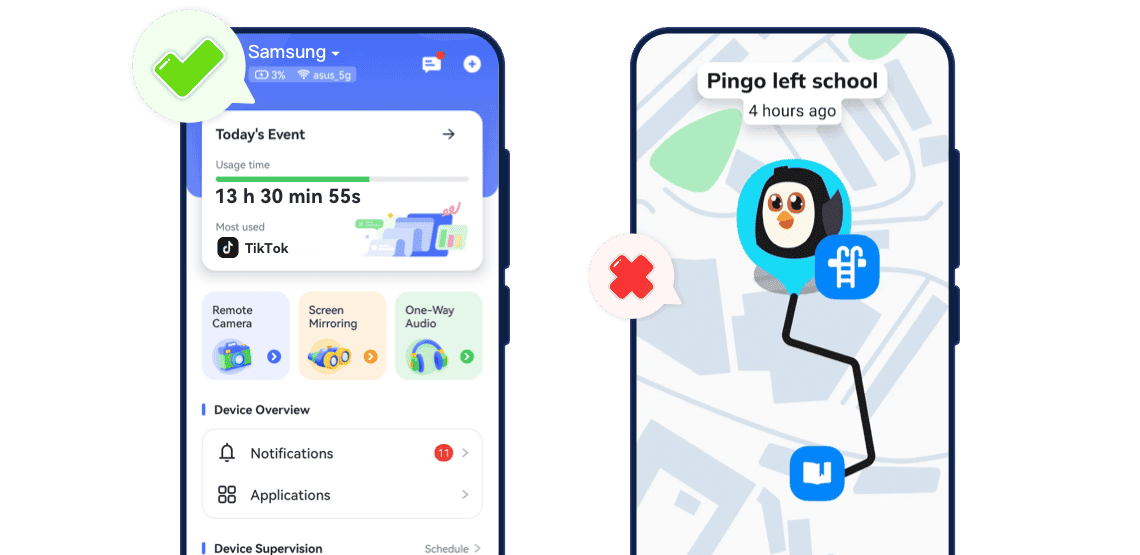

How We Test and Compare
- This comparison is published by AirDroid, so we use the same evaluation criteria for both products and clearly distinguish hands-on observations from information taken from official documentation in September 2026.
- For our hands-on checks, we install the latest available version of each parent and child app on supported Android and iOS devices. We then complete the standard setup process and test the features that matter most to families.
- Features may vary by operating system, device permissions, region, app version, and subscription plan.
AirDroid vs Findmykids Features Breakdown
- AirDroid Parental ControlFindmykids
- Platform & Device
- Supported DevicesAndroid & iOS (limited on iOS)Android & iOS
- Device FocusPhones & tabletsPhones + GPS watches
- Location & Safety
- Real-time Location


- Location History
- Geofencing Alerts
- SOS Emergency Button
- Teen Driving Safety

- Loud Signal to Find Child
- Basic Controls
- Screen Time Limits
- App Usage ReportsOffers a full activity report with app usage and browsing historyProvides app usage insights only
- App Blocking
- Content & Risk Control
- Website ControlsLimited
- Browsing History
- Social Risk AlertsMonitor 10+ social apps and AI apps (Child Android)
- Advanced Monitoring
- Screen MirroringAndroid only
- Remote CameraAndroid only
- Hear SurroundingsAndroid onlyAndroid only
- Notification SyncAndroid only
- Pricing$9.99/month, $59.99/yearPlus Plan offering full features: $14.99/month, $149.99/year
Show less
1. Location Tracking and Emergency Safety
- Both AirDroid Parental Control and Findmykids can help parents check a child's location, review previous routes, and receive alerts when the child enters or leaves a selected place. The key difference is emphasis.
- Where Findmykids Has an Edge
- Findmykids is built primarily around location and on-the-go family safety. Its feature set includes:
- Real-time location tracking
- Route and location history
- Safe-zone notifications
- SOS alerts
- A loud signal that can sound even when the child may not notice a normal call
- These features make Findmykids a strong option for younger children, or parents whose main concern is commuting and outdoor safety.
- Where AirDroid Has an Edge
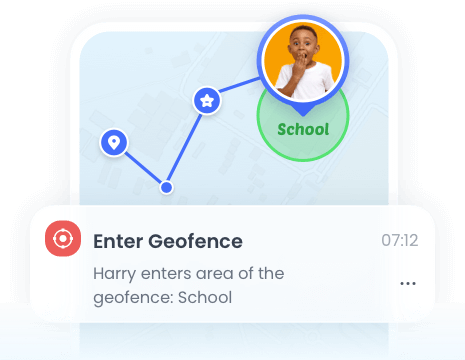
- AirDroid Parental Control also offers real-time location, geofencing, and route history. Its main advantage is that location information sits inside a broader set of digital supervision tools.
- Parents can move from checking where a child is to reviewing app activity, setting device rules, managing websites, or responding to selected content-risk alerts.
- Verdict: Choose Findmykids when location, SOS, and wearables are your top priorities. Choose AirDroid Parental Control when location is one part of a wider digital safety plan.
2. Screen Time and App Management
- AirDroid Parental Control
- Depending on the child's device and operating system, AirDroid can help parents:
- Review daily and weekly device activity
- See which apps are used most often
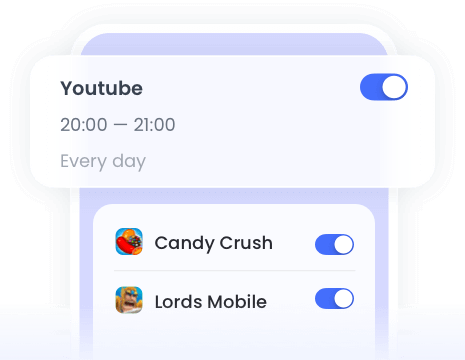
- Set time limits for individual apps or app categories
- Schedule periods when selected apps are unavailable
- Block newly installed or inappropriate apps
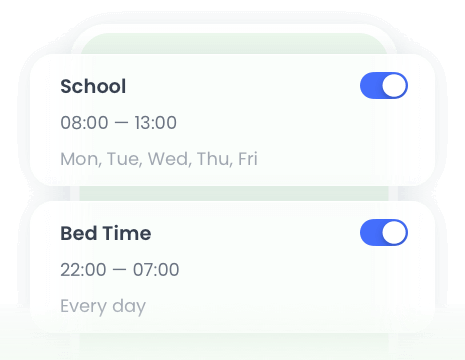
- Apply different rules for school days, bedtime, and weekends
- Findmykids
- Findmykids also supports screen time management on compatible devices. Its official feature information includes:
- Reviewing app activity
- Setting limits for games and social apps
- Blocking selected apps
- Locking multiple apps when needed
- Combining app controls with location information
- Verdict: Both apps can help manage device use. AirDroid Parental Control is the stronger candidate when parents want app management to work alongside broader web and digital activity supervision. Findmykids is suitable when screen time controls are secondary to location safety.
3. Web, Social Content, and Online Risk Monitoring
- This is where the difference between the two products becomes more visible.
- AirDroid's Broader Online Safety Tools
- On supported devices, AirDroid can provide:
- Browsing activity insights
- Website allowlists and blocklists
- Website category management
- App activity reports
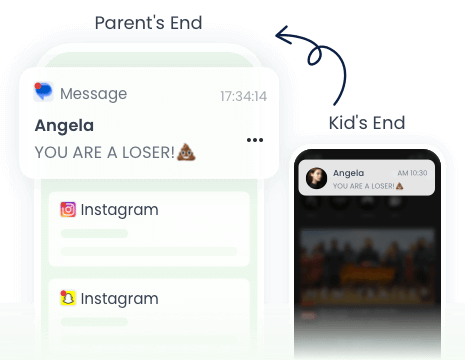
- Notifications from a child's Android device
- Alerts for selected sensitive keywords or content risks in supported social apps and AI apps
- Screen mirroring on a child's Android device
- These tools can be useful when a parent is concerned about inappropriate websites, cyberbullying, harmful online trends, or risky conversations—not just excessive screen time.
- However, several of AirDroid's advanced features are available only when the child uses an Android device. Parents of children with iPhones should review the iOS compatibility list before purchasing.
- Findmykids' Online Controls
- Findmykids offers screen time, app usage, and app restriction features. It also describes certain content restrictions on supported iPhone setups.
- However, web history, notification syncing, remote screen viewing, and social content alerts are not the main focus of the Findmykids product.
- Verdict: AirDroid is generally the better fit for families looking for broader online activity supervision, particularly when the child uses Android.
4. Android and iPhone Compatibility
- Both services support families using Android and iOS, but "supports iPhone" does not mean every feature works identically across platforms.
- If Your Child Uses Android
- AirDroid provides its broadest feature set on Android, including supported access to: screen mirroring, remote camera, one-way audio, notification syncing, social content detection, and more detailed app and device activity.
- Findmykids also offers its main location, Sound Around, screen time, app management, and safety features on supported Android devices.
- If Your Child Uses an iPhone
- AirDroid can still provide location and selected parental control features, but several advanced monitoring functions are unavailable or more limited because of iOS restrictions.
- Findmykids offers iPhone location tracking, place alerts, screen time and app restriction tools, SOS-related functionality, and supported content controls.
- Verdict: Android families seeking detailed digital supervision should consider AirDroid Parental Control.
5. Privacy, Transparency, and Family Consent
- Parental control tools can access sensitive information, including location, app activity, device notifications, audio, and camera data. These features should be used transparently and only for a clear family safety purpose.
- Findmykids emphasizes visible notifications and child awareness around certain Sound Around use cases. AirDroid Parental Control also recommends open communication between parents and children.
- A parental control app should support family trust—not replace it.
Which App Should You Choose?
- Your child mainly uses Android.
- You want both location tracking and online activity supervision.
- Website management is important.
- You want app usage reports and flexible app restrictions.
- You need alerts for selected social content risks.
- Real-time location is your main concern.
- Loud alerts are important.
- You want app controls but do not need extensive web or social activity supervision.

With AirDroid Parental Control, You Can:
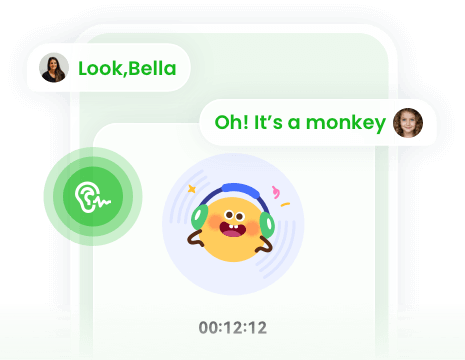
Hear your child’s environment instantly for peace of mind.
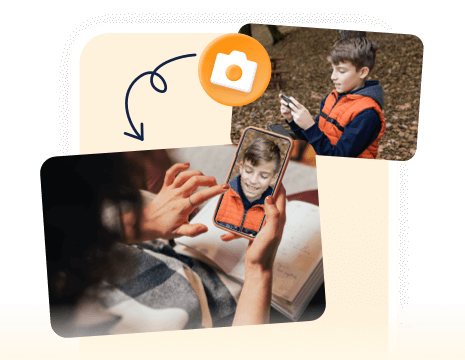
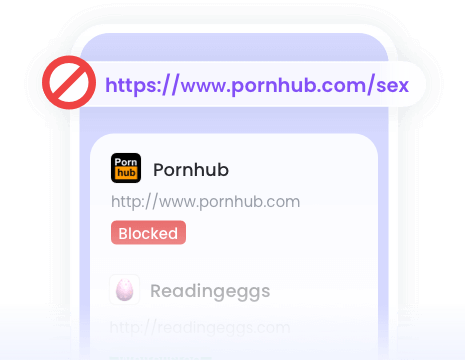
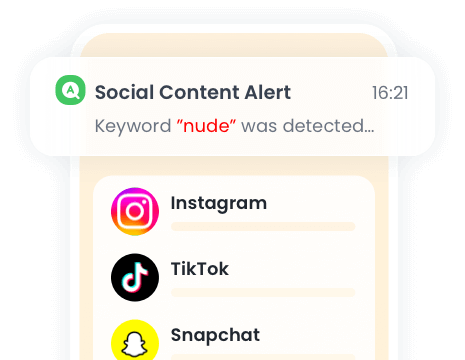
When a keyword is detected, you'll get an immediate alert with the context via screenshots.
Final Verdict
- Findmykids is a strong location-first option, especially for families that value SOS, loud alerts, safe zones, and GPS watch support.
- AirDroid Parental Control is the stronger all-round option for families that want location tracking plus more extensive digital activity supervision. Its clearest advantages appear when the child uses Android and the parent needs website controls, app reports, selected social content alerts, or device-level visibility.
- The best choice is not the app with the longest feature list. It is the app that provides the right level of protection for your child’s device, age, and family rules.
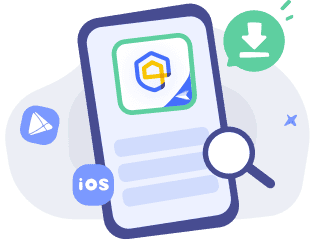
Set up AirDroid in 3 Steps
Get Started
Go to the web control panel or download
AirDroid Parental Control.
Sign In
Sign into AirDroid with your Google, Apple, or AirDroid account.
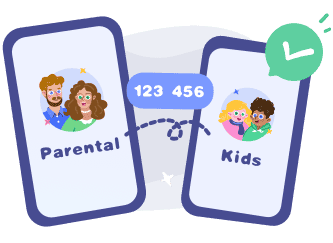
Bind Child's Device
Connect the child's device with the
AirDroid Kids app.
Frequently Asked Questions
What is Pingo by Find My Kids?
Pingo is the companion app of Find My Kids that should be installed on a child's phone. It's essentially the kid app that makes Find My Kids work.
Can Pingo See Your Screen?
No. Pingo can't view or mirror your child's screen. It can track which apps are used and for how long. If you need to view what's actually happening on the child's display, consider trying AirDroid Parental Control.
How to Listen to Surroundings on Find My Kids?
First, make sure Pingo is installed on your child's phone and linked to the parent's Find My Kids app. Then, in the Find My Kids app, tap the "Listen to sound" card to activate the Sound Around feature.
What Parents Say?







Switch to AirDroid Parental Control and Ensure Your Kids' Safety
14,430,300parents have downloaded it!
-


Uninstall Protection
-

Co-Parenting Made Easy
-

One Account Multiple Devices
-

GDPR Compliance
Miguel Almond
AirDroid Parental Control is much better than other parental monitoring apps I used previously. It's cost-efficient, has more features, and allows me to block games, apps, and websites that are not good for my child in one click.
Dude hygge
I absolutely love this app… It helps me keep track of my kids anywhere with the added bonus of being able to see any notifications that come to their phones. And the fact that the app and icon physically disappear from the phone that your tracking is A++ in my book… 😇😉👍
Michelle Morrice
I am impressed by the AirDroid Parental Control. It is easy to use and budget-friendly. It took me a few minutes to set up the app, and I could set screen time limits, website schedule, and geofence for my kids. Highly recommended!