


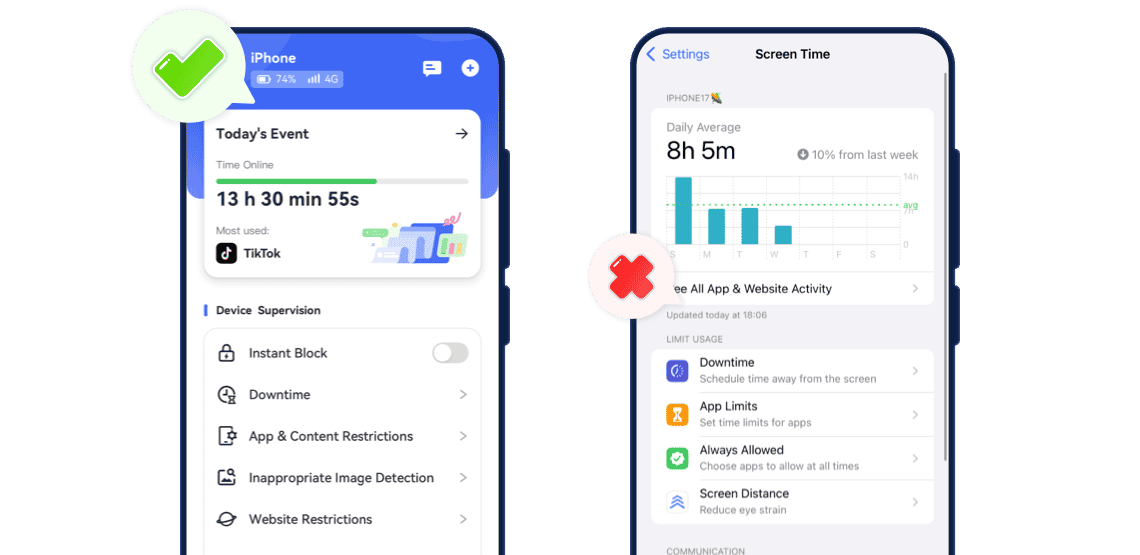
Feature Comparison
- Detailed ComparisonAirDroidScreen Time
- Location History


- Browsing HistoryRead More
 AirDroidSees what websites your child visits and what they search forScreen TimeCan only track domain names of websites
 - App Blocker
- Pause Device Use
- URL Blacklist & Whitelist
- DowntimeRead More AirDroidCan set multiple screen-off periods for different times of the day or weekScreen TimeOnly supports a single Downtime schedule
- Inappropriate Imge DetectionRead More AirDroidScans explicit images saved in the Photos app and sends alertsScreen TimeDetects explicit images shared in Messages, FaceTime, and AirDrop.
- Cross-Platform Support
What Makes AirDroid Better
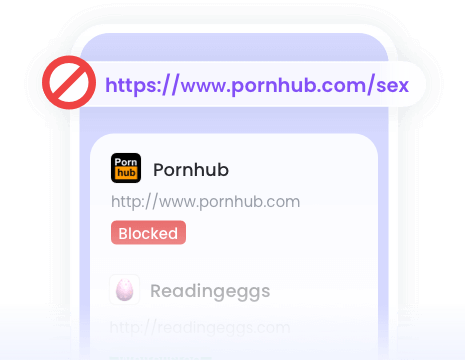
Track your child's web browsing history, including activity in Safari private mode.

Get alerts when an inappropriate image is saved to your child's Photos app.
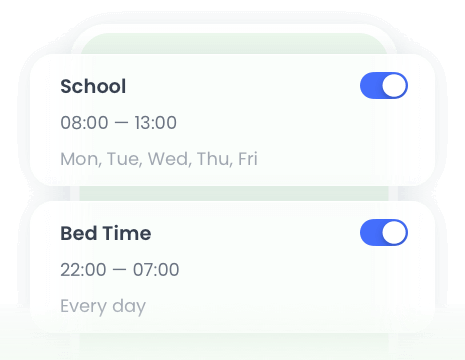
Set multiple downtime periods based on your child's routines, such as during study hours.
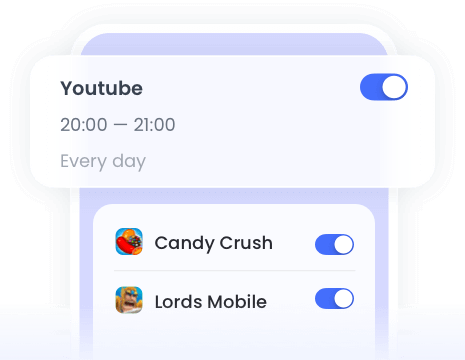
One-click to block access to the entire device, certain apps, and websites.
Final Verdict at A Glance
Best For:Ideal for parents looking to better support and guide their children, or families who need an effective cross-platform parental control solution across both Android and iPhone devices.
- Setup:
Requires a computer to unlock full features - Ease of bypass:
Hard🔒 - Customization:
More flexible
Best For:Parents who look for a free, built-in solution focused on iPhone's screen time management.
- Setup:
Requires a child account under 13 for remote monitoring - Ease of bypass:
Very Easy⚠️ - Customization:
Limited

Try AirDroid Parental Control for Free Today
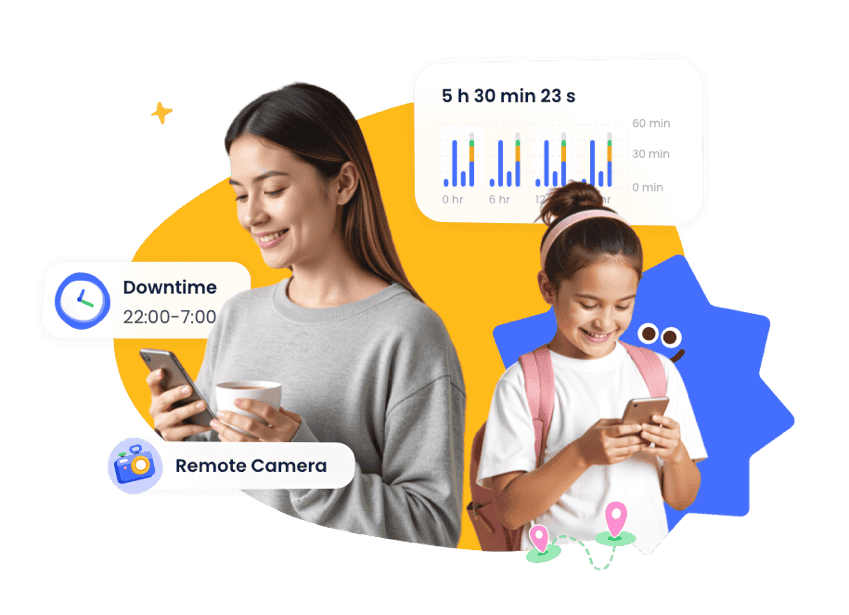
Protect Your Family Now in 3 Easy Steps
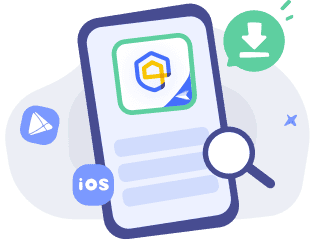

Download and Install
Download
AirDroid Parental Control on the parent's phone.
Sign Up and Sign In
Register an AirDroid account and sign in on the parent's device.
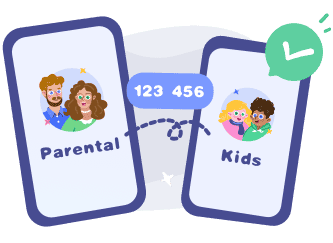
Bind Child's Device
Install the
AirDroid Kids on the kid's phone and input the binding code to connect both devices.


Frequently Asked Questions
Can I Control My Child's iPhone from My Android Phone?
Yes! You can easily help your child build healthy digital habits on their iPhone right from your Android device. AirDroid Parental Control bridges the gap—letting you set gentle screen time goals, balance app usage, and ensure a safer browsing space from your Android phone.
Can Android Parents Manage an iPhone Child's Screen Time?
Yes. Android parents can manage their child's iPhone screen time with AirDroid Parental Control. This is especially useful for families where parents and children use different operating systems.
Is there a Cross-Platform Parental Control App for Android and iPhone?
Yes. AirDroid Parental Control support families using different operating systems. They allow parents to manage children's digital habits across Android and iPhone devices from one parent device.
Can You See Websites Visited on Screen Time?
No, Apple Screen Time only shows the domain names of websites visited in Safari, not full URLs. If you need to see detailed URLs that your child visited, consider using AirDroid Parental Control.
Can You Use Parental Controls on an iPhone from an Android Phone?
Yes! You can easily stay connected with your child's iPhone from your Android device using a cross-platform family app. Unlike Apple's built-in Screen Time—which works best within the Apple ecosystem — AirDroid Parental Control bridges the gap, helping you support and guide your child’s iPhone habits right from your Android phone.
Can I Lock My Child's iPhone Remotely?
Yes! If you want a real-time remote lock, AirDroid Parental Control offers a "Instant Block" feature that pause your child access the iPhone from your own device — no waiting, no partial restrictions.
How Can I Track My Child's iPhone from My Android?
Go to iCloud Find Devices from a browser. Then, sign in with the child's Apple ID to see their location. Alternatively, you can use AirDroid Parental Control, which makes tracking your child's iPhone from an Android device much easier.
What Parents Say?







-


Uninstall Protection
-

Co-Parenting Made Easy
-

One Account Multiple Devices
-

GDPR Compliance
Miguel Almond
AirDroid Parental Control is much better than other parental monitoring apps I used previously. It's cost-efficient, has more features, and allows me to block games, apps, and websites that are not good for my child in one click.
Dude hygge
I absolutely love this app… It helps me keep track of my kids anywhere with the added bonus of being able to see any notifications that come to their phones. And the fact that the app and icon physically disappear from the phone that your tracking is A++ in my book… 😇😉👍
Michelle Morrice
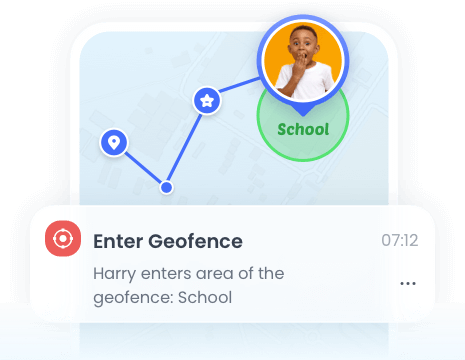
I am impressed by the AirDroid Parental Control. It is easy to use and budget-friendly. It took me a few minutes to set up the app, and I could set screen time limits, website schedule, and geofence for my kids. Highly recommended!