Cross-Platform Parental Control App for iOS & Android Families
The Headaches of Managing a Mixed-Device Family
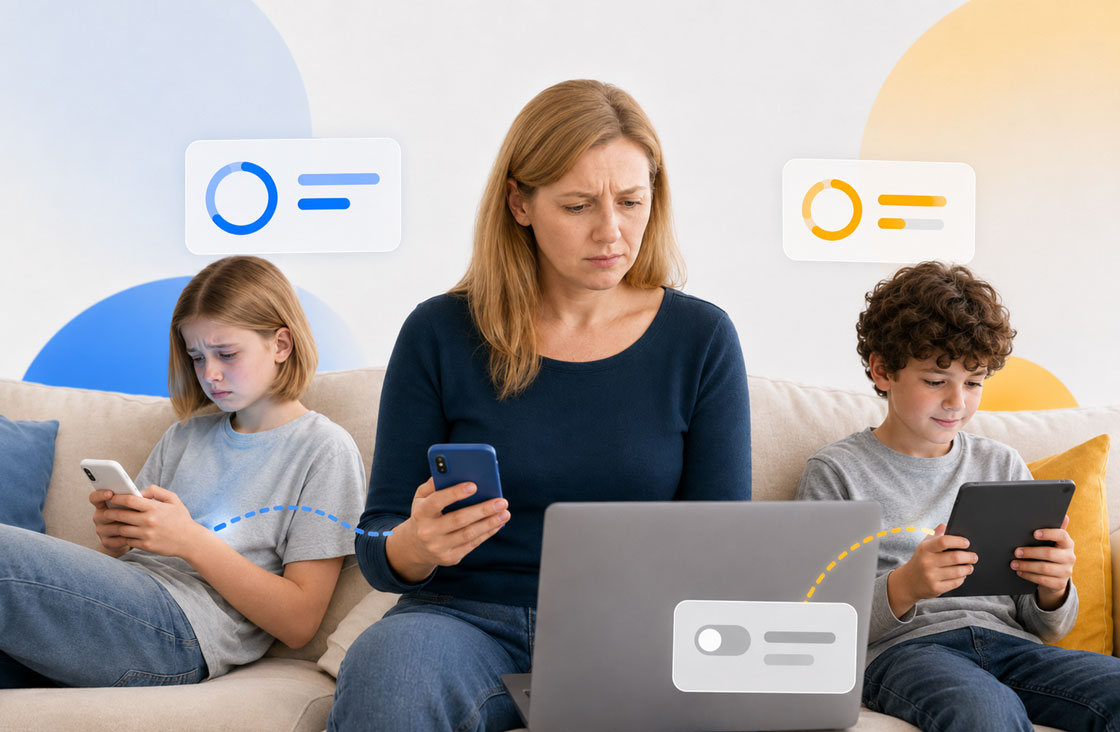
When your home uses a mix of Androids, iPhones, and computers, built-in tools often become fragmented. Managing digital safety usually comes with four big struggles:
Separate Controls
01You shouldn't be forced to manage your kids from only one phone. Parents need the freedom to check in from a phone, tablet, or web browser.
Mixed Systems
02Child A has an iPad; Child B has an Android phone. Managing them through separate apps means double the logins and confusing family rules.
Conflicting Rules
03A teenager and a primary schooler need completely different boundaries. Switching between different schedules and limits gets confusing fast.
Hidden Limits
04Android and iOS handle privacy differently. Most apps leave parents confused when features don't work the same way on every phone.
Powerful Cross-Platform Features for Modern Families
Set healthy digital rules, block online risks, and stay connected with your children—whether they use Android or iPhone.
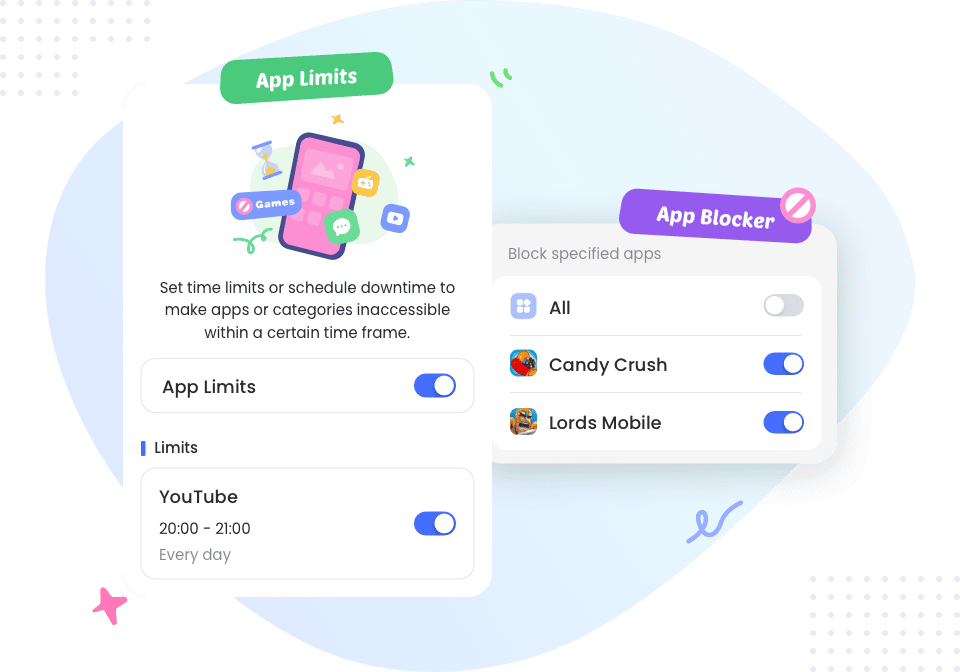
Set Balanced Screen Time Limits
Help your kids build healthy phone habits. Set daily usage limits, lock apps at bedtime, and schedule quiet times for homework or family dinners.
- Daily Limits
- App Blocking
- Schedules
- Instant Lock
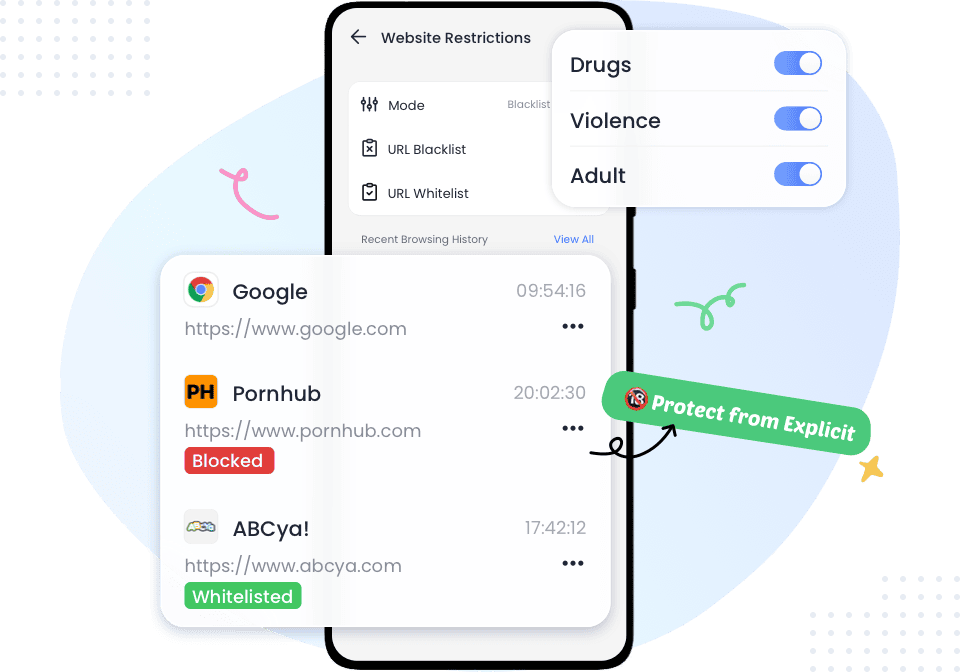
Block Unsafe & Adult Websites
Keep web browsing safe across all browsers. Automatically filter out adult content, block harmful websites, and enforce safe search mode.
- Website Filtering
- Safe Search
- Custom Blocklist
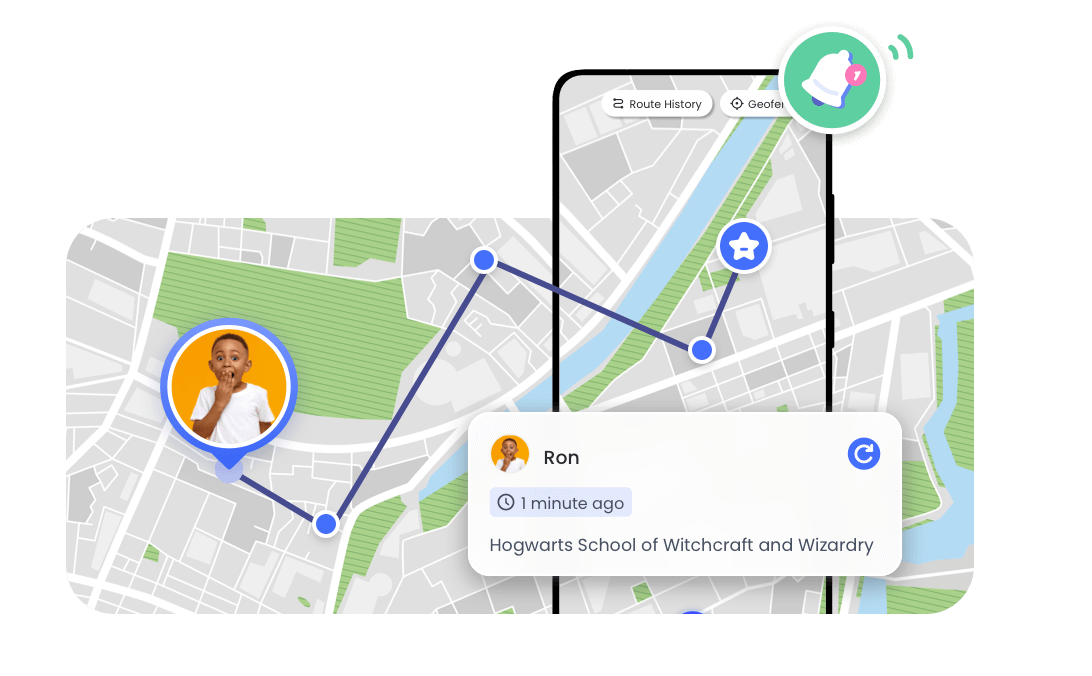
Real-Time Location & Geofences
Always know where your children are. Track live locations, create safe zones (like school or home), and get instant alerts when they arrive or leave.
- Live Location
- Safe Zone Alerts
- Location History
- SOS Button
Safety & Content Risk Alerts
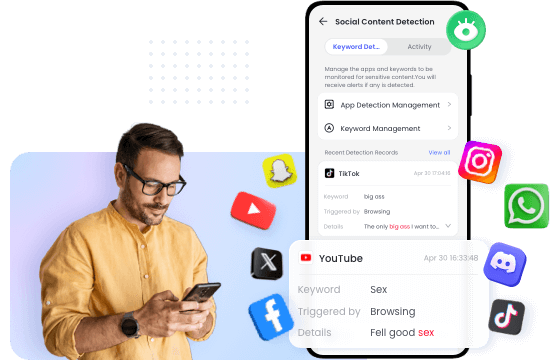
Protect kids from cyberbullying and explicit content. Get smart alerts when risky text or inappropriate images are detected, helping you intervene early.
- Cyberbullying Detection
- Explicit Content Alerts
- Instant Notifications
Stay Connected with Family Chat
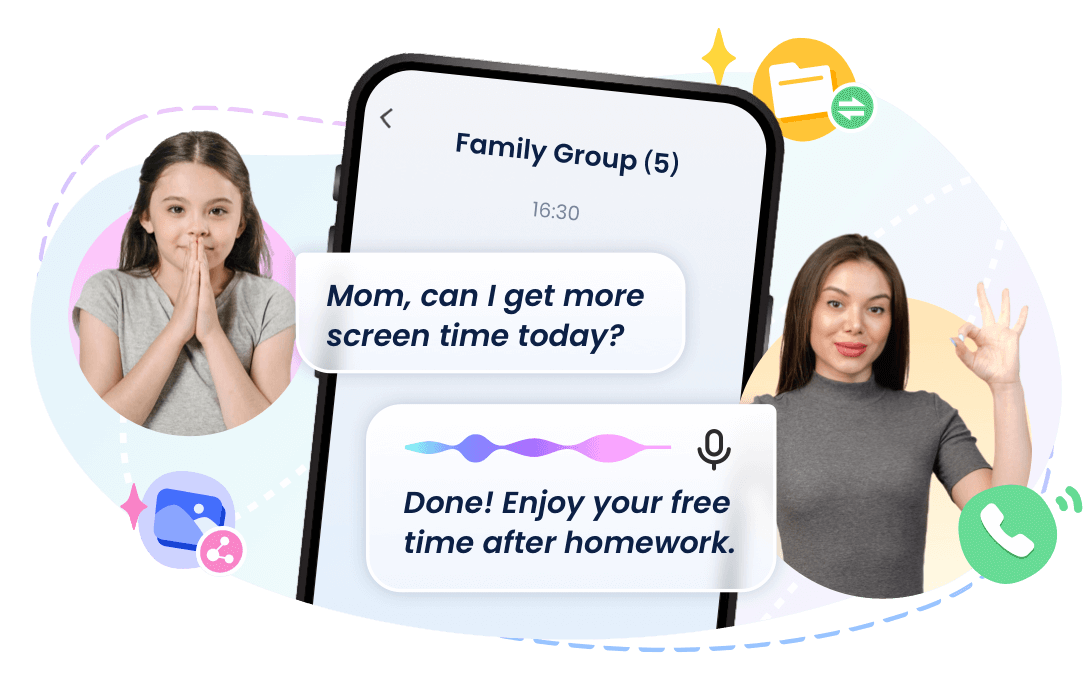
Safety is about communication, not just restrictions. Use built-in Family Chat to text, send voice messages, and stay in touch through one secure app.
- Family Messaging
- Voice Notes
- Direct Contact
Note: Feature availability and detection coverage may vary depending on the child device's operating system, permissions, and app setup.
Advanced Safety Tools for Android Child Devices
Check Surroundings in Emergencies
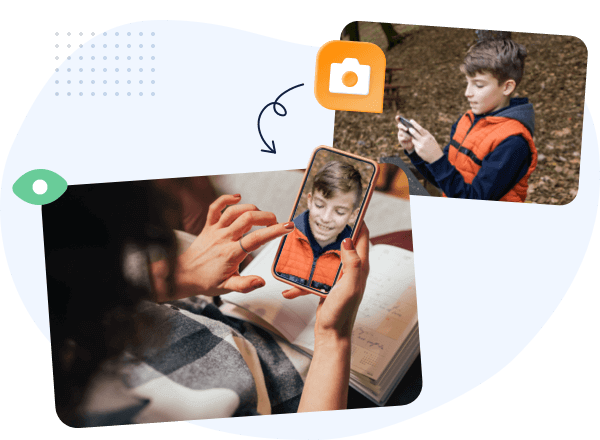
View the remote camera when your child isn't responding to calls or during emergencies, giving you quick reassurance about their physical safety.
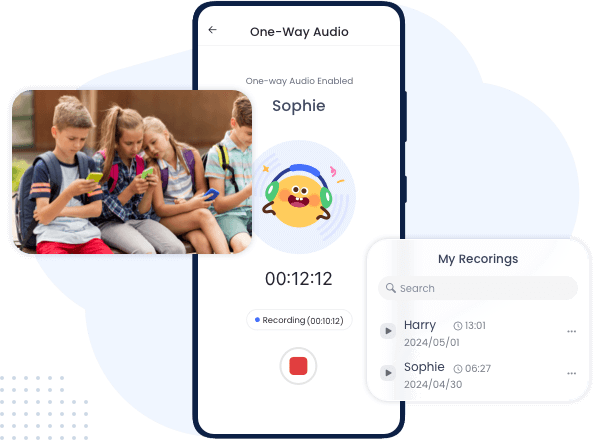
Listen to Surroundings for Safety
Listen to ambient background sounds if an SOS alert triggers or when your child is late getting home, ensuring they are in a safe environment.
Real-Time Screen Assistance
View your child's screen live to help them set up safety settings, guide their phone habits, or evaluate online threats like cyberbullying in real time.
AI Cyberbullying & Risk Detection
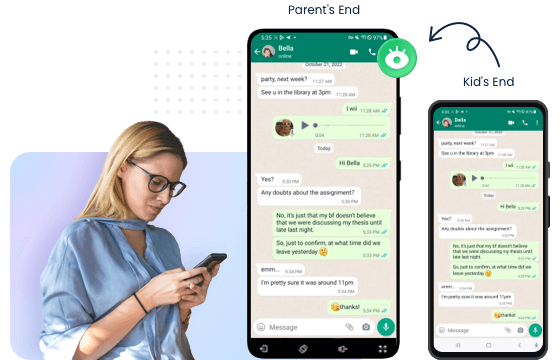
Receive instant smart alerts when AI detects signs of cyberbullying, dangerous conversations, or explicit content in supported chat apps.
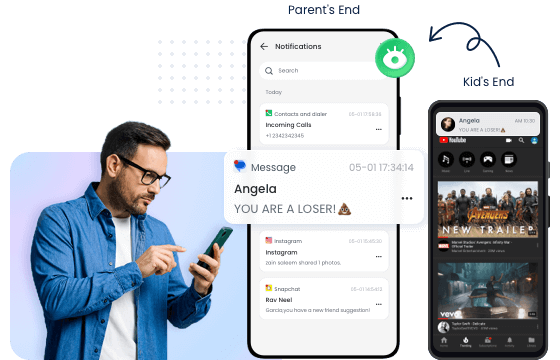
Sync Important Notifications
View incoming app notifications in real time to spot suspicious messages, late-night alerts, or risky interactions before they become bigger problems.
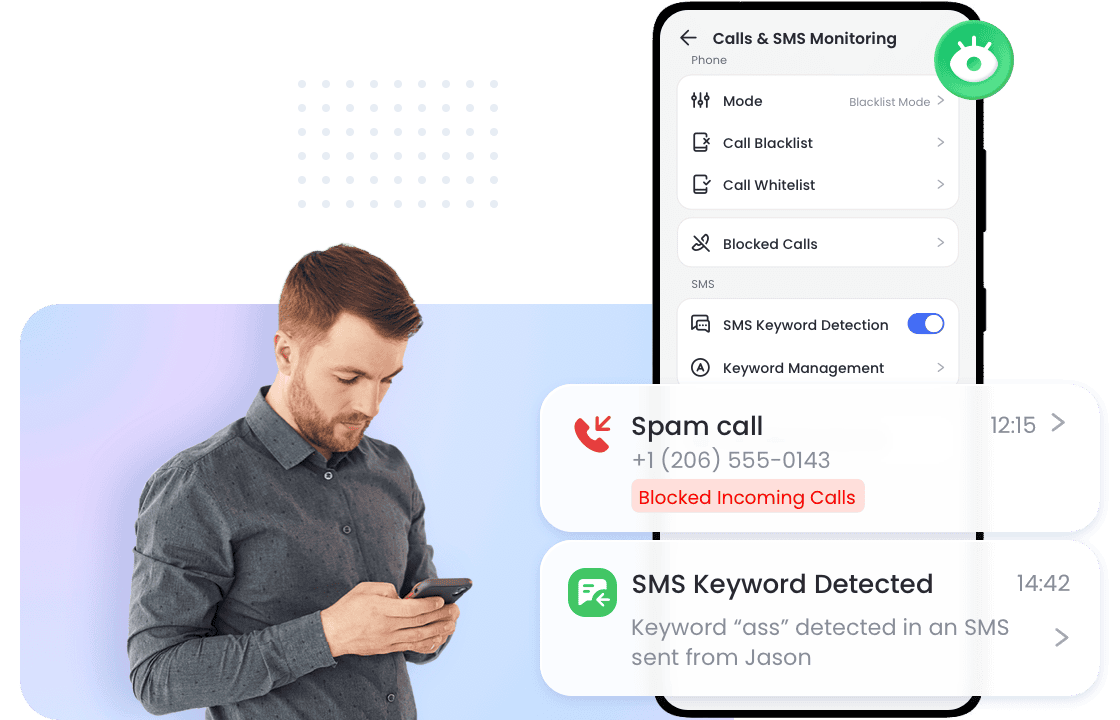
Block Unwanted Calls & Dangerous SMS
Filter out spam or dangerous calls from strangers, and receive instant alerts for suspicious text messages containing harmful links.
At a Glance: Feature Compatibility by Child Device OS
AirDroid delivers essential safety features across both Android and iPhone child devices. Advanced remote monitoring features are available exclusively on Android child devices due to Apple iOS system restrictions.
| Parental Safety Capability | Android Child Device | iPhone / iPad Child Device |
|---|---|---|
| Screen Time & App Limits |  | |
| Website Filtering & Safe Search | | |
| Live Location, Geofencing & SOS Alerts | | |
| Social Content & Image Risk Alerts | Supporte hot social & AI apps and Images | Supporte YouTube & Images |
| Family Chat & Messaging | | |
| SMS, Call & Notification Insights | |  Limited by iOS rules |
| Remote Screen, Camera & Audio Tools | | Limited by iOS rules |
Note: Feature availability depends on the child device's operating system, permissions granted, and regional app configurations.
Built-In Controls or a Cross-Platform Solution?
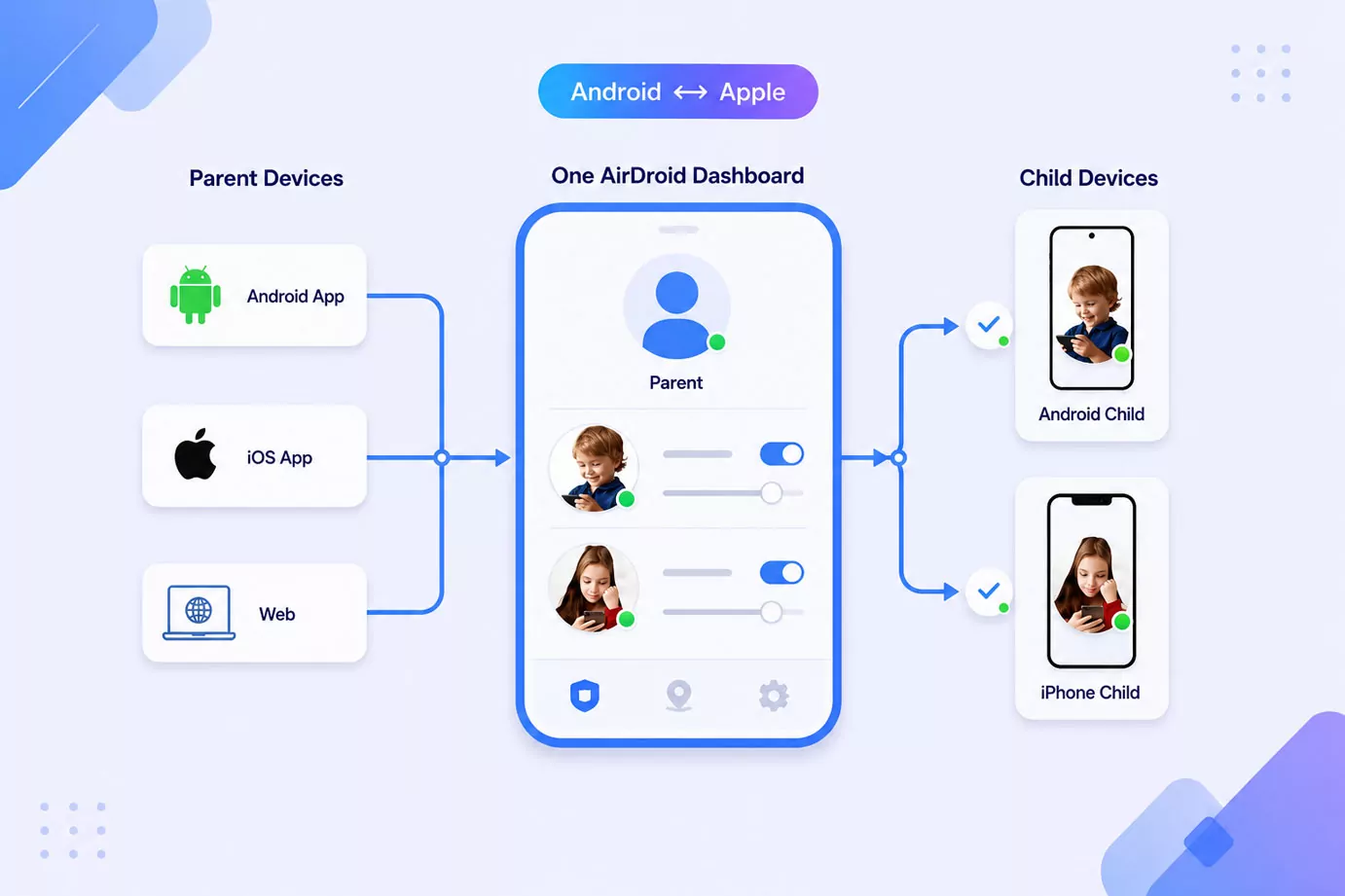
Apple Screen Time and Google Family Link provide useful parental controls within their own ecosystems. AirDroid is designed for families who need more flexibility—especially when parents and children use different devices or when Android and iPhone devices exist in the same household.
| Family Need | Google Family Link | Apple Screen Time | AirDroid |
|---|---|---|---|
| Parent access | Android, iPhone, selected web functions | Apple devices | Android App, iPhone App, Web Dashboard |
| Child device ecosystem | Android and Chromebook focused | Apple devices | Android and iPhone child devices |
| Manage mixed Android + iPhone families | Limited | Limited | |
| Multiple child profiles | | | |
| Computer access | Selected functions | Mac access | Full Web Dashboard |
| Best suited for | Google ecosystem families | Apple ecosystem families | Mixed-device families |
Getting Started Is Easy
Set up your first child device in a few simple steps and expand your family setup whenever needed.


Create Your Parent Account
Install AirDroid Parent on Android or iPhone, or access the web dashboard through your browser.
Connect Your Child's Device
Add your child's Android or iPhone device and complete the guided setup process.
Choose Your Family Settings
Set screen time rules, website controls, location features, and safety preferences.
Manage Your Family Devices
View and adjust settings from your preferred parent device anytime.
You can start with one child device and add more supported devices later. View the detailed setup guide:
Frequently Asked Questions
- What devices and operating systems are supported?
AirDroid supports Android 8.0+ and iOS 15+ child devices.
Parents can access the control dashboard from an Android Parent App, iPhone Parent App, or Web Dashboard on any modern web browser. - Can I manage an iPhone child device from an Android parent phone, or vice versa?
Yes, AirDroid provides seamless cross-platform management.
You can manage an iPhone child device from an Android parent phone, manage an Android child device from an iPhone, or control both simultaneously using one single parent account. - How many child devices can I manage under one account?
You can manage up to 10 child devices under a single AirDroid Parental Control account.
You can start with one device today and easily add more Android or iOS child devices or family profiles later as your family grows. - Are parental control features identical on Android and iPhone child devices?
Core safety features are available on both platforms, but advanced tools vary due to system permissions.
Screen Time, App Blocking, Web Filtering, Live Location, and Family Chat work on both Android and iOS. However, deep system features like Remote Camera and Ambient Audio are exclusive to Android child devices due to Apple iOS privacy restrictions. - Can parents manage child devices from a computer?
Yes, parents can access full parental controls from any computer browser using the AirDroid Web Dashboard.
No software installation is required on your computer—simply log into your AirDroid parent account on Chrome, Safari, Edge, or Firefox. - Does AirDroid replace Apple Screen Time or Google Family Link?
Yes, AirDroid is built as a complete cross-platform alternative to native controls.
While Apple Screen Time only works within the Apple ecosystem and Google Family Link is best for Android, AirDroid lets you manage mixed Android and iPhone families in one unified dashboard.
Manage Every Child Device From Wherever You Are
Whether your children use Android, iPhone, or both, AirDroid helps you create healthier digital habits, stay informed about online safety, and manage your family from one place.
-


Android & iPhone Child Devices
-

One Account, Multiple Devices
-

Parent Apps + Web Dashboard
-

Flexible Family Settings