Modern retail operations are no longer powered by a single system behind the counter. Today, stores rely on a growing network of digital tools that support everything from checkout and inventory tracking to customer engagement and in-store services. This shift is driven by the fact that mobile applications commanded 46.58% of the digital transformation market share in 2025, while in-store interactive kiosks are tracking a 11.86% CAGR through 2031.
As retailers expand across multiple locations, managing these devices becomes a real operational challenge. Ensuring that every device stays online, runs the correct applications, and remains secure requires more than manual oversight. This is where retail device management becomes essential.
Part 1 : What Is Retail Device Management?
Retail device management refers to the centralized oversight and control of the digital devices used in retail operations. Instead of managing each device individually at the store level, businesses can monitor, configure, and maintain all devices through a unified management system.
Modern retail environments rely on a wide range of connected devices to support daily operations. These typically include:
Key Capabilities:
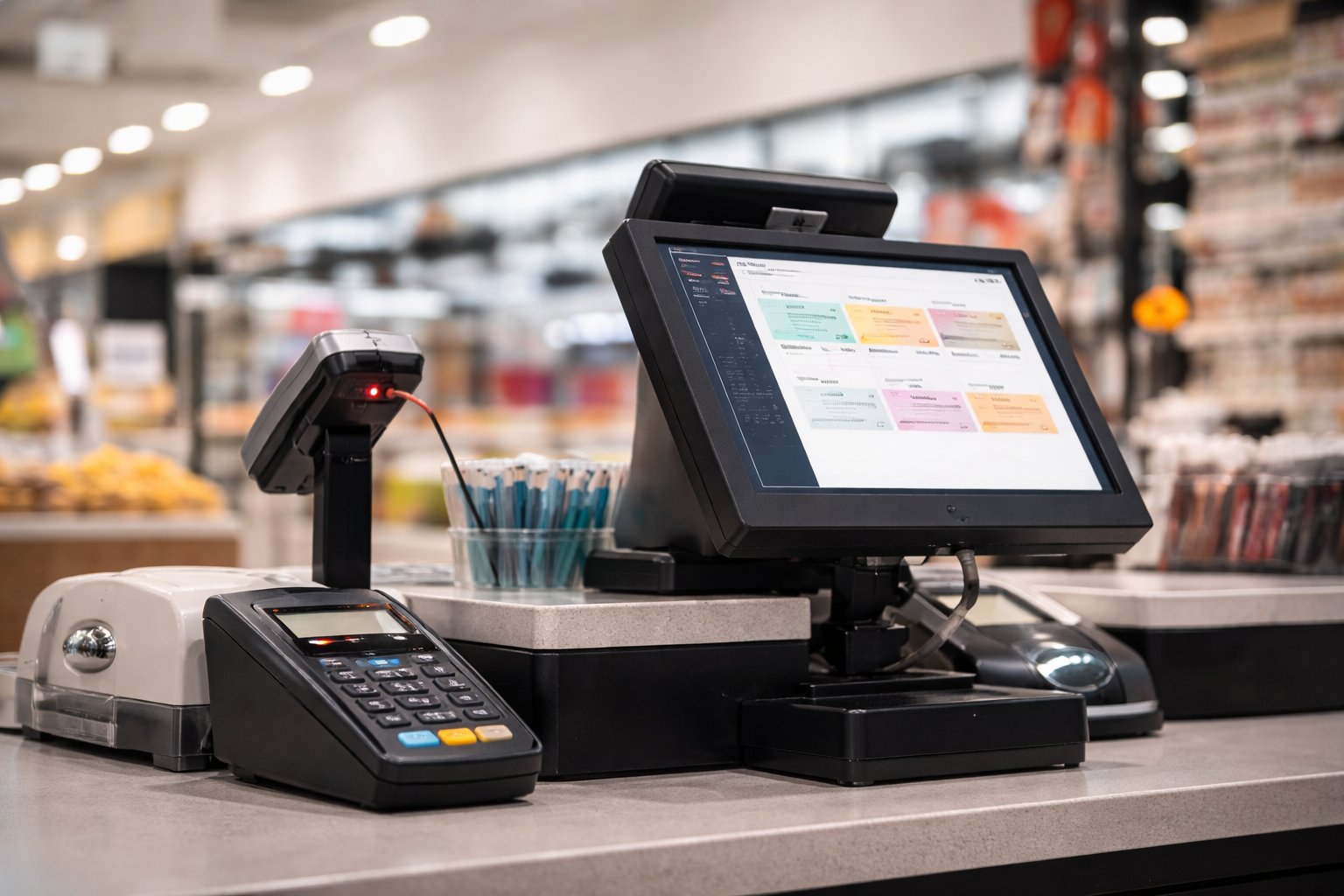
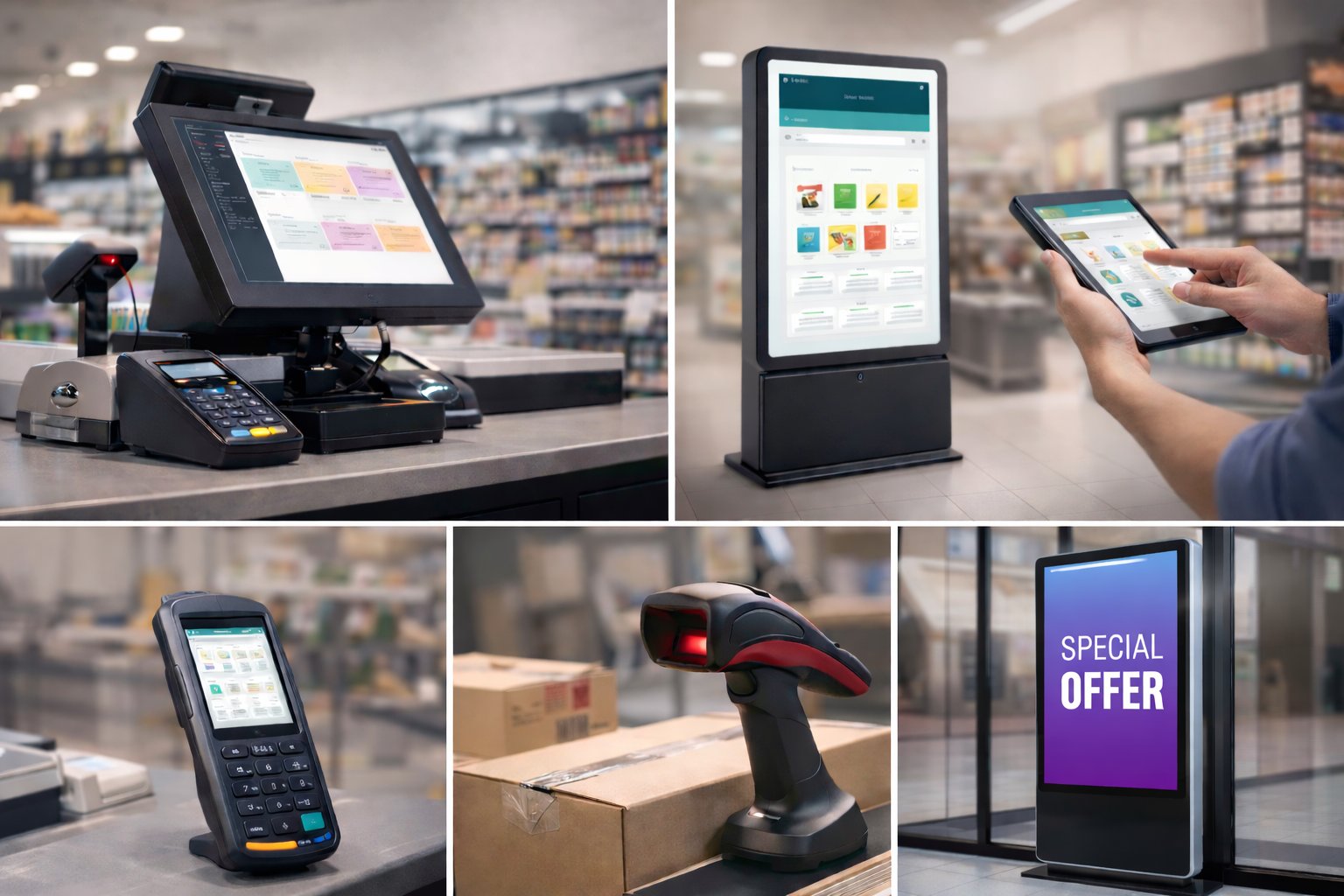
POS systems used for processing transactions
Tablets used by store staff for tasks such as inventory checks, product lookup, and customer assistance
Self-service kiosks that allow customers to browse products, place orders, or check in
Barcode scanners used for stock management and logistics
Digital signage for promotions, advertisements, and in-store information
Because these devices are often deployed across multiple store locations, managing them manually can quickly become difficult and inefficient.
Retail device management focuses on ensuring these devices operate reliably and consistently. This typically includes capabilities such as:
Key Capabilities:
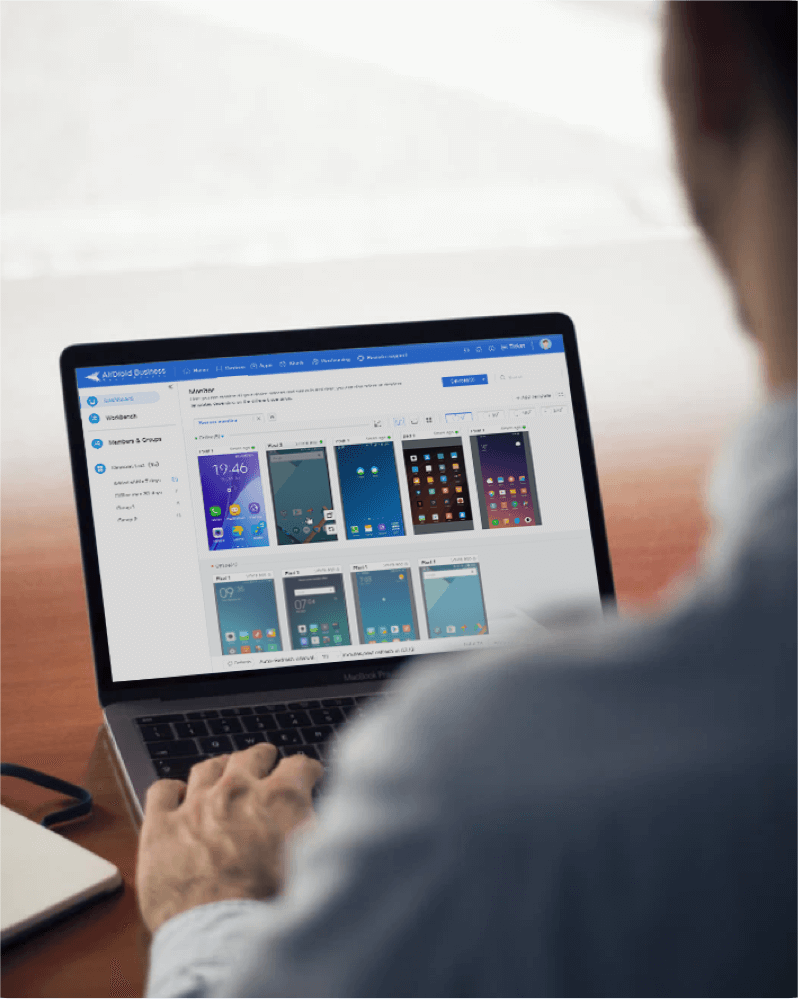
Device monitoring that allows IT teams to track device status, connectivity, and overall health
Application management for installing, updating, and controlling business applications across devices
Remote troubleshooting that enables support teams to diagnose and resolve issues without visiting the store
Security and policy control to ensure devices run only approved applications and comply with company policies
By centralizing these functions, retail businesses can keep their store devices running smoothly while reducing the operational burden on IT teams.
Part 2 : Common Retail Devices That Require Management
Retail stores today operate with a variety of digital devices that support different parts of the customer journey and daily store operations. Each of these devices plays a specific role in helping stores run smoothly, which also means they need to be managed consistently across locations.
1. POS Terminals
Point-of-sale (POS) terminals remain the core device in most retail stores. They handle customer transactions, payment processing, and sometimes loyalty or membership programs. Because these systems are directly tied to revenue, retailers need to ensure they stay online, secure, and updated at all times.
2. Employee Tablets
Many retailers equip staff with tablets to support tasks such as checking product availability, assisting customers on the sales floor, or accessing internal tools. These devices help employees work more efficiently but also require proper configuration to ensure they run only the necessary business applications.
3. Self-Service Kiosks
Self-service kiosks allow customers to browse products, place orders, check in for services, or complete transactions independently. These devices are usually placed in public areas of the store, which makes it important to lock them into specific applications and monitor them remotely.
4. Barcode Scanners
Barcode scanners and handheld terminals are commonly used for inventory management, stock counting, and logistics tasks. In larger retail chains, these devices are often distributed across many stores and warehouses, making centralized management especially important.
5. Digital Signage
Digital signage displays are widely used for in-store promotions, advertisements, and product information. Retailers frequently update content across multiple locations, so these displays must remain connected and properly configured to ensure consistent messaging.
Together, these devices form the digital infrastructure that supports modern retail operations. As the number of devices grows across stores, managing them individually becomes increasingly difficult—highlighting the need for a more centralized management approach.
Part 3 : Why Retail Device Management Is Different From Traditional Device Management
At first glance, managing devices in a retail business may seem similar to managing devices in a typical office environment. In reality, the two scenarios are quite different. Retail devices are closely tied to store operations and often operate under stricter conditions than standard workplace devices.
Understanding these differences helps explain why retail businesses often require specialized device management strategies.
1. Devices Are Distributed Across Many Locations
Unlike office environments where most devices are located in a single building or corporate network, retail devices are spread across multiple store locations. A retail chain may operate dozens or even hundreds of stores, each with several devices supporting daily operations.
This distributed environment makes manual management extremely difficult. IT teams need the ability to monitor and manage devices remotely without visiting individual stores.
2. Devices Are Business-Critical
In retail environments, many devices are directly connected to revenue-generating activities. For example, POS systems process transactions, kiosks enable self-service orders, and inventory devices help ensure products remain available on shelves.
If one of these devices stops working, it can immediately affect store operations and customer experience. Because of this, retailers must be able to detect issues quickly and resolve them without delay.
3. Devices Must Run Dedicated Applications
Many retail devices are designed to perform a specific task. A POS terminal runs a payment system, a kiosk runs a customer-facing application, and a barcode scanner supports inventory operations.
Unlike employee laptops or phones, these devices usually need to run only one or a few approved applications. Ensuring that devices remain locked to their intended purpose is an important part of retail device management.
Retail vs. Traditional Device Management
Aspect
Traditional Office Devices
Retail Store Devices
Deployment
Usually located in a central office
Distributed across many store locations
Device role
General productivity tools
Directly support store operations
Impact of failure
Limited operational disruption
Can immediately affect sales or service
Application usage
Multiple apps used by employees
Often restricted to specific business apps
These differences mean that retail businesses often need stronger control over device behavior, faster remote support, and more centralized visibility across all store locations.
As retail environments continue to adopt more digital systems, the number of devices deployed in stores will only continue to grow. Managing these devices effectively is becoming a key part of modern retail operations.
However, managing devices across multiple locations introduces a number of practical challenges for IT teams. In the following article, we’ll explore the most common retail device management challenges and why many retailers turn to mobile device management (MDM) solutions like Airdroid Business to address them.
All-in-one MDM Solution
Supports Android devices from Android 4.0 and above
Starting at just $1/device/month
Real-time alerts and automated workflows
Quickly pre-set device(s) using customizable templates
Black screen mode for secure unattended remote access
Gareth Mitchell is a tech writer who knows stuff about MDM (mobile device management) very well. Meanwhile, he breaks down tricky tech topics so they're easy to grasp.










Leave a Reply.