4 Common Retail Device Management Challenges for IT Teams
Picture this
- One morning, several stores report device issues. A POS system is running an outdated application, a kiosk stops responding during peak hours, and a newly opened store hasn’t received the correct device configuration. Individually, these problems may seem minor. But when they happen across dozens of locations, they quickly become a serious operational challenge for IT teams.
This situation is increasingly common in modern retail environments. As stores adopt more digital tools to support daily operations, the number of devices used across locations continues to grow. While these devices improve efficiency and customer experience, they also introduce new management challenges for IT teams.
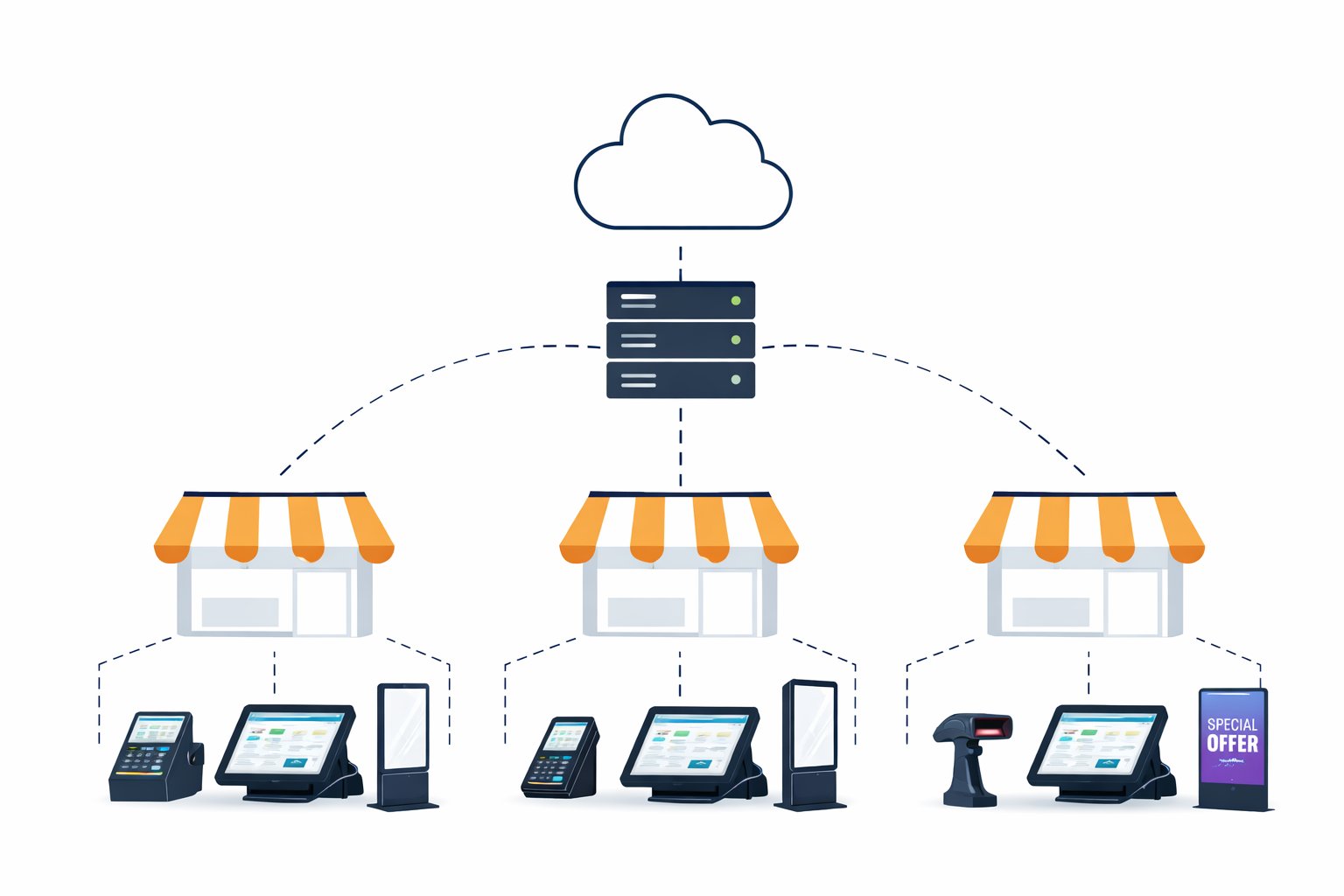
1. Devices Are Distributed Across Multiple Store Locations
Unlike traditional office environments, retail businesses typically operate across many locations. A single retail brand may run dozens or even hundreds of stores, each with its own set of devices supporting daily operations.
These devices can include POS systems, staff tablets, kiosks, barcode scanners, and digital displays. Because they are spread across different locations, IT teams often have limited visibility into device status unless a problem is reported by store staff.
Without centralized management, even simple tasks such as checking device status or applying configuration updates can become time-consuming.
2. Remote Support Is Difficult and Time-Consuming
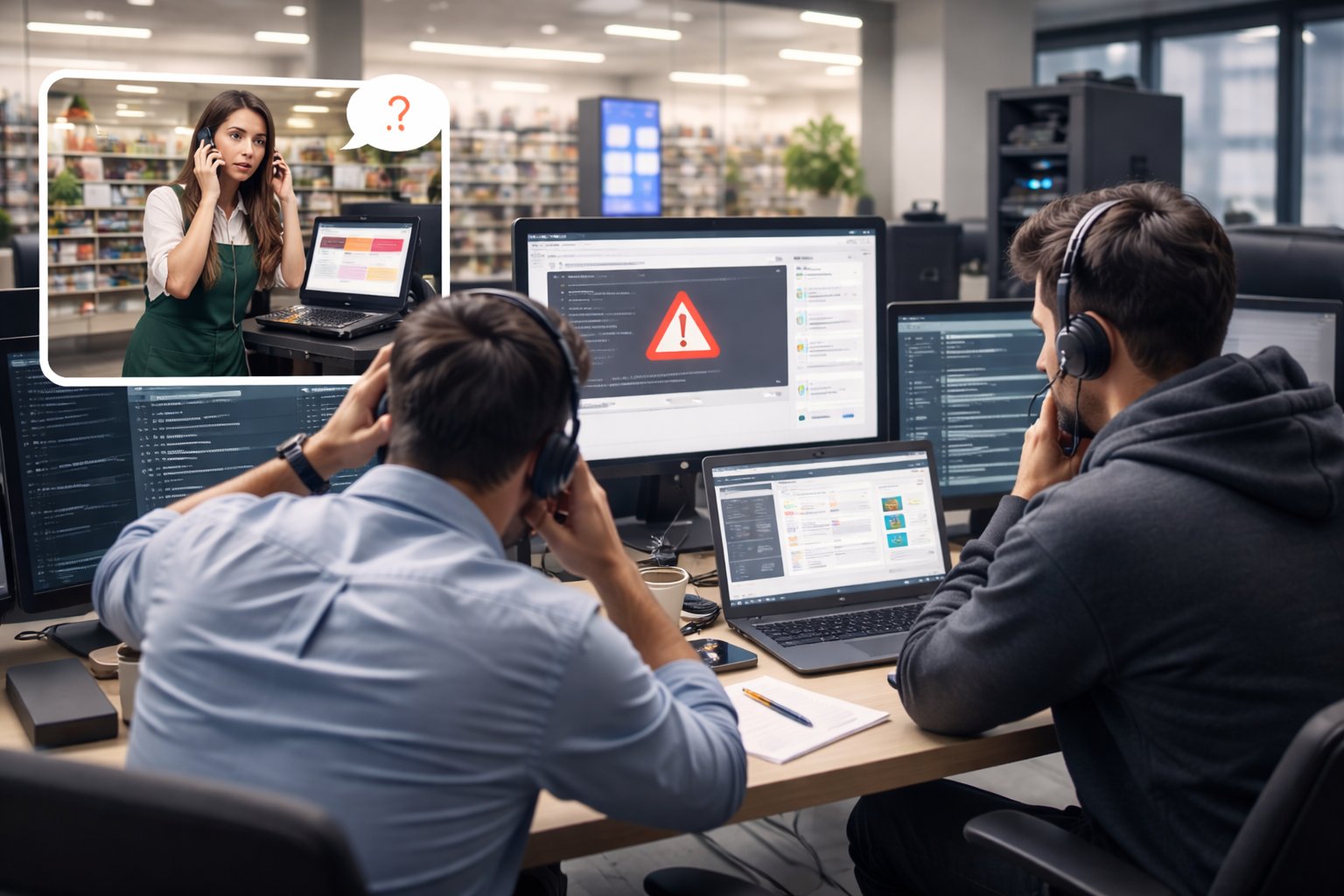
When a device stops working in a store, the first response is often a phone call to the IT team. Store employees may try to describe the issue, but they usually lack the technical knowledge to diagnose it accurately.
As a result, IT teams often have to rely on step-by-step phone guidance or remote troubleshooting tools that provide limited visibility. In some cases, technicians may even need to travel to the store to resolve the issue.
For organizations managing large numbers of stores, this approach quickly becomes inefficient and costly.
3. Application Management Becomes Complex
Retail devices often rely on business-critical applications such as POS software, inventory management systems, or customer service tools. These applications require regular updates to introduce new features, fix bugs, or improve security.
However, updating applications across dozens or hundreds of devices can be challenging without a centralized system. Some stores may run outdated versions, while others may receive updates at different times.
Over time, inconsistent application versions can lead to operational issues and make troubleshooting more difficult.

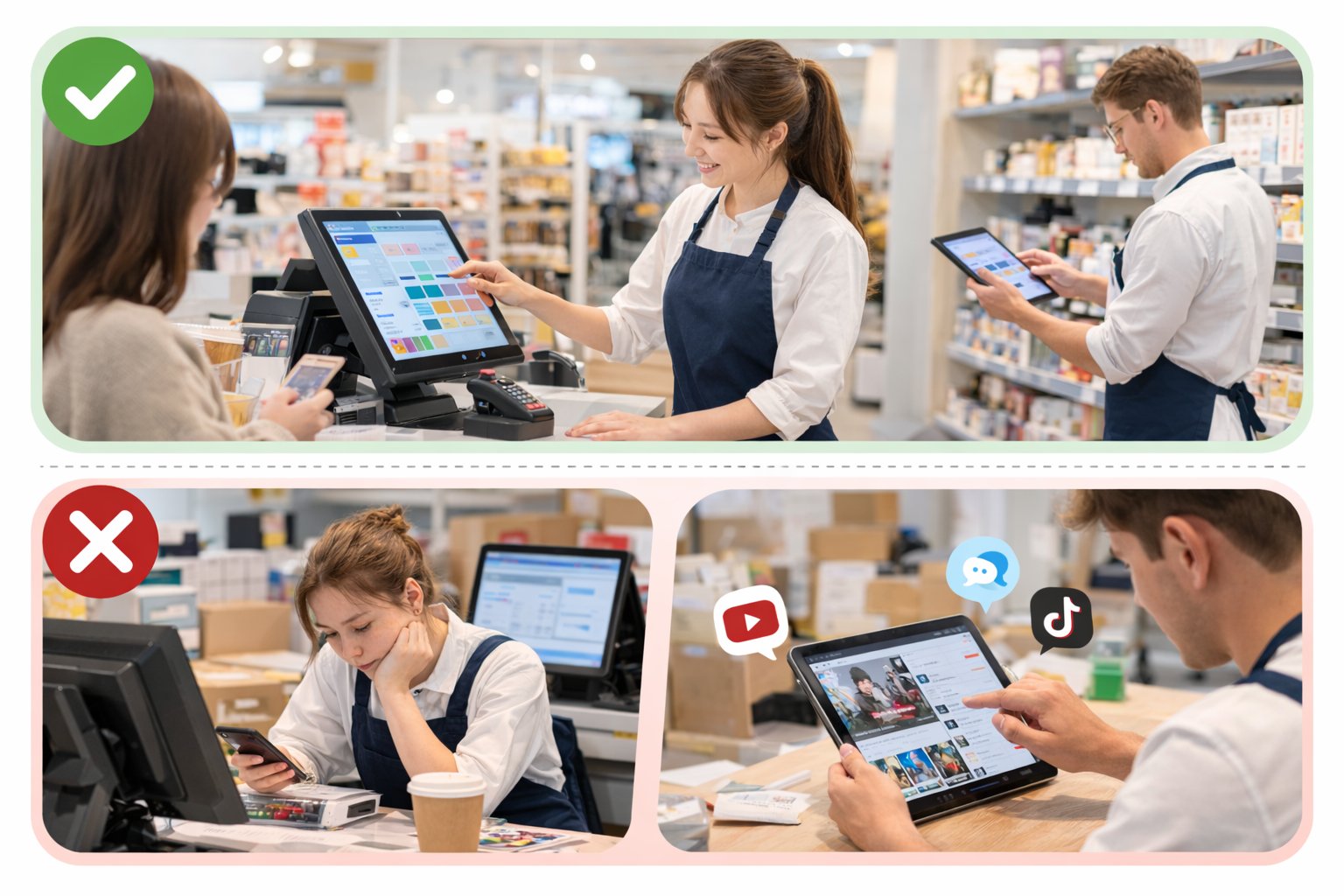
4. Ensuring Devices Are Used Only for Business Purposes
Many retail devices are designed to perform a specific task. A POS terminal processes transactions, a kiosk runs a customer-facing application, and a store tablet supports staff operations.
However, if devices are not properly controlled, employees may install unrelated applications or change system settings. This can affect device performance and introduce security risks.
Retailers therefore need a way to ensure devices remain focused on their intended business functions.
Why Retailers Turn to MDM
As the number of devices grows across retail stores, managing them individually becomes increasingly difficult. IT teams need better visibility, stronger control, and more efficient ways to maintain devices across locations.
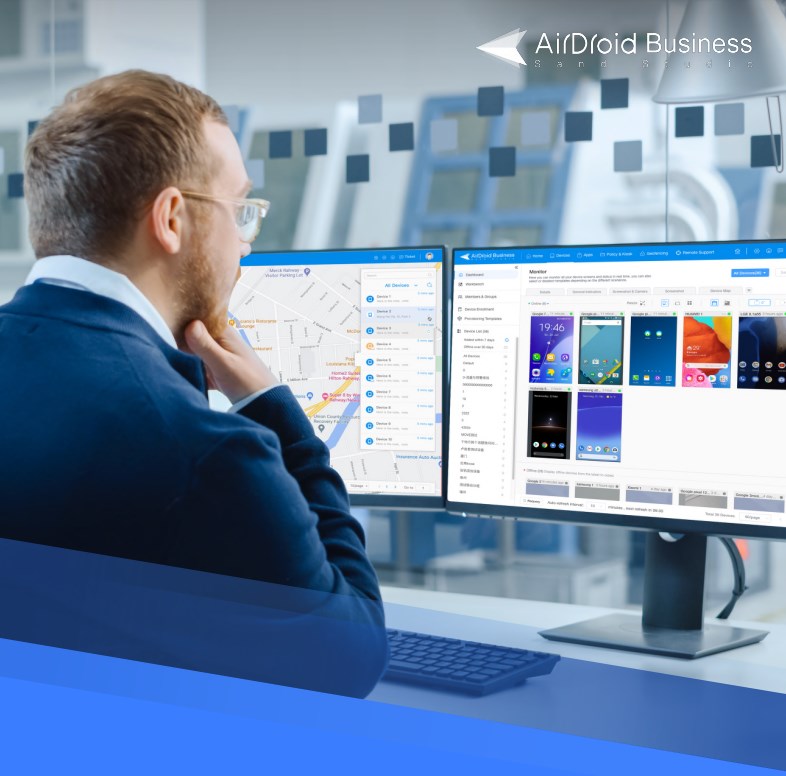
This is why many retailers adopt mobile device management (MDM) solutions. An MDM platform provides a centralized way to monitor, configure, and maintain devices across multiple stores. With built-in remote access and device monitoring capabilities for IT teams, administrators can check device status in real time, troubleshoot issues remotely, deploy application updates, and enforce policies from a single management console instead of handling problems store by store.
Solutions such as Airdroid Business help retailers manage large fleets of store devices more efficiently. Typical capabilities include:
Key Capabilities:
- Remote monitoring and control – IT teams can view device status, access device screens remotely, and troubleshoot issues without visiting the store.
- Application management – Administrators can remotely install, update, or remove business applications across multiple devices from a centralized dashboard.
- Kiosk mode – Devices can be locked into a single app or a limited set of approved apps to ensure they are used only for their intended business purpose.
- Centralized device monitoring – IT teams can track device health, connectivity, and usage in real time to detect problems early.
- Bulk actions and automation – Tasks such as rebooting devices, pushing updates, or applying configuration changes can be performed across many devices at once.
AirDroid Business MDM Buyer Guide
If you want deeper insights into MDM solutions and how each one applies to your specific situation, check our buyer guide. It’s loaded with detailed information to help you make the best decision for your organization's needs.
With centralized device management, retailers can maintain consistent device configurations, reduce support workload, and ensure that store devices remain reliable during daily operations.
Conclusion
Retail stores today rely on a wide range of connected devices to support customer service, transactions, and store operations. While these technologies bring clear benefits, they also introduce new challenges for IT teams responsible for managing them.
Without a centralized management approach, maintaining device consistency and stability across multiple store locations can quickly become overwhelming. This is why many retailers are turning to MDM solutions to manage their growing device ecosystems more efficiently.










Leave a Reply.