- Typical priorities include:
- * Easy onboarding and device enrollment
- * Remote lock and wipe capabilities
- * Basic security policies such as passcode and encryption enforcement
- * Predictable and affordable pricing
MDM






7 Best MDM for iOS in 2026: Top Solutions to Manage Apple Devices
7 Best MDM for iOS in 2026: Top Solutions to Manage Apple Devices
Managing iPhones and iPads at work isn’t as simple as handing them out and hoping for the best. Once you have 20, 50, or 500 devices in the field, things get messy fast. Devices go missing. Apps aren’t updated. Sensitive data sits on a phone someone left in a taxi.
That’s where MDM for iOS comes in. In this guide, we’ll walk you through why businesses need it, what features actually matter, and the top MDM for iOS solutions worth considering in 2026.
- Part 1 :Why Your Business Needs MDM for iOS Devices
- Part 2 :Key Features to Look for in iOS MDM Solutions
- Part 3 :Top 5 Best MDM for iOS: 2026 Review & Comparison
- Part 4 :How to Choose the Right MDM Solutions for iOS
- Part 5 :Frequently Asked Questions
Part 1 : Why Your Business Needs MDM for iOS Devices
Apple devices are widely used in business environments. iPhones are issued to sales teams. iPads are deployed in retail stores, warehouses, and frontline operations. On the surface, everything looks smooth, until the number of devices starts to grow.
1. Lack of Centralized Control Becomes a Real Problem
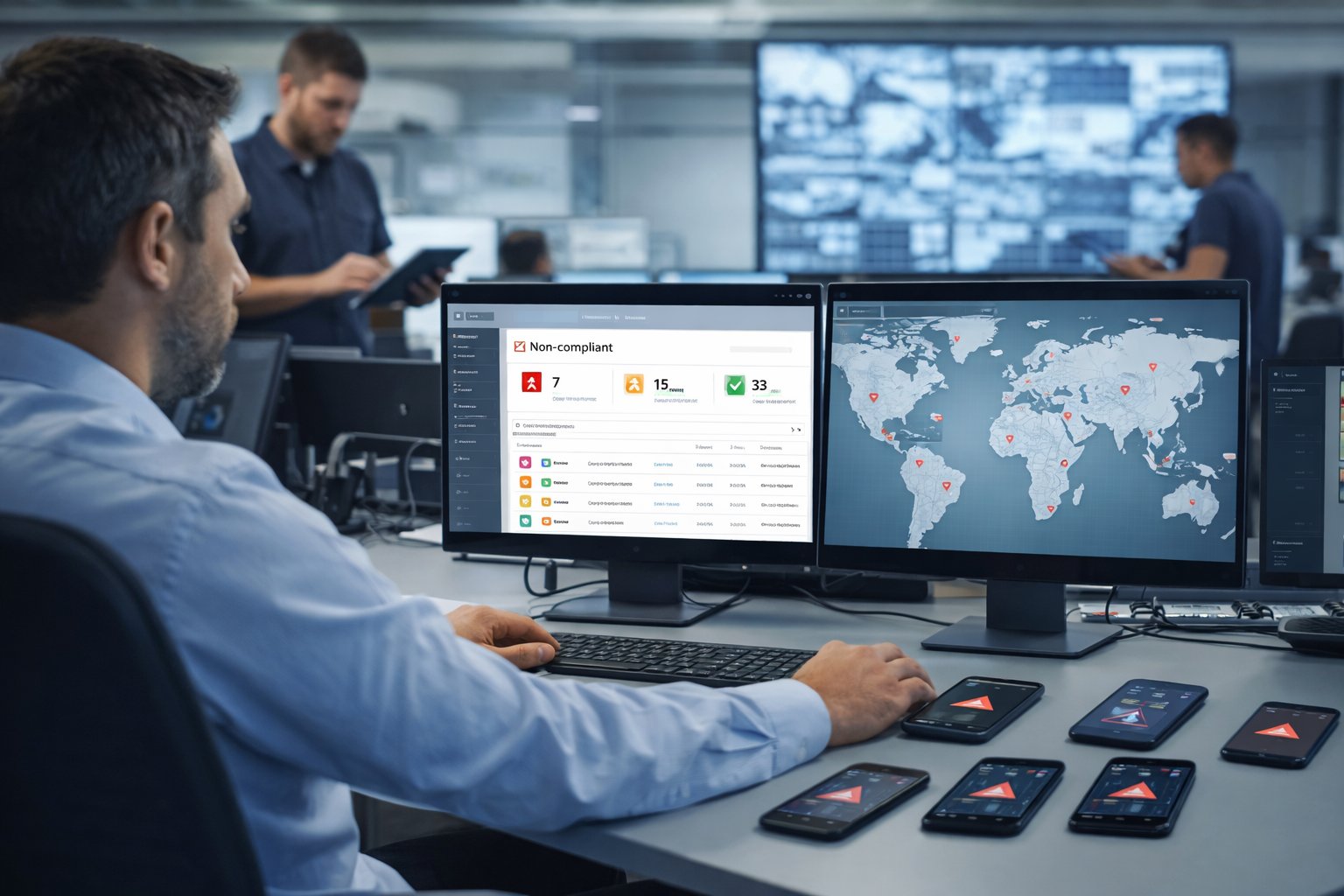
When devices are spread across different teams and locations, visibility quickly drops. IT teams often lose track of which devices are still active, whether they are properly configured, and if required apps or security policies are consistently applied.
Without a structured MDM for iOS devices, management tends to become reactive. Problems are usually identified only after something has already gone wrong. A centralized management console changes this dynamic by giving administrators real-time visibility into device status, policy compliance, and configuration consistency across the organization.
2. Lost Devices Mean Data Exposure, Not Just Hardware Loss
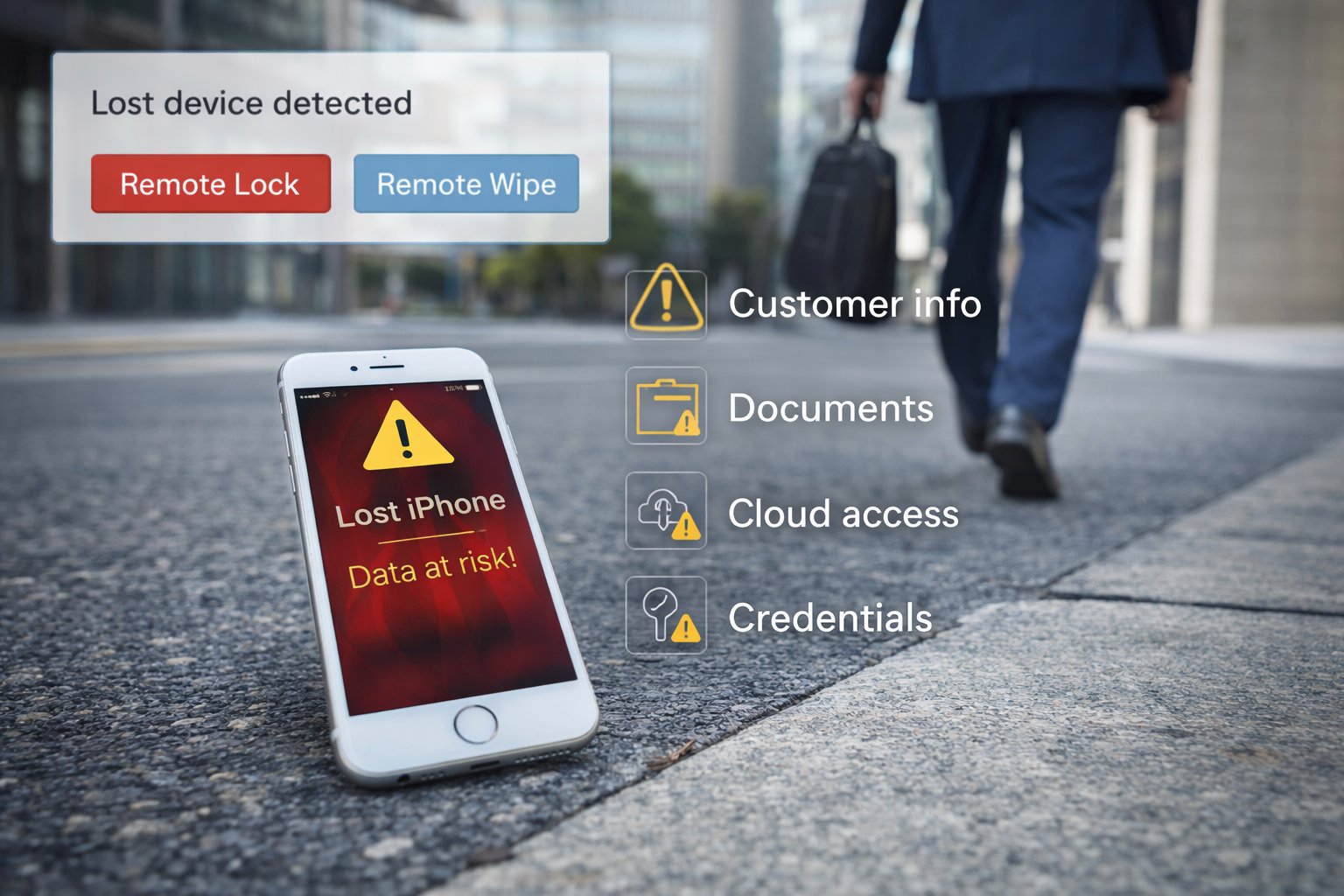
A lost company iPhone is rarely just a hardware issue.
It may contain:
⚠️ Customer information
⚠️ Internal documents
⚠️ Access to cloud systems
⚠️ Saved credentials
If the device is not properly managed, sensitive business data could be exposed.
This is where iOS MDM solutions provide real protection. With remote lock and wipe capabilities, IT can immediately secure a lost device and prevent further risk.
3. Manual Setup Doesn’t Scale
Many companies begin by configuring devices manually. IT installs apps, sets up email accounts, applies Wi-Fi settings, and then hands the device to the employee.
This approach works when the device count is small. As the number of devices grows, the process becomes time-consuming and difficult to control. Small inconsistencies start to appear, and onboarding new devices takes longer than expected.
Bulk enrollment and automated configuration are standard capabilities in mature mdm solutions for iOS. They significantly reduce setup time and remove repetitive manual tasks. Devices can be configured according to predefined policies before they even reach the end user, which helps maintain consistency and reduces deployment errors.

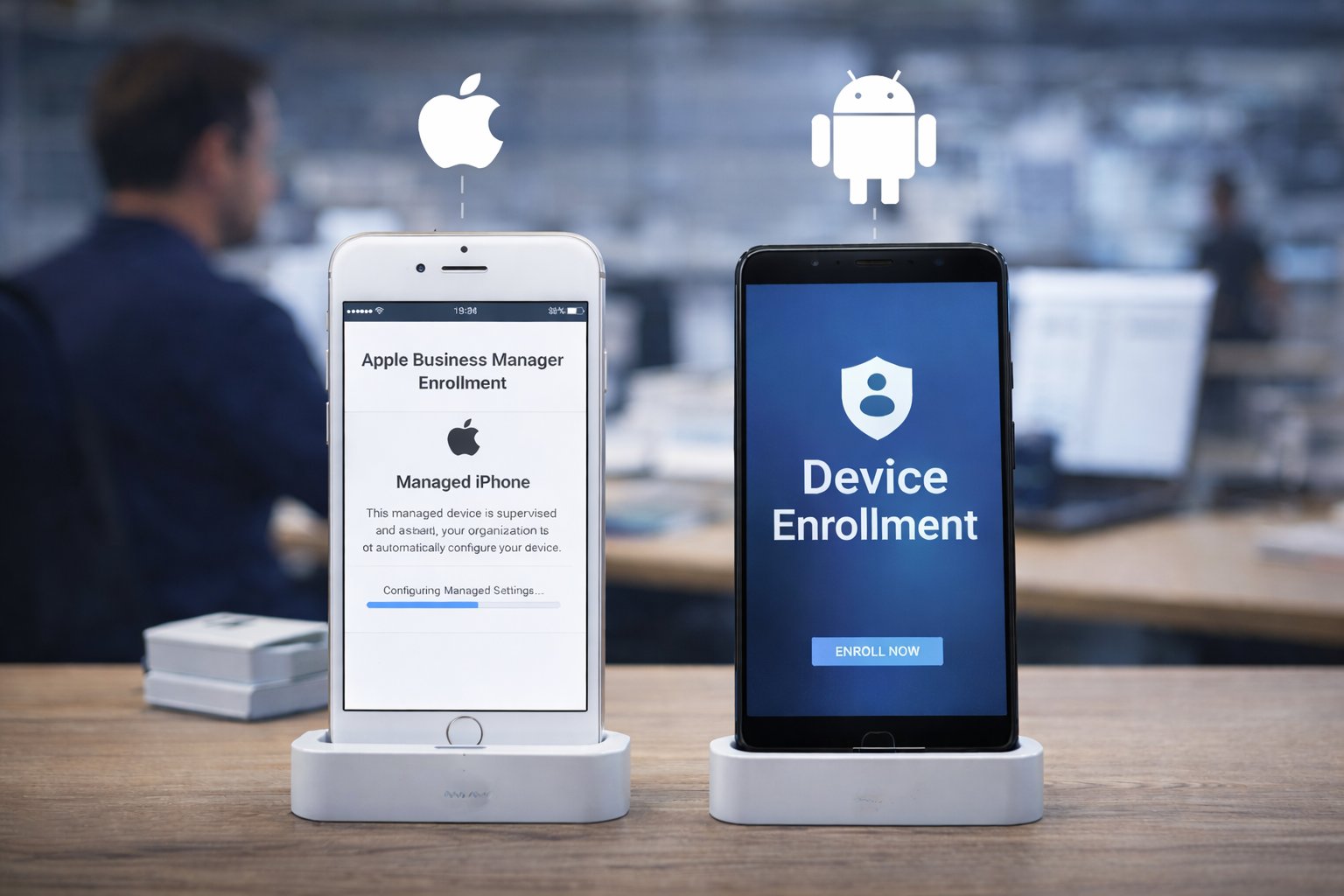
4. iOS Requires System-Level Enrollment
Unlike Android, iOS follows a strict management framework defined by Apple. Administrative control depends on proper enrollment through Apple’s official device management programs.
If enrollment is skipped or handled incorrectly, management capabilities become limited later. This architectural difference is one of the biggest distinctions between iOS and Android management.
That’s why choosing the right mdm for iOS platform matters. It must fully align with Apple’s ecosystem and support structured enrollment from day one.
5. Operational Costs Add Up Quietly
The cost of unmanaged devices is rarely obvious at first. It appears as small, repeated inefficiencies:
⚠️ IT time spent troubleshooting
⚠️ Devices misused outside business purpose
⚠️ Downtime in retail or kiosk scenarios
⚠️ Inconsistent security enforcement
Over time, these issues accumulate.

The best MDM for iOS is not simply about device control, it reduces long-term operational friction and protects business continuity.
Part 2 : Key Features to Look for in iOS MDM Solutions
When evaluating different iOS MDM solutions, it helps to focus on the capabilities that directly affect deployment efficiency, security control, and day-to-day operations.
| Feature | Why It Matters |
|---|---|
| 🔴 Bulk Enrollment | Supports Apple automated enrollment and zero-touch setup, allowing devices to be configured in batches and deployed consistently without manual intervention. |
| 🔴 Remote Lock & Wipe | Allows IT to immediately lock or erase lost devices, protecting corporate data and preventing unauthorized access. |
| 🔴 Security & Compliance Controls | Enforces passcodes, encryption, and app restrictions while providing reporting and audit visibility for compliance requirements. |
| 🔴 iOS Kiosk Mode (Single / Multi App) | Restricts devices to approved applications, helping retail and frontline environments maintain stable and uninterrupted business workflows. |
Part 3 : Top 7 Best MDM for iOS: 2026 Review & Comparison
Choosing the best MDM for iOS depends on your device volume, compliance needs, and operational scenario. Below is a structured overview of 7 widely used iOS MDM solutions in 2026.
1. Jamf Pro
Jamf Pro
Jamf Pro is a mature device management platform dedicated to Apple ecosystems. It offers comprehensive support for iPhone, iPad, and Mac deployments, helping enterprises streamline large-scale management and policy enforcement.
Key features
- ✅ Apple Business Manager automated enrollment
- ✅ Advanced configuration profiles
- ✅ App deployment and lifecycle management
- ✅ Compliance reporting and audit logging
- ✅ Integration with identity providers
| Website | https://www.jamf.com |
| Pricing | ~$5.75 per device per month |
| 👍 Best for | Apple-focused enterprises and education institutions |
2. Microsoft Intune
Microsoft Intune
Microsoft Intune is a cloud-based endpoint management solution within Microsoft’s ecosystem. It’s widely adopted by enterprises that already use Microsoft 365, enabling unified policies, app deployment, and compliance controls across iOS and other platforms.
Key features
- ✅ iOS/iPadOS management with Apple enrollment support
- ✅ Conditional Access with Microsoft Entra ID (Azure AD)
- ✅ App protection policies (MAM) for BYOD scenarios
- ✅ Compliance policies and reporting
- ✅ Integration with Microsoft Defender and security stack
| Website | https://www.microsoft.com/security/business/endpoint-management/microsoft-intune |
| Pricing | $8 per user per month – Microsoft Intune Plan |
| 👍 Best for | Enterprises standardized on Microsoft 365 & Entra ID |
3. VMware Workspace ONE
Workspace ONE
Workspace ONE is an enterprise-grade UEM platform for managing devices, apps, and access policies at scale. It’s known for deep configuration options, strong compliance capabilities, and flexibility across iOS, Android, Windows, and macOS.
Key features
- ✅ Broad UEM coverage (iOS/iPadOS, macOS, Windows, Android)
- ✅ Granular policy and configuration management
- ✅ App catalog, deployment, and updates
- ✅ Compliance, reporting, and automation workflows
- ✅ Integrations with identity providers and security tools
| Website | https://www.vmware.com/products/workspace-one.html |
| Pricing | Starting from ~$3/device/month |
| 👍 Best for | Large organizations needing cross-platform UEM at scale |
4. Ivanti Neurons for MDM
Ivanti Neurons for MDM
Ivanti Neurons for MDM (built on MobileIron capabilities) focuses on secure enterprise mobility with strong policy enforcement and compliance workflows. It’s commonly used in security-sensitive environments that need centralized control over iOS deployments.
Key features
- ✅ iOS/iPadOS device enrollment and configuration management
- ✅ Policy-based compliance with remediation actions
- ✅ App deployment and content controls
- ✅ Security integrations and visibility
- ✅ Enterprise reporting and audit readiness
| Website | https://www.ivanti.com/products/ivanti-neurons-for-mdm |
| Pricing | ~$5-10 per device per month |
| 👍 Best for | Security-driven enterprises with strict compliance needs |
5. Kandji
Kandji
Kandji is an Apple-first MDM designed for modern IT teams that want fast deployment and clean policy automation. It’s popular among growing businesses and Apple-centric orgs that prioritize streamlined workflows and device compliance.
Key features
- ✅ Apple-first management for macOS, iOS, and iPadOS
- ✅ Automated device setup and policy enforcement
- ✅ Security baselines and compliance controls
- ✅ App deployment and updates
- ✅ Simple admin UI for day-to-day operations
| Website | https://www.kandji.io |
| Pricing | Subscription-based (plan varies by device count/features) |
| 👍 Best for | Apple-centric teams wanting clean automation and quick rollout |
6. Mosyle
Mosyle
Mosyle is an Apple-focused management platform widely used in education and SMB environments. It supports iPad and Mac deployments with practical controls for profiles, apps, and classroom or workforce use cases.
Key features
- ✅ Apple device enrollment and profile management
- ✅ App deployment, updates, and restrictions
- ✅ Inventory and device compliance visibility
- ✅ Automation for common IT workflows
- ✅ Admin-friendly setup for Apple fleets
| Website | https://mosyle.com |
| Pricing | ~$1.00 per device per month |
| 👍 Best for | Education and SMBs managing iPads/Macs on a budget |
7. Cisco Meraki Systems Manager
Meraki Systems Manager
Meraki Systems Manager is a cloud-managed MDM that fits well for organizations already using Cisco Meraki networking. It simplifies device onboarding and policy deployment across iOS and other endpoints with a unified dashboard.
Key features
- ✅ Cloud dashboard for centralized device management
- ✅ iOS enrollment, profiles, and restrictions
- ✅ App management and remote actions
- ✅ Inventory visibility and compliance checks
- ✅ Works naturally with Meraki ecosystem setups
| Website | https://meraki.cisco.com/products/systems-manager/ |
| Pricing | $3-$5 per device per month |
| 👍 Best for | Teams already running Cisco Meraki networks and tools |
Part 4 : How to Choose the Right MDM Solutions for iOS
The best MDM for iOS depends on your operational scale, internal IT capability, and risk tolerance. Different organizations prioritize different capabilities, so the selection process should reflect real usage scenarios rather than feature lists alone.
1. If You're a Small Business (≤ 50 Devices)
For smaller teams, simplicity usually matters more than advanced customization.
At this stage, you likely do not need complex compliance automation or deep system integrations. A cloud-based MDM for iOS with straightforward setup and zero-touch enrollment is often sufficient. The goal is to maintain control without adding operational overhead.
2. If You're an Enterprise (Multi-Site, Compliance-Focused)
Enterprises managing hundreds or thousands of devices face a different set of challenges.
- Typical priorities include:
- * Large-scale deployment through automated enrollment
- * Detailed audit logs and compliance reporting
- * Integration with identity providers and existing IT systems
- * Granular policy and role-based access control
In these environments, visibility and governance are just as important as device control. Enterprise-grade iOS MDM solutions such as Jamf or Microsoft Intune are commonly considered because they support structured compliance workflows and scalable architecture.
3. If You Run Retail or Kiosk iPads
Retail stores, POS systems, digital signage, and frontline operations require stability above all.
Typical priorities include:
* Preventing users from exiting business applications
* Maintaining consistent kiosk configuration
* Minimizing downtime
* Enabling remote troubleshooting
In these cases, strong Single App or Multi App kiosk mode support becomes central. The ability to remotely update, lock, or recover devices reduces operational disruption. For kiosk-driven environments, reliability and control often matter more than advanced reporting features.
Part 5 : Frequently Asked Questions
1. What is the best MDM for iOS to centrally manage company iPhones and iPads?
The best MDM for iOS depends on your size and IT environment. Apple-focused organizations often choose Jamf or Kandji, while Microsoft-based companies may prefer Intune. The key is centralized control and automated enrollment.
2. What is the most cost-effective MDM for iOS for a small business with under 100 devices?
For smaller teams, cost-effective usually means cloud-based deployment with simple pricing and essential features like remote lock and wipe.
3. What is the best cloud-based MDM for iOS with simple onboarding and zero-touch enrollment?
Most modern iOS MDM solutions support zero-touch enrollment through Apple’s automated framework. The best choice is one that offers straightforward setup and clear policy management without complex configuration.
4. Do small businesses really need MDM for iOS devices?
If company data exists on employee devices, even small teams benefit from MDM. Remote lock, wipe, and basic policy control help reduce data risk and manual workload.
5. Can iOS devices be managed without official enrollment?
iOS management relies on Apple’s system-level enrollment model. Without proper enrollment, administrative control and policy enforcement are limited.

Try MDM Solution
Manage devices from a unified console
