


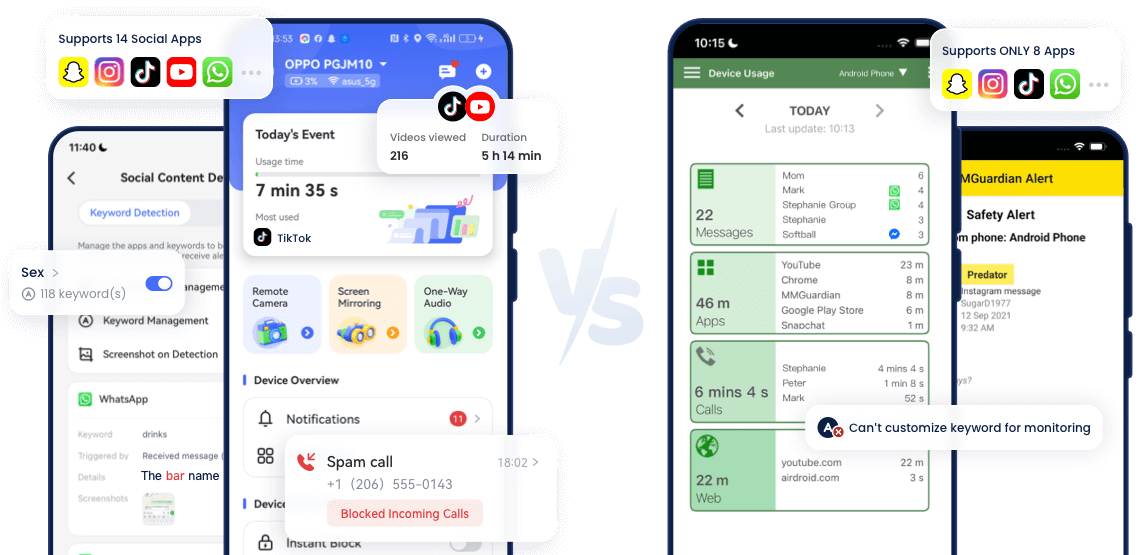
Side-By-Side Comparison
- Detailed ComparisonAirDroidMMGuardian
- Overall Rating
4.7
2.5 - Block Calls & SMSRead More

 AirDroidBlocks calls and SMS ithout any extra downloadsMMGuardianRequires installing an additional Messaging app to monitor SMS
 - Monitor Social ContentRead More
 AirDroidCovers 14 social apps and lets you set custom keywords for monitoringMMGuardianSupports only 8 apps and doesn’t allow keyword customization
 - Sync NotificationsRead More
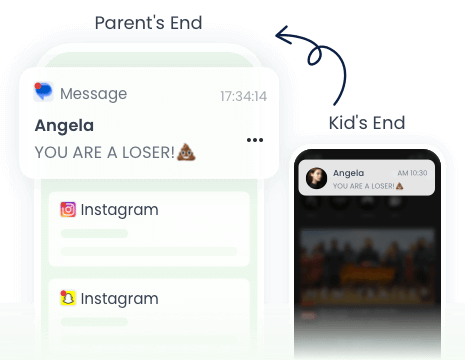
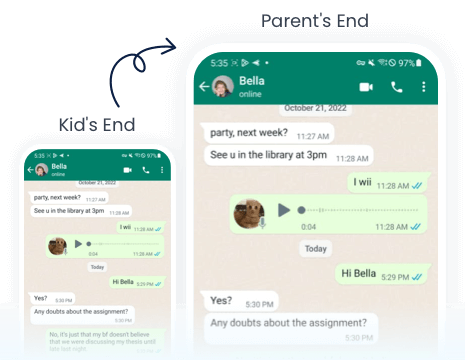
 AirDroidLets you see all SMS and app notifications from your child's Android phoneMMGuardianDoesn't support this feature
 - Mirror Screen
- View TikTok/YouTube History
- Inappropriate Image Alerts
- App & Web Filter
- Check Browsing History
- Location Tracking
- Geofencing
Final Verdict at A Glance
Best For:Parents who focus on social app monitoring and who want to ensure their child's offline safety.
- Ease of Use:
- Number of Devices:
Up to 10 - Pricing:
$9.99/month, $59.99/year
Best For:Parents who prioritize communication monitoring.
- Ease of Use:
- Number of Devices:
Up to 5 - Pricing:
$9.99/month, $99.98/year

What You Can Do with AirDroid Parental Control

When an inappropriate image is saved to your child's device, you'll be notified.
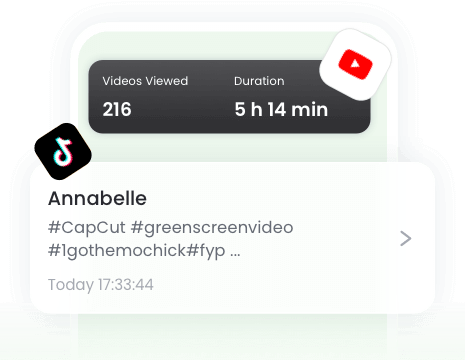
See what your children have watched on YouTube and TikTok.
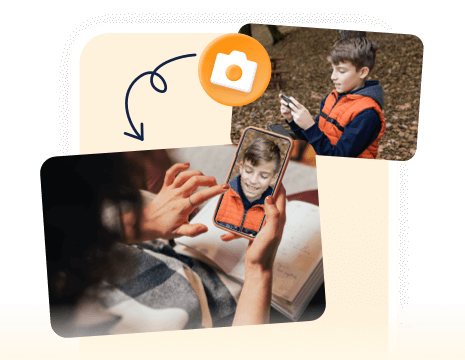
Remotely access your kid's phone camera & microphone to observe and hear their surroundings in real time.
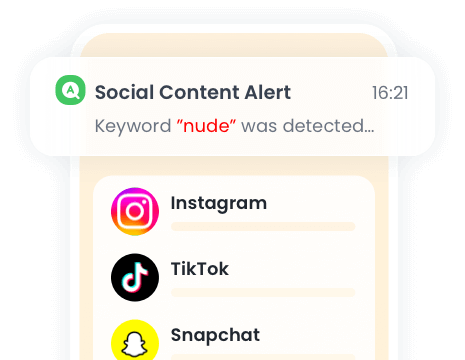
When a keyword is detected, you'll get an immediate alert with the context via screenshots.
Protect Your Family Now in 3 Easy Steps
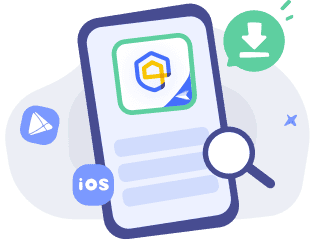

Download and Install
Download
AirDroid Parental Control on the parent's phone.
Sign Up and Sign In
Register an AirDroid account and sign in on the parent's device.
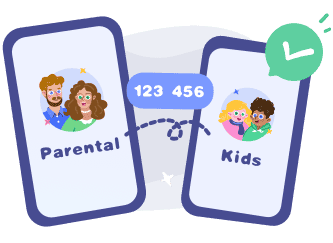
Bind Child's Device
Install the
AirDroid Kids on the kid's phone and input the binding code to connect both devices.


Frequently Asked Questions
Does AirDroid Parental Control Work with iPhone?
Yes! AirDroid Parental Control work on iOS 13 and later for both iPhone and iPad. If your child is using an iOS device, you can track location, set downtime, detect inappropriate images, block apps or websites, etc.
Can MMGuardian See Incognito Mode?
Yes. Even if your child uses incognito mode in Chrome, Edge, or Firefox, MMGuardian can track their browsing and searching activities.
Is AirDroid Parental Control App Free?
No. But you can get 3-day free trial today! Now, visit its web version and sign up to start your free trial — explore all features and see how it helps you protect your child online and offline.
Can AirDroid Be Hidden?
Yes. On your child's Android device, you can choose to hide AirDroid Kids so it runs quietly in the background. However, it's always better to be open with your child about using parental control tools. Honest communication helps build trust and teaches them healthy, responsible tech habits instead of creating secrecy or tension.
What Parents Say?






-


Uninstall Protection
-

Co-Parenting Made Easy
-

One Account Multiple Devices
-

GDPR Compliance
Miguel Almond
AirDroid Parental Control is much better than other parental monitoring apps I used previously. It's cost-efficient, has more features, and allows me to block games, apps, and websites that are not good for my child in one click.
Dude hygge
I absolutely love this app… It helps me keep track of my kids anywhere with the added bonus of being able to see any notifications that come to their phones. And the fact that the app and icon physically disappear from the phone that your tracking is A++ in my book… 😇😉👍
Michelle Morrice
I am impressed by the AirDroid Parental Control. It is easy to use and budget-friendly. It took me a few minutes to set up the app, and I could set screen time limits, website schedule, and geofence for my kids. Highly recommended!