


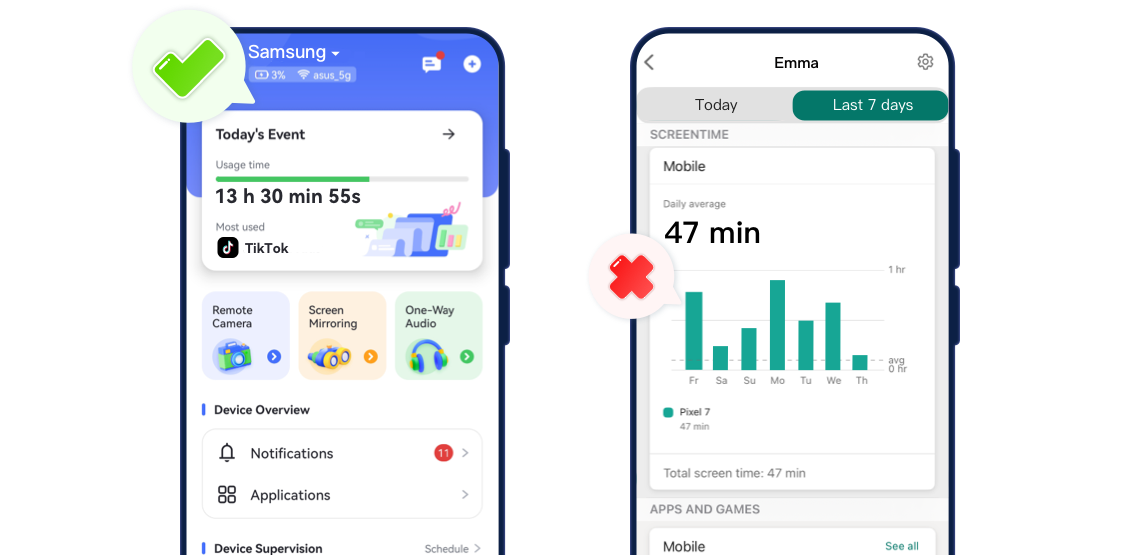
Features Comparison
- Detailed Comparison


- Google Play Store Rating4.74.0
- Pricing$5.00 / month(billed annually)Free
- Monitor Calls & Messages


- Screen Time
- Block Websites & AppsRead More
 AirdroidManage all installed browsers on your child's device, including Chrome, Samsung Internet, Opera, Edge, Firefox, and more.Microsoft Family SafetyOnly inappropriate websites when you use Microsoft Edge to browse online.
 - Detect Social Content
- Sync App Notifications
- Remote Camera


- Live Location
- Screen Monitoring
- Detect Inappropriate Images
- Family Chat
Final Verdict at A Glance
Best For:Parents who want to closely monitor their child’s phone activity, stay aware of their location, and detect risky content on social apps.
- Overall Rating:
- Key Strength:
It lets you track calls, messages, social content, and live location, while also syncing app notifications and remotely viewing the child’s device activity.
Best For:Parents who also want to manage their kids' apps and games usage across Windows, Xbox, and mobile devices.
- Overall Rating:
- Key Strength:
It allows you to manage app or game usage across Windows, Xbox, and mobile devices, helping families maintain balance and safety online.

What You Can Do with AirDroid Parental Control
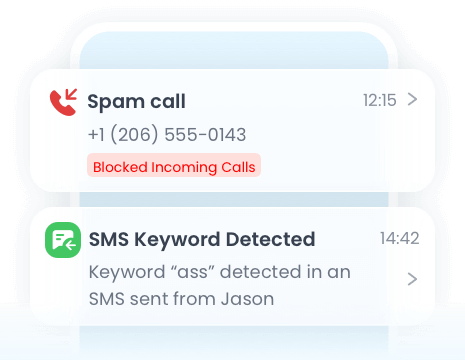
Keep track of your child’s phone activities by monitoring incoming and outgoing calls and text messages in real time.
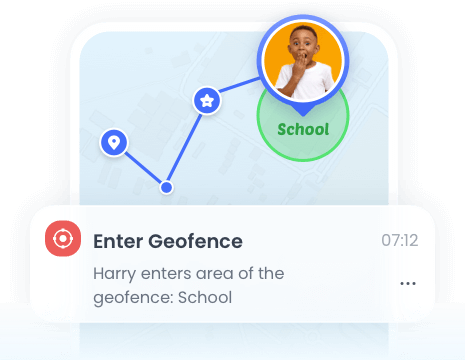
Track your child’s real-time location anytime to ensure they are safe and where they’re supposed to be.
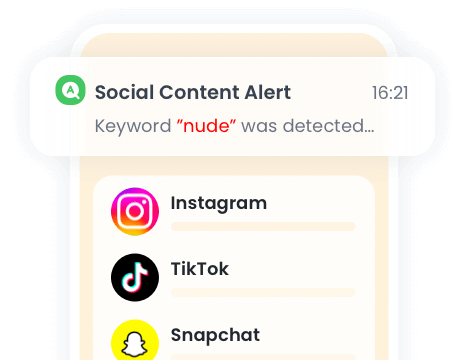
Keep an eye on your child’s social media interactions and get alerts about harmful or inappropriate messages, so you can step in before problems escalate.
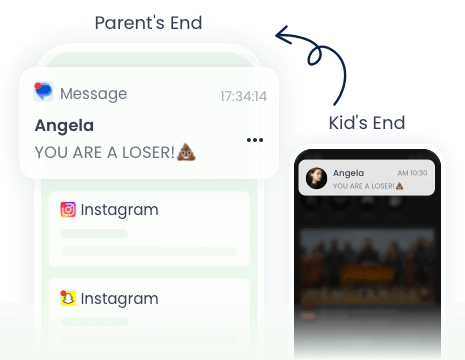
Instantly monitor your child’s phone notifications to your own device, and stay updated on incoming messages, app alerts, and activities in real time.







What Parents Say?


Uninstall Protection

Co-Parenting Made Easy

One Account Multiple Devices

GDPR Compliance
Stephane Valcauda
I can't thank the creator of this program enough. This is definitely the best program I've ever seen in my life.
Emma Lawson
Wow! Great achievement. So simple and easy to use. Fully functional to track kid's social media activities. It also provide me the access to the messages on my kid's phone that helps me knowing his activities. Being in office I have no worry about kids. I can track their location anytime I want. Best App for parents I have ever used.
Ethan Walker
This app provides 24-hour care for kids. You can chat with your family and control your camera using this app.