


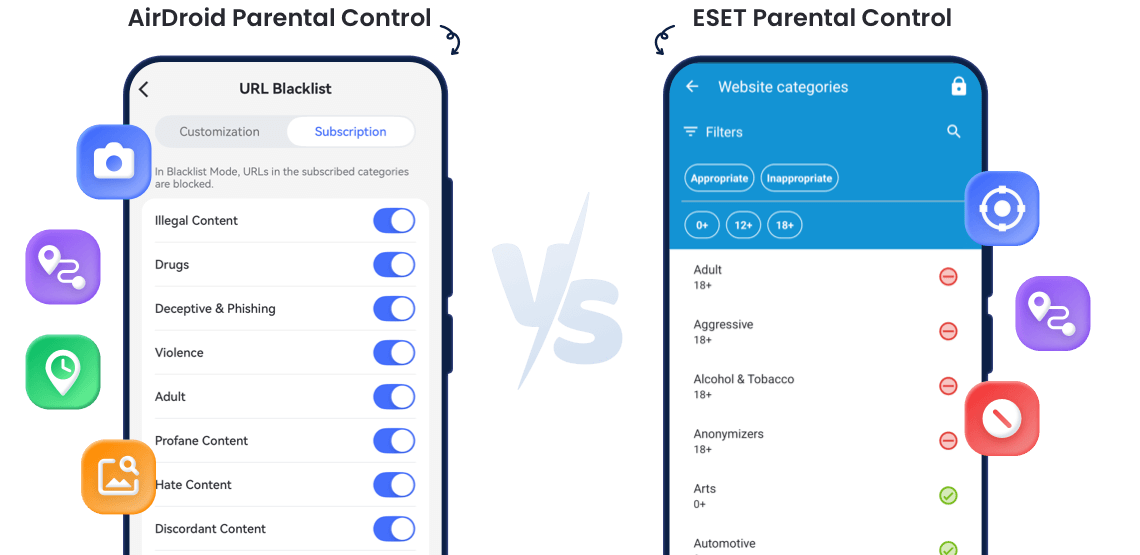
Which Parental Control App Is Better
- Detailed ComparisonAirDroidESET
- Overall Rating
4.7
4.0 - CompatibilityAndroid, iOSAndroid
- Real-time Location


- Geofencing
- Location History

- Manage Calls & SMS
- Remote Camera
- Mirror Screen
- Web Filtering
- Check Browsing History
- Limit Screen Time
- Block Apps
- Detect Inappropriate Images
AirDroid Parental Control Can:
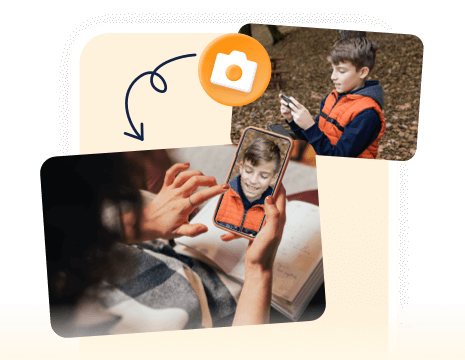
Remotely activate your child’s phone camera and microphone to see and listen to what’s happening around them in real time.
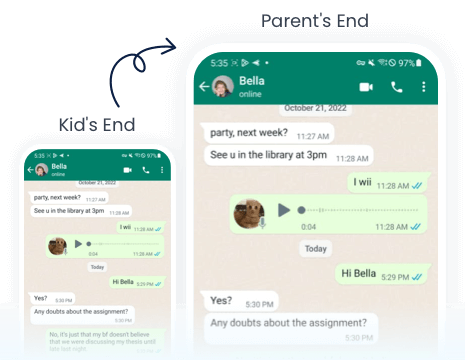
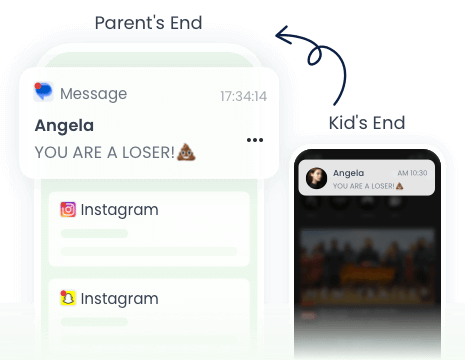
Gain insight into your child’s Android phone activity to help keep them safe online.

You’ll receive an alert whenever an inappropriate image is detected on your child’s device.

Keep a record of your child's browsing and searching history.
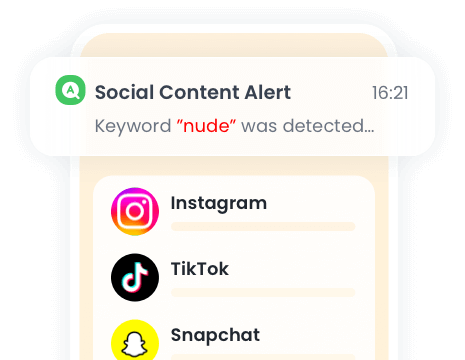
When a specific keyword is detected, you’ll instantly receive an alert along with contextual screenshots.
Final Verdict at A Glance
Best For:Parents want full-feature parental control to ensure your kid's online and offline safety.
- Ease of Use:
- Device Compatibility:
Android, iOS - Pricing:
$9.99/month, $59.99/year
Best For:Parents who need basic parental control like app blocking by age and web filtering for kid's Android device only.
- Ease of Use:
- Device Compatibility:
Android - Pricing:
Starting from $24.99/year

Protect Your Family Now in 3 Easy Steps


Download and Install
Download
AirDroid Parental Control on the parent's phone.
Sign Up and Sign In
Register an AirDroid account and sign in on the parent's device.
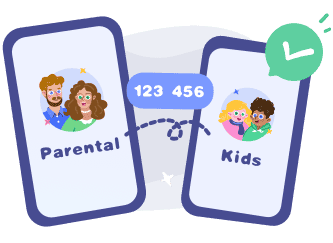
Bind Child's Device
Install
AirDroid Kids on the kid's phone and input the binding code to connect both devices.


Frequently Asked Questions
Can Either App Be Used to Monitor iOS Devices?
AirDroid Parental Control can be used to monitor your kid's iOS device as it is available on both Android and iOS, while ESET Parental Control is only available on Android devices.
Is ESET Parental Control Free?
No. ESET Parental Control is free to download. And it offers 30-day free trial to enjoy the premium features.
Will ESET Parental Control Be Discontinued?
For now ESET Parental Control is still available, but it will be discontinued after June 30, 2026. After this date, users can no longer install, activate, or use the product.
Is It Possible to Use AirDroid Parental Control on Multiple Child Devices?
Yes. With AirDroid Parental Control, you can add up to 10 kids' devices with one parental account.
What Parents Say?







-


Uninstall Protection
-

Co-Parenting Made Easy
-

One Account Multiple Devices
-

GDPR Compliance
Sophia Martinez
As a mother of two teenagers, I was looking for a reliable way to monitor their device usage. AirDroid Parental Control has been a game-changer. The screen time management and app blocking features have helped me set healthy boundaries. I especially appreciate the real-time location tracking and geofencing alerts.
Jessica Lee
AirDroid Parental Control has been a lifesaver for me. With my child attending school remotely, it's crucial to ensure they aren't distracted by non-educational apps. The app's ability to block specific apps and monitor screen time has been invaluable. The setup was straightforward, and the user interface is intuitive.
Michael Thompson
I purchased the annual subscription for AirDroid Parental Control, and initially, it worked well. The app allowed me to monitor my son's app usage and set time limits. I feel more confident knowing I can keep an eye on my child's device usage.