


AirDroid Parental Control vs Canopy: Feature and Value Comparison
- Feature Breakdown

- How Users Rate Them4.72.6
- Remote Cmera & Mic


- Screen Mirroring
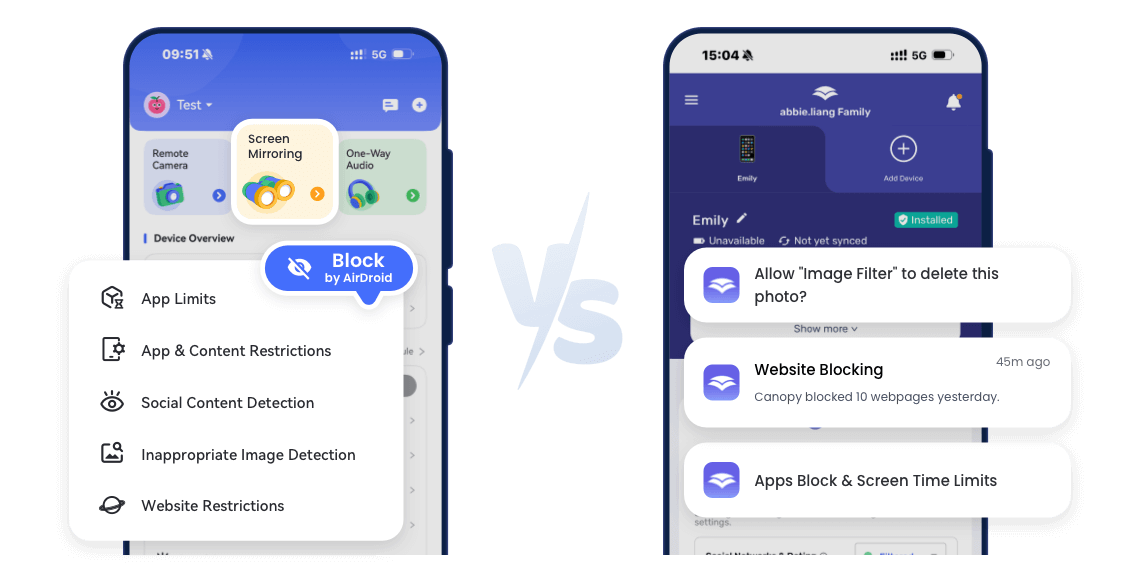
- Content FilteringRead More AirDroidOffers web filtering, social content alerts, and detection of inappropriate images in real time.CannopyIn our tests, its content filtering was ineffective — inappropriate images and links went through without any alerts or blocking.





- Screen-Time Scheduling
- App Blocking
- Family Communication
- Cross-PlatformRead More AirDroidAndroid, iOS, WebCannopyAndroid, iOS, Win, macOS, Chromebook
- Free TrialRead More AirDroid3 days, no need to bind the payment information and add subscriptionCannopy7 days, need to add payment information and subscription, and you can get it directly after the trial period.
- Starter Price$9.99/mo
$19.99/qtr
$59.99/yr (up to 10 family members)From $7.99/mo (3 devices) up to $15.99/mo (10 devices) - Recommended Age5–17 years (covers young children to teens)8–16 years (focus on older kids/teens)
AirDroid V.S. Canopy Overview
- Overall Rating:
- Performance & Reliability:
- Smooth operation on Android and iOS; content filtering, geofence alerts, and notifications work consistently as expected.
- Key Takeaways:
- Provides comprehensive device management, reliable web and social content filtering, location tracking, app & screen-time control, and family communication tools.
- Overall Rating:
- Performance & Reliability:
- Runs with some lag on tested devices; content filtering and geofence features do not reliably trigger alerts, meaning inappropriate content can reach children without notification.
- Key Takeaways:
- Limited to basic web and social content filtering, but in practice alerts are often ineffective; lacks reliable geofence notifications and advanced device management features.

Real-World Worries
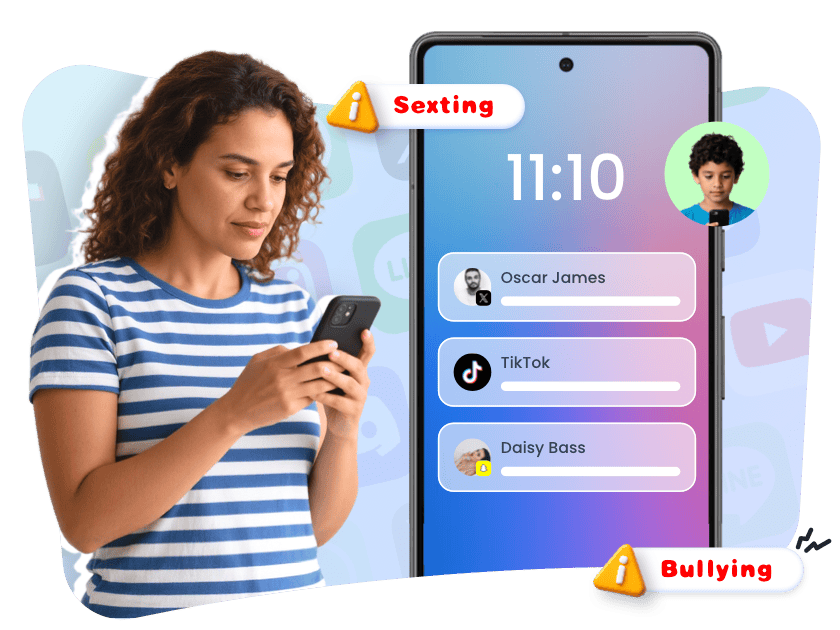

 Cyberbullying at School
Kids facing harassment or exclusion from classmates via messaging apps or social media platforms.
 Late-Night Social Media Use
Teens staying up past midnight scrolling TikTok, Snapchat, or Instagram, causing sleep deprivation and affecting school performance.
 Exposure to Inappropriate Content
Accidental or intentional access to pornographic or violent material online, including videos, websites, or social media posts.
 Installing Unsafe Apps
Children downloading apps from unofficial sources, risking malware, data leaks, or exposure to inappropriate content.
- Unmonitored After-School Activities
Kids going to unknown locations or meeting unsupervised friends after school, making it hard for parents to track their safety.
 Procrastination and Late-Night Homework
Kids leaving homework until late at night, resulting in sleep deprivation and stress.
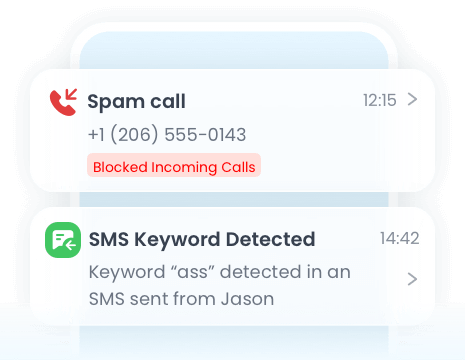
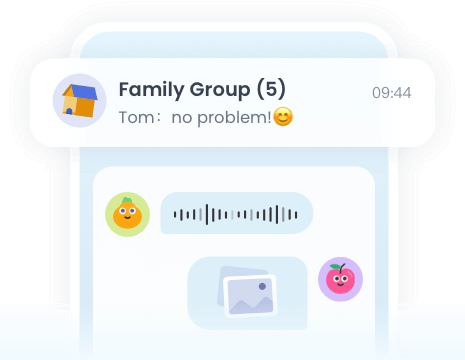
AirDroid Parental Control Gives You the Power to
Comments from AirDroid Parental Control Users





Complete Family Protection in 3 Easy Steps

Get Started
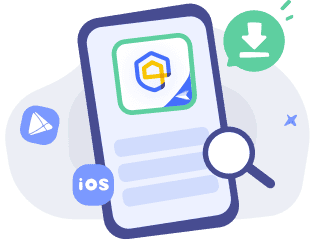
Download
AirDroid Parental Control or go to AirDroid Parental Control Web.
Sign Up and Sign In
Register an AirDroid account and sign in on the parent's device.
Bind Child's Device
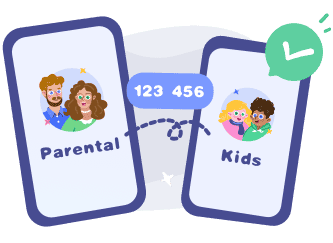
Install the
AirDroid Kids on the kid's phone and input the
binding code to connect both devices.
Start with AirDroid Parental Control to Protect Your Kids Now
Frequently Asked Questions
Does Either App Work on iPhone?
Both apps work on iPhone, but iOS versions are somewhat more limited than Android. If your goal is to help your child use their device safely and responsibly, AirDroid allows for more consistent screen time management, app oversight, and activity notifications, while Canopy’s content filtering and alerts may not always work as expected.
Will My Kid Know the App Is Installed?
AirDroid prioritizes responsible use by encouraging children to be aware of monitoring, while also offering flexible options for parents to manage notifications or use hidden mode on Android in exceptional cases.
Do These Apps Affect Device Performance?
In real-world testing, AirDroid maintains smooth device operation without affecting speed or battery life, whereas Canopy can be sluggish and more power-intensive, particularly when its background or hidden functions are active.
Sarah T.
I am impressed by the AirDroid Parental Control. It is easy to use and budget-friendly. It took me a few minutes to set up the app, and I could set screen time limits, website schedule, and geofence for my kids. Highly recommended!
Marcus L.
I used Canopy before, but it kept freezing and and didn't block adult content well. AirDroid is smoother, and the live mirroring and app controls make parenting so much easier.
Maya W.
I wasn’t expecting much at first, but AirDroid turned out to be really useful. I can see app activity, set limits, and get instant alerts when my kid tries to open blocked content. iOS version still has fewer features, but it’s getting better.
Vivian N.
The app's user-friendly design makes it accessible even for those less tech-savvy, but the iPhone version for kids seems to have fewer features — hoping to see improvements in future updates.