


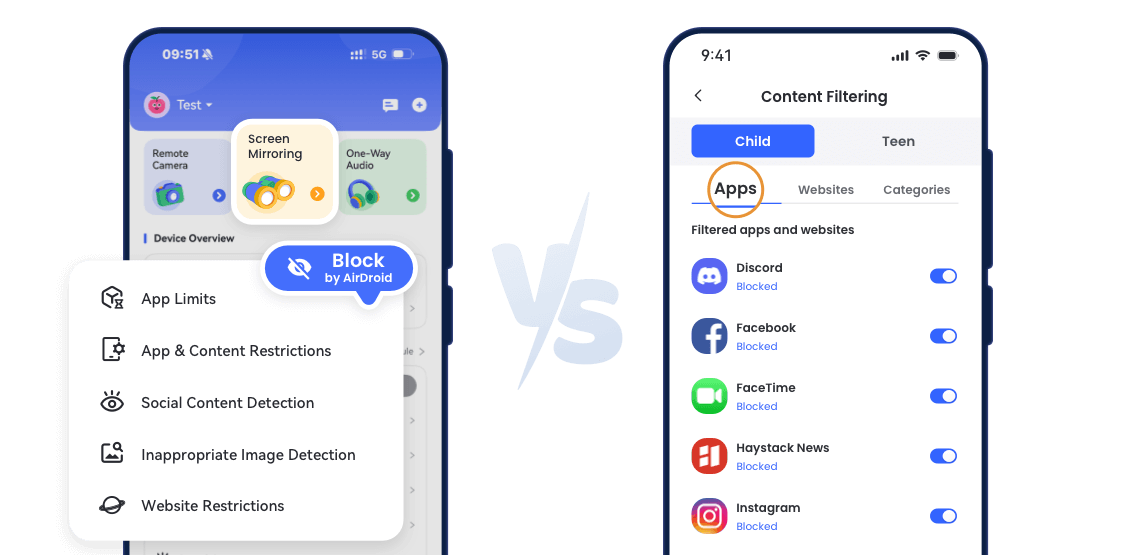
AirDroid vs Aura: Feature-by-Feature Comparison
- Feature Breakdown

- Ratings at a Glance4.74.1
- Real-Time Screen Monitoring


- App & Screen Time ControlsRead More AirDroidSupports per-app blocking, daily and weekly time limits, and scheduled downtime.AuraAllows per-app and category time limits, supports pause Internet and daily schedules, but does not fully block apps (only restricts screen time).


- Remote Camera & One-Way Audio
- Safe Gaming ToolsRead More AirDroid~AuraMonitors in-game voice and text for cyberbullying and predator threats, and provides weekly gaming activity reports for parents.
- Identity & Financial ProtectionRead More
 AirDroid~AuraIdentity protection, credit monitoring, fraud alerts, $5M insurance, antivirus/VPN/password manager in Aura Family Plan.
 - Family Chat
AirDroid Parental Control vs Aura: Pricing Comparison


AirDroid Parental Control- Plan Type: Standalone app focused on child monitoring
- Monthly: $9.99/month
- Quarterly: $19.99/quarter (~$6.66/month)
- Annual: $59.99/year (~$5.00/month)
- Free Trial: 3 days, 3 days — no credit card or subscription required
- Best Value For: Families focused on real-time child monitoring and online safety

Aura- Plan Type: "Kids Plan" (parental controls only) and "Family Plan" (all‑in‑one digital security + parental controls)
- Kids Plan Monthly: $13/month (billed monthly) or $10/month (billed annually)
- Family Plan Monthly: $32/month (billed annually) or up to $50/month if billed monthly
- Free Trial: 14 days, requires payment info (credit card or PayPal)
- Best Value For: Families needing both kids' device controls and full family digital safety (identity theft protection, VPN, antivirus, password manager)
AirDroid V.S. Aura Overview
- Overall Rating:
- Ease of Use: Intuitive dashboard, easy device setup, simple navigation for all features.
- Key Strength: Real-time screen mirroring, location tracking & geofencing, remote camera & one-way audio, app usage limits, family chat
- Summary: Focused on child device monitoring, offering live screen viewing, location tracking, app management, and remote monitoring—ideal for parents who want full visibility of their child’s online activity.
- Overall Rating:
- Ease of Use: Simple setup and straightforward to navigate.
- Key Strength: Pause Internet feature, in-game voice/text monitoring, cyberbullying & predator alerts, weekly gaming activity reports
- Summary: Part of a full-family security suite, combining child monitoring with extensive digital protection for all household members, including online safety, identity security, and device protection.

Compare to Aura: Why AirDroid Parental Control Stands Out
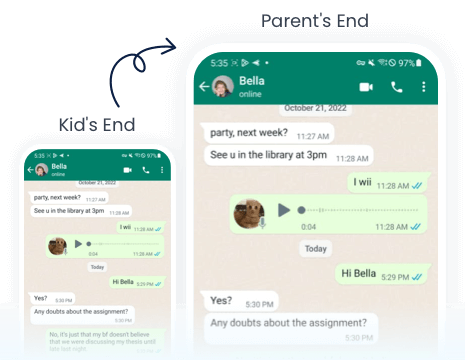
See your child's screen live anytime for instant awareness and quick action — while Aura only provides app & web usage summaries.
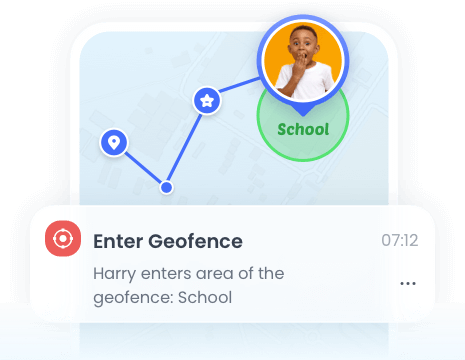
Monitor your child's real-time location and set safe zones with geofence alerts for added safety and peace of mind.
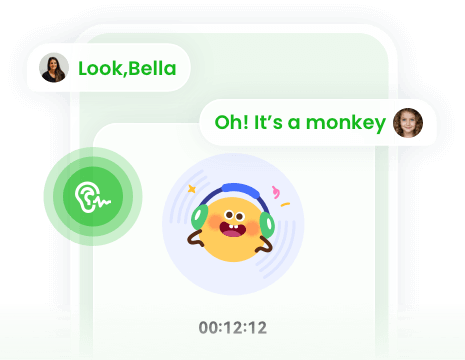
View and listen to your child’s surroundings remotely for added safety — a peace-of-mind feature for the offline safety that Aura doesn't provide.
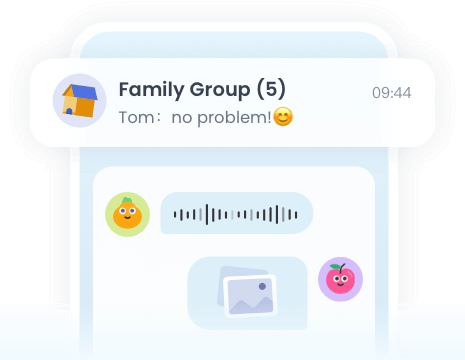
Stay in touch through AirDroid’s secure in-app family chat, keeping kids connected safely — a feature missing from Aura.
Real-World Parental Control Tools Use Cases


 Monitor Late-Night Phone Use
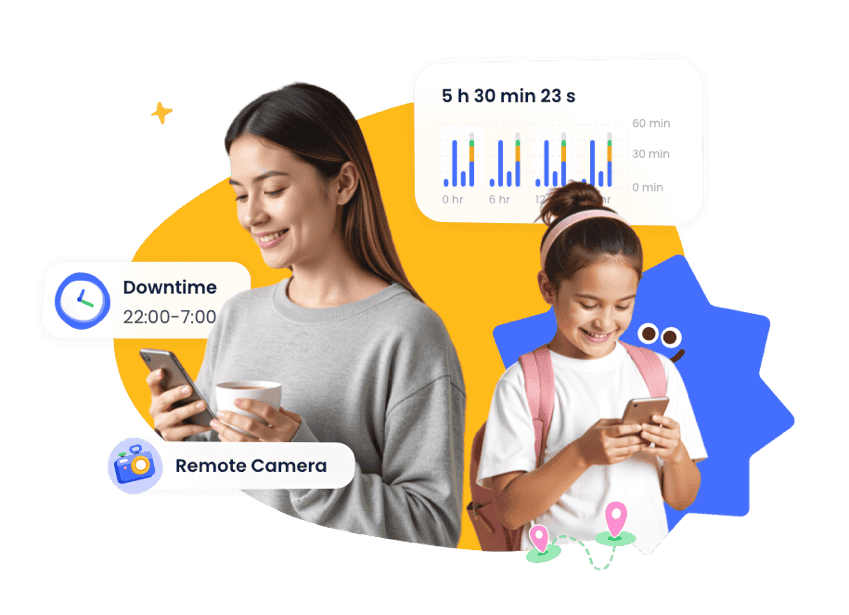
Kids staying up past bedtime on social media or games? AirDroid's Screen Mirroring & App Limits let parents see activity in real time and enforce downtime schedules.
 Block Harmful Websites Instantly
Protect your child from adult content, violence, and drug-related sites across any browser with AI-Powered Website Filtering.
 Detect Risky Social Media Content
Receive alerts if your child encounters inappropriate messages or posts via Social Content Detection on popular apps.
 Keep Track of Physical Location
Know where your kids are after school or during outings using Live Location & Geofencing, with instant notifications if they leave safe zones.
- Monitor Calls & SMS for Safety
View call logs and messages to ensure your child isn't contacted by strangers or bullied through texts.
 Encourage Balanced Screen Time
Set App Limits & Schedule Downtime to help kids focus on homework, family time, and sleep without constant nagging.
 Safe Communication with Parents
Use Family Chats to stay connected, allowing kids to reach out safely without exposing them to public messaging platforms.
 Remote Check-In on Surroundings
With Remote Camera & One-Way Audio, parents can quickly see or hear what's happening around their child for peace of mind during emergencies.
Comments from AirDroid Parental Control Users







Complete Family Protection in 3 Easy Steps
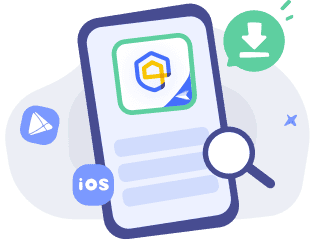

Get Started
Download
AirDroid Parental Control or go to AirDroid Parental Control Web.
Sign Up and Sign In
Register an AirDroid account and sign in on the parent's device.
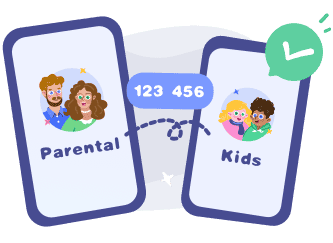
Bind Child's Device
Install the
AirDroid Kids on the kid's phone and input the
binding code to connect both devices.
Start with AirDroid Parental Control to Protect Your Kids Now
James T.
AirDroid is super intuitive. Setting up app limits and downtime schedules took me less than 10 minutes. The AI content detection actually works across multiple apps — something I didn't get with Aura.
Sophia L.
I love that AirDroid has a built-in family chat. My kids use it instead of random messaging apps, and I know our communication is safe.
Olivia S.
AirDroid allows me to view my child's screen in real time and receive alerts of dangerous messages, which gives me unprecedented peace of mind.