


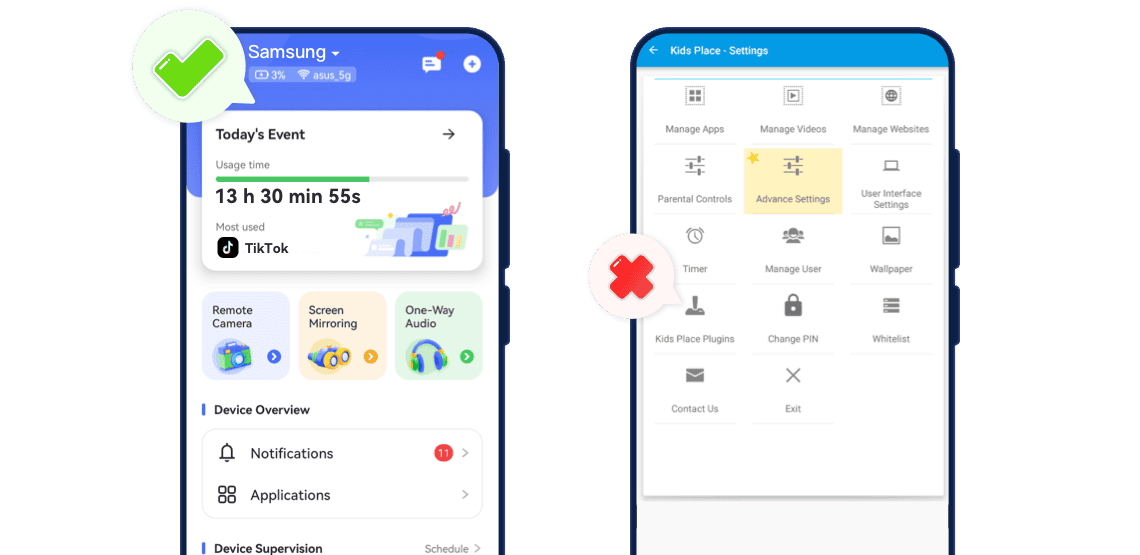
AirDroid vs Kids Place: Feature-by-Feature Comparison
- Feature Breakdown

- Platform supportParent & child apps on Android & iOSAndroid phone & tablet (kid mode / launcher)
- Remote control from parent's phoneRead More


 AirDroidFully supported.Kids PlaceLimited remote control via Kids Place Remote Control (change some settings, lock/unlock Kids Place on Android).
 - Live screen / screen mirroring

- Location tracking & geofencing
- App blocking
- Screen time & schedules
- Web & content filteringRead More AirDroidKeyword alerts, social media monitoring, block inappropriate websites, restrict iTunes & App Store purchases.Kids PlaceManaging browser access via Kids Place Browser.
- Manage videoRead More AirDroidNot SupportedKids PlaceRequires Kids Safe Video Player plugin (approved videos only)
- Manage ImageRead More AirDroidDetects suspicious/inappropriate images in gallery.Kids PlaceNot supported.
- Kid-safe home screen
- Remote alerts & notifications
- Create tasks for kids


Which One Is Better for You?
- You want to supervise your child remotely from your own phone.
- You need a solution that works across multiple devices (Android & iOS).
- You care about location safety, alerts, and content monitoring.
- You want notifications for app usage, social media, calls, SMS, or inappropriate images.
- You only need to manage one Android phone or tablet.
- Your goal is to lock the device into a kid-safe mode with only approved apps visible.
- Remote monitoring, GPS tracking, or multi-device management is not required.
- You prefer configuring settings locally on the child's device.

Frequently Asked Questions
What's the main difference between the two?
AirDroid Parental Control is designed for remote monitoring and safety management.
It lets parents oversee the child's device from their own phone — including real-time screen viewing, location tracking, alerts for risky content, app usage insights, and multi-device control.
It focuses on online safety, digital behavior, and cross-device supervision.
Kids Place Parental Control is designed to turn an Android device into a local kid-safe mode.
It replaces the home screen with a custom kids launcher where only approved apps appear.
It focuses on device interface control, not monitoring — and it works mainly on one Android device at a time without GPS, alerts, or remote supervision.Both apps limit screen time. How to Choose?
Pick Kids Place if your only requirement is enforcing minutes on a single Android device.
Pick AirDroid if you want screen-time limits plus contextual safety, flexible scheduling, remote control and content/behavior monitoring — i.e., time management informed by real behavior and location.Will my child know they're being monitored?
Yes. Both apps must be installed on the child's device, but with AirDroid, you can enable app stealth mode on AirDroid Kids.
Best practice: Always monitor with the child's awareness and consent, explaining the purpose clearly and agreeing on rules together to ensure responsible and transparent digital supervision.
Best Fit Scenarios


 School-Age Child With a Smartphone
Goal: Ensure phone usage is safe and balanced.
Best Fit: AirDroid Parental Control
Why: Allows parents to supervise and manage the child remotely. Shared Family Tablet for a Young Child
Goal: Turn an Android tablet into a safe kids-only device.
Best Fit: Kids Place Parental Control
Why: Provides dedicated kid launcher and browser/video restrictions. Teen With Multiple Devices
Goal: Apply consistent rules across phone and additional devices.
Best Fit: AirDroid Parental Control
Why: Ensures unified rules and remote management. Grandparents Supervising Child
Goal: Maintain safe device usage without tech-savvy supervision.
Best Fit: AirDroid Parental Control
Why: Parents can manage rules remotely; grandparents only need to turn on the device.
AirDroid Key Capabilities
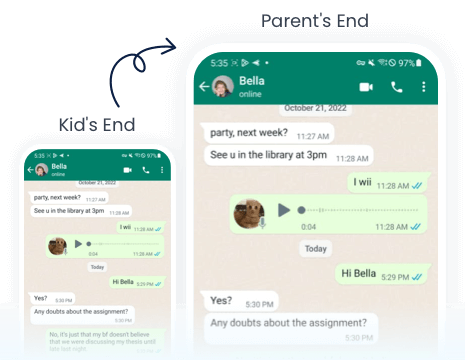
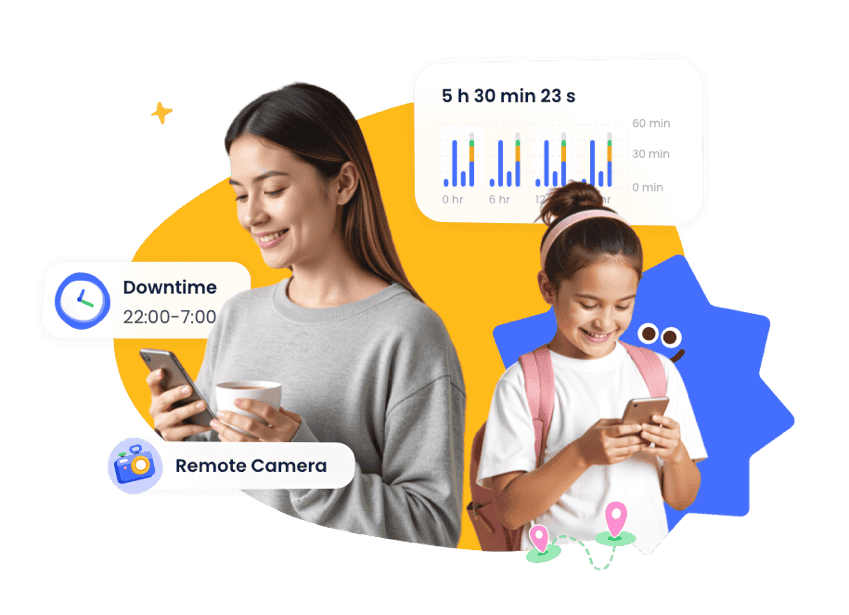
See live screen or screen mirroring to understand what your child is doing in real time.
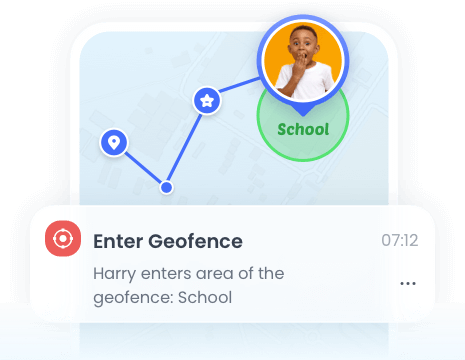
Track devices in real time, view history, set safe zones, and enable remote camera & one-way audio.
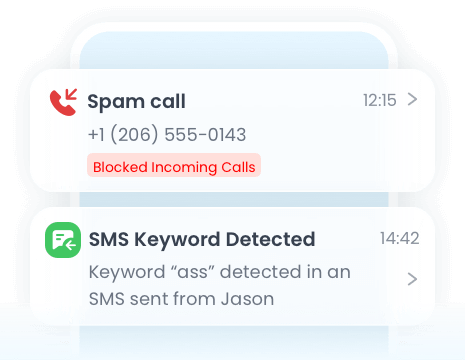
Receive warnings for app usage, social content risks, or inappropriate images.
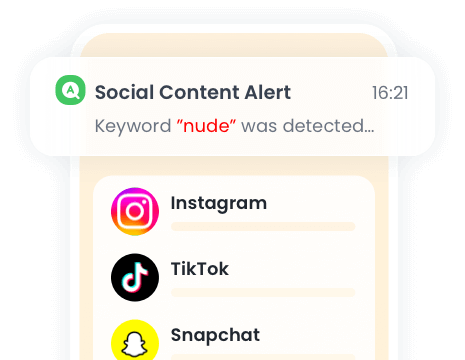
Send risk alerts so you can step in early instead of finding out too late.
Comments from AirDroid Parental Control Users




Complete Family Protection in 3 Easy Steps
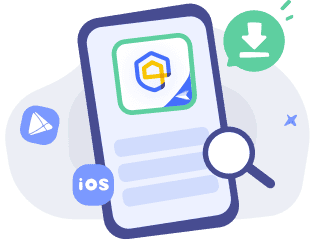

Download and Install
Download AirDroid Parental Control or go to AirDroid Parental Control Web.

Sign Up and Sign In
Register an AirDroid account and sign in on the parent's device.
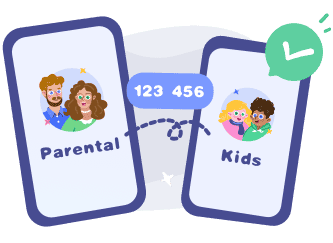
Bind Child's Device
Install the AirDroid Kids on the kid's phone and input the
binding code to connect both devices.
Start with AirDroid Parental Control to Protect Your Kids Now
Olivia S.
I switched from Kids Place to AirDroid when my child started using social media. The keyword alerts and image detection give me peace of mind.
Sophia L.
Kids Place is perfect for my 5-year-old. I only needed a safe launcher with limited apps. AirDroid has advanced features, but I don’t need remote controls yet.
James T.
AirDroid works across Android and iPhone, which is great because we don’t use the same type of phone. Kids Place couldn't support that.