

What Is Remote Access Device Monitoring?
- Remote access monitoring provides the capability for IT and network teams to check, control, and manage devices in real time from anywhere.
- It gives them visibility into performance, usage, and most importantly, security. Rather than having to be on-site, you get eyes and arms on every remote endpoint and deployed device from offices, retail stores, or even your designer’s house across the globe.
- Whether you’re a small or an enterprise-level business owner, having this kind of support tool is a big advantage. It prevents and reduces downtime, speeds up troubleshooting, and makes your IT operations more efficient and less chaotic. And most importantly, it cut costs.
- AirDroid Business delivers this capability through a robust, complete, Android-focused platform built for your IT and operations teams. It provides secure control over your device fleet for five tablets or 5,000 kiosks, making remote monitoring a baseline.
-


Proactive Health Monitoring
Real-time CPU, memory, storage, battery, network insights.
-

Instant Remote Control
Secure access for rapid troubleshooting, no physical presence needed.
-

True Unattended Access
Keep kiosks, POS, and critical devices always operational.
-

Automated Issue Resolution
Alerts & actions to fix problems before they impact users.
Built For Modern IT Environments: Real-World Applications
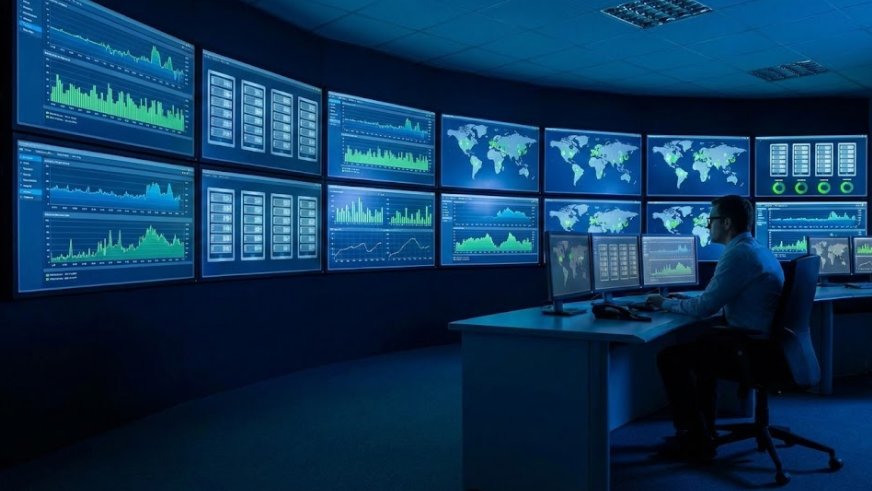
 IT System Monitoring
Your IT team needs eyes on every device, app, and connection, especially when your workforce or assets are spread out.
With AirDroid Business, system monitoring occurs in real-time. You’ll know when CPU spikes, when data overages are logged, and when device overheating is flagged.
You get detailed insights on performance, app activity, and network status, all from a centralized dashboard.
No jumping between tools or guesswork. It keeps your infrastructure stable, efficient, and easier to remote manage at scale. Remote Troubleshooting & Support
Things break. That’s a given. But with AirDroid Business, your support team doesn’t need to wait for users to describe the problem or click around on their end.
You can initiate a remote session instantly, take control of the device, and fix the issue in seconds, whether it's an app crash, a misconfigured setting, or a system freeze.
Forget tickets piling or driving out there. You’ll get fast, direct support that actually works even over 4G or weak networks.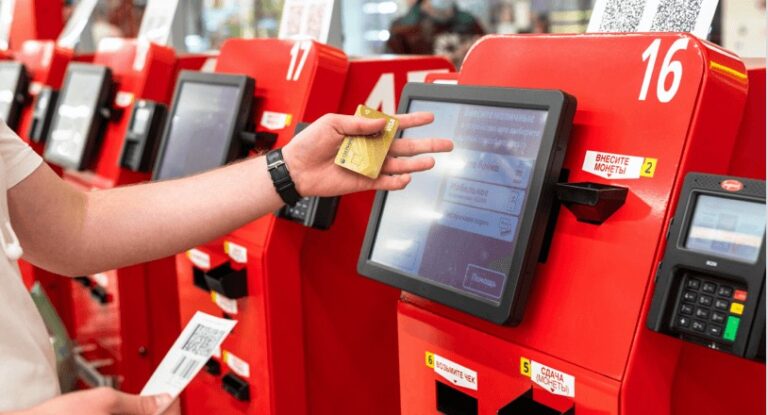 Kiosk & POS Monitoring
When you’re running digital kiosks or Android-based point-of-sale devices, uptime is non-negotiable.
A single frozen screen or reboot loop can lead to lost sales or frustrated customers. With AirDroid Business, you can monitor these devices 24/7, enforce kiosk mode, lock down apps, track device health, and trigger alerts if something’s off. It’s built for industries where reliability matters, like retail, food service, logistics, and more.
Powerful Features for Total Remote Device Control
- Monitoring
- Access
- Alerts
- Commands
- Security
- Management
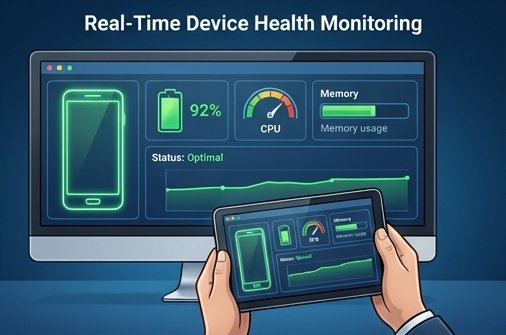
Real-Time Device Health Monitoring
- CPU usage: Identify bottlenecks or apps draining resources.
- Battery performance: Spot failing batteries or usage issues before they kill uptime.
- Data usage: Track overages or unauthorized activity.
- App crashes: Log issues fast, and connect them to root causes.
- Device temperature: Prevent overheating in harsh environments.
- System logs: Access real-time logs remotely to troubleshoot smarter, not harder.
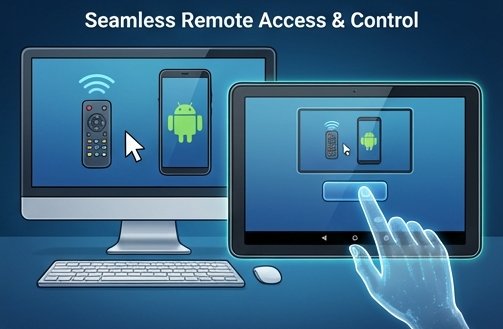
Seamless Remote Access & Control
- High-performance connection with minimal latency, even across continents.
- Works over 4G/5G, and even handles spotty Wi-Fi.
- No user interaction required. Access devices in true unattended mode.
- Screen sharing, keyboard, and mouse control are fully enabled, secure, and responsive.
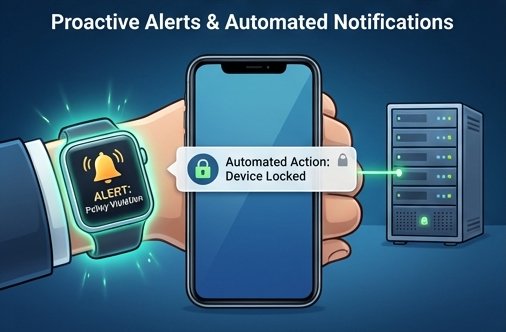
Proactive Alerts & Automated Notifications
Remote Device Actions & Commands

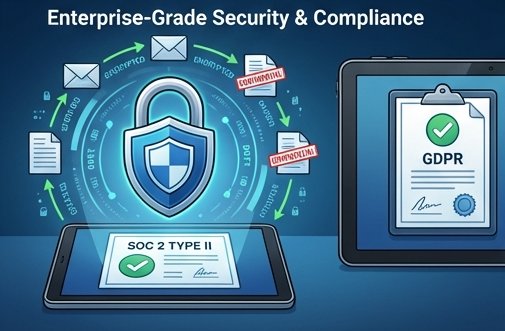
Enterprise-Grade Security & Compliance
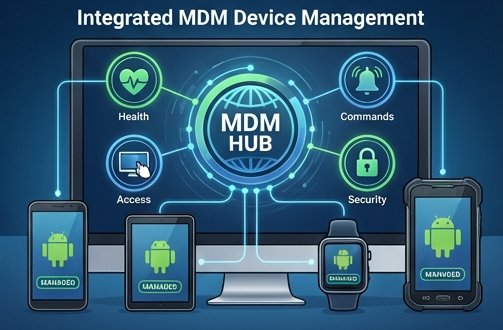
Integrated MDM Device Management

Flexible, Transparent Pricing for Your Business
FAQs
How to set up remote device monitoring?
AirDroid Business makes it simple. Installing the Biz Daemon on your Android devices. Follow the enrollment guide to bind devices. Once enrolled, each device will appear in your AirDroid Business dashboard. From there, you can start monitoring, managing, and remotely accessing them, with no coding or manual setup needed.
Is remote device monitoring secure?
Yes! If you’re using a platform built for enterprise use. AirDroid Business uses end-to-end AES-256 encryption, role-based access controls, and strict session management to ensure every remote connection stays protected. Admins can also set granular policies to limit actions per user role.
How to choose the right remote monitoring solution for your enterprise?
Start by identifying your core needs. Do you just need access, or also MDM features? How many devices are you managing? Do you need unattended control? AirDroid Business checks all the boxes, including real-time visibility, MDM policies, remote control, and deep Android compatibility. It's designed for IT teams that need real control, not workarounds.
Cloud or On-premise Deployment: Which is right for me?
Cloud is fast to deploy and easy to scale. On-premise gives you full control over data and infrastructure. If you're in a highly regulated industry, on-prem might be best. For everyone else, Cloud offers the flexibility and speed most teams need.

Try MDM Solution
Manage devices from a unified console
