
Family Link Covers Google Apps — Not the Ones Kids Use Most
- 🚨Monitor social & messaging apps beyond Google
- 👀See your child’s phone activity in real time
- 👂Check live surroundings to confirm child’s safety
For parents · Web, iOS & Android · Cancel anytime


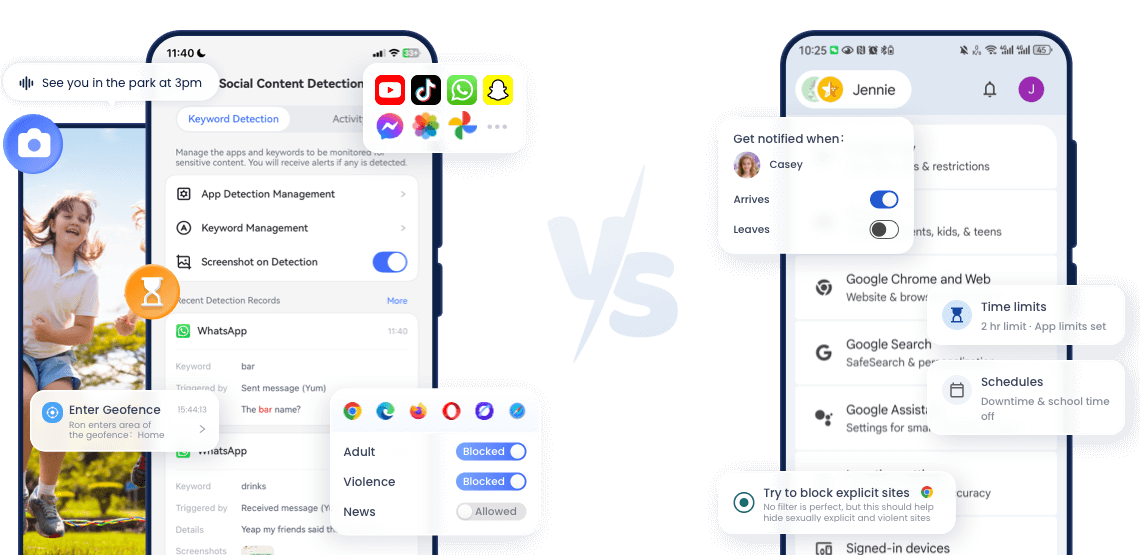
Compare the Features
- Detailed Comparison






Get Your Best Fit in 30 Seconds
- Filter content easily beyond Google apps
- See and hear your child’s surroundings anytime
- Protect your kids across Android and iOS devices
- Control everything right from any browser
- Get instant alerts for any unusual risks
- Your child only uses Android or Chromebook
- Just need basic screen time and app controls
- The child is under 13 and mostly use Google services
- Want a free tool and don’t mind limited features








AirDroid vs. Family Link: Where We Go Further
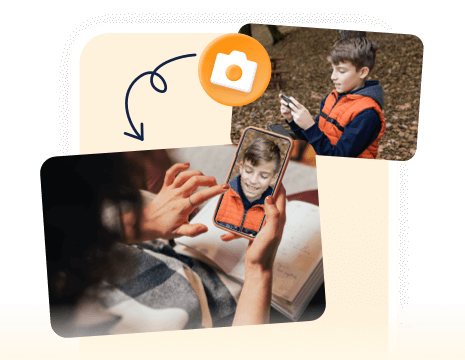
See what’s around your child in real time — perfect for safety checks anytime, anywhere.
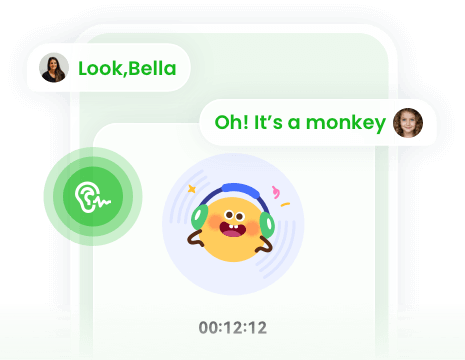
Listen to your child’s surroundings in real time for added safety.
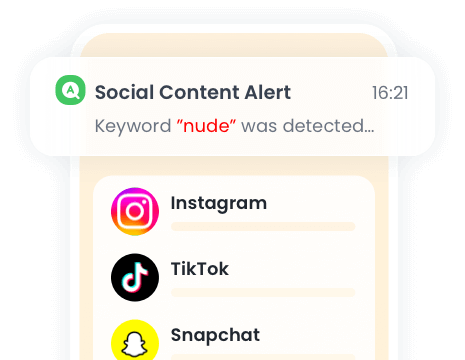
Filter harmful content on WhatsApp, Snapchat, and 10+ other apps with real-time alerts.
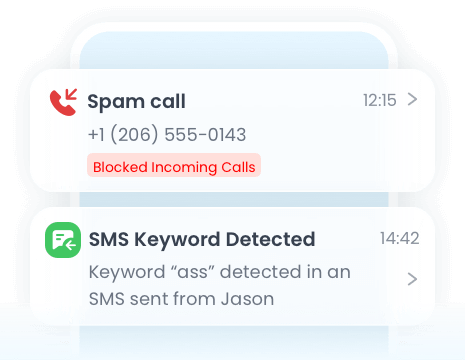
Monitor calls and SMS to stay aware of your child’s communications.
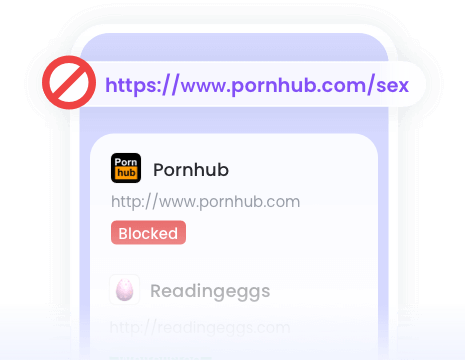
Track visited websites and set filters on Chrome, Edge, Firefox, Safari, and more.

Detect explicit images on your child’s device instantly for real-time protection.
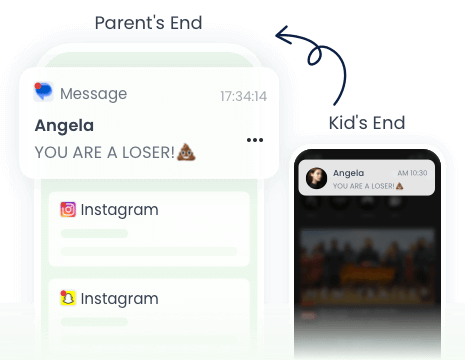
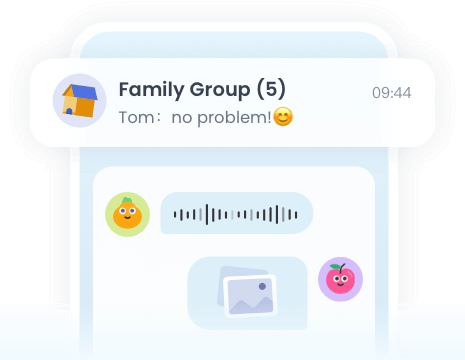
Sync notifications to see who your child chats with and spot risky messages.
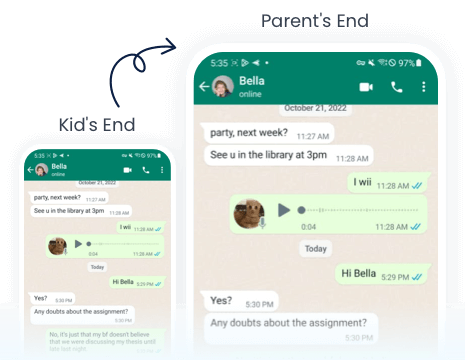
View your child’s screen live during urgent or suspicious situations.
Your Peace of Mind is One Tap Away
- AirDroid Parental Control
14,430,300 parents have downloaded it!
-


Uninstall Protection
-

Co-Parenting Made Easy
-

One Account Multiple Devices
-

GDPR Compliance