
Life360 Shares Location. AirDroid Helps Parents Respond.
- 📍 Real-time location, history & geofence alerts
- 👂Know sooner when something may be wrong
- 🚨SOS alerts with location and surrounding sound (child-initiated)
Web & app · For parents · Cancel anytime.


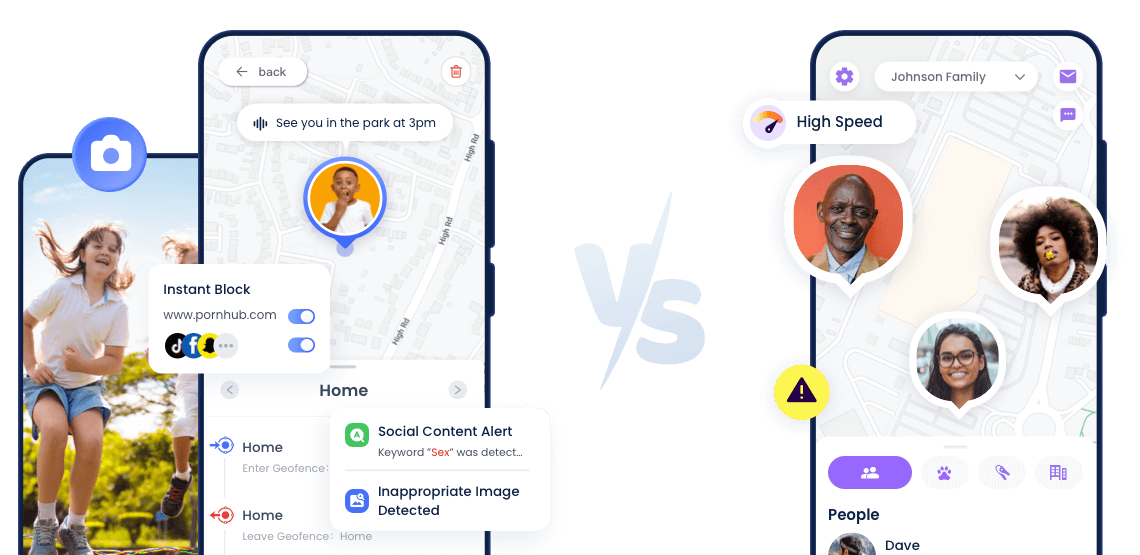
Get Your Best Fit in 30 Seconds
Choose AirDroid Parental Control if you:
- Remotely check child's surroundings beyond location tracking
- Filter adult/cyberbullying content for middle schoolers
- Limit teen’s TikTok/Instagram time during homework
Choose Life360 if you:
- Need basic family location sharing, no detailed monitoring
- Family has frequent teen drivers needing safety checks
- No need for unsafe content checks or screen time limits

Core Comparison
- Situation





When child goes silent
Alerts & actions
Location only
Emergency moments
SOS & real-time checks
Limited
Risky content appears
Risk alerts

Too much time on apps
Limits & schedules
Need to block unsafe apps/sites
Blocking

Why Parents Switch
- "I know where my child is, but I don't know if they're okay."
- "Location doesn't tell me what's happening."
- "I need to act, not wait."
Keep Your Child Safe on Every Screen and Every Street—Tap to Protect Now
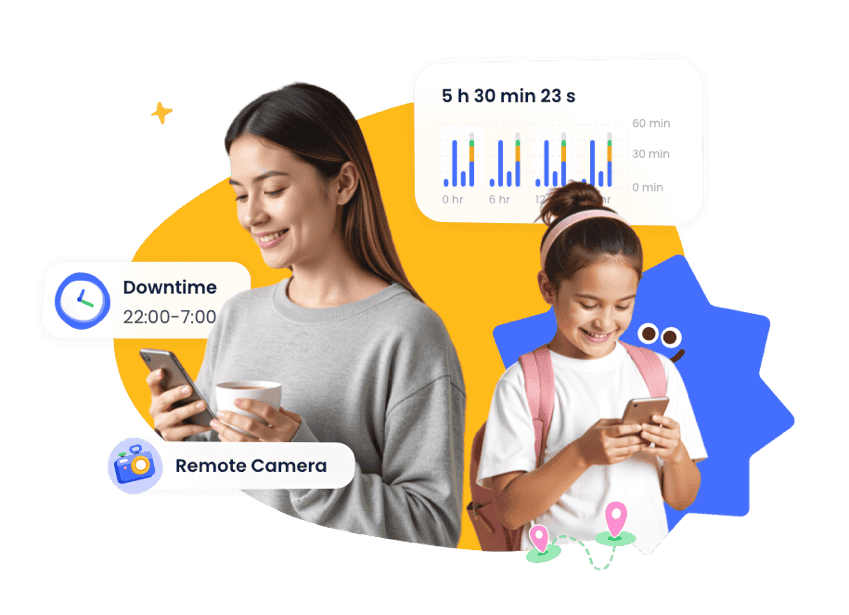







Complete Family Protection in 3 Easy Steps
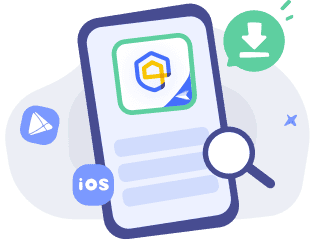

Access Web or Download Parent App
Vist the web or download AirDroid Parental Control on the parent's phone.

Sign Up and Sign In
Register an AirDroid account and sign in on the parent's device.
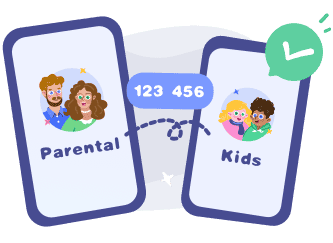
Bind Child's Device
Install the
AirDroid Kids on the kid's phone and input the
binding code to connect both devices.
Device-Based Features
- iPhone / iPad
Real-time location & history
Geofence alerts
SOS with location & surrounding sound
- Android phone
All iOS features
Parent-initiated real-time checks
Remote camera & one-way audio
Your Peace of Mind is One Tap Away
- AirDroid Parental Control
14,430,300 parents have downloaded it!
-


Uninstall Protection
-

Co-Parenting Made Easy
-

One Account Multiple Devices
-

GDPR Compliance