
Bark Sends Alerts — But Parents Often Need to Act Faster
- 👀 See your child’s phone activity in real time
- ⚡Take action instantly — not just wait for alerts
- 👂Check live surroundings to confirm child’s safety
For parents · Web, iOS & Android · Cancel anytime


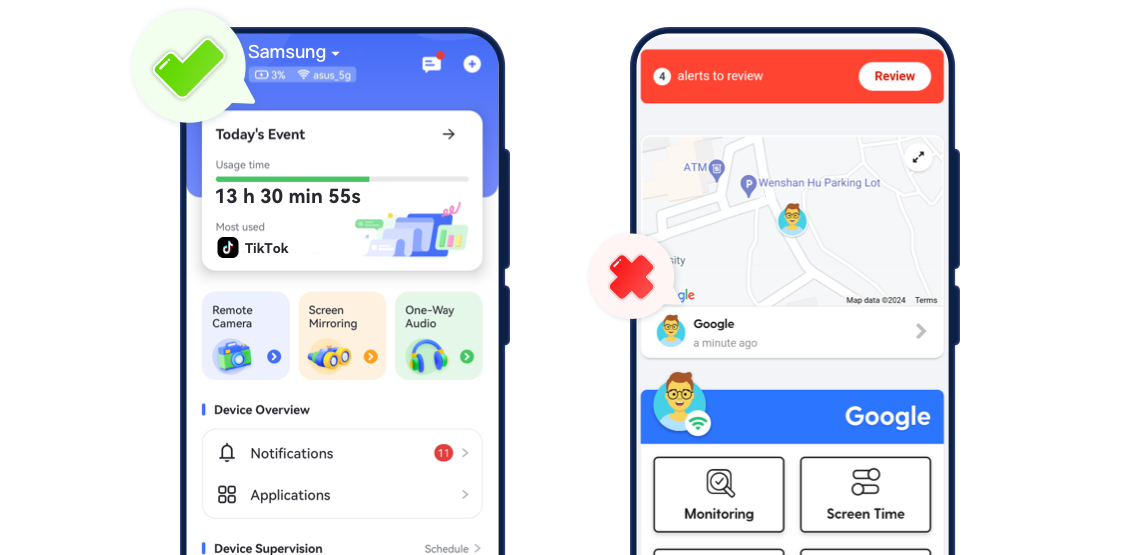

Why Parents Look Beyond Bark
- Bark is great at sending alerts. But many parents start asking:
- What's happening right now, not just what was flagged?
- Can I step in immediately, or do I have to wait?
- Can I see the full picture instead of isolated warnings?
- When risks escalate, alerts alone may not be enough.
AirDroid vs. Bark: Where We Go Further
Live Screen View
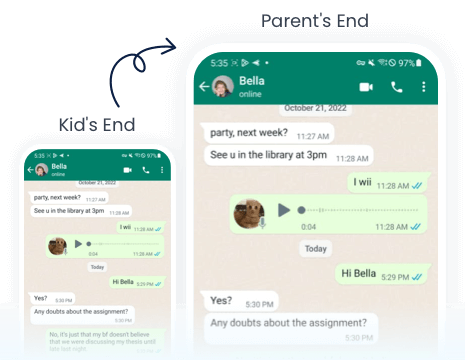
View your child’s screen live during urgent or suspicious situations.
Notification Syncing
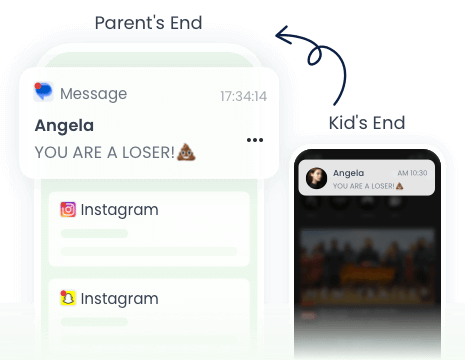
Sync notifications to see who your child chats with and spot risky messages.
Remote Camera
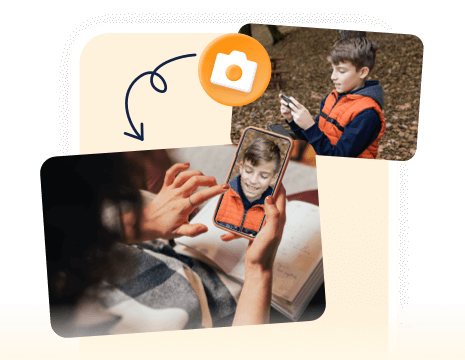
See what’s around your child in real time — perfect for safety checks anytime, anywhere.
Sound around Child
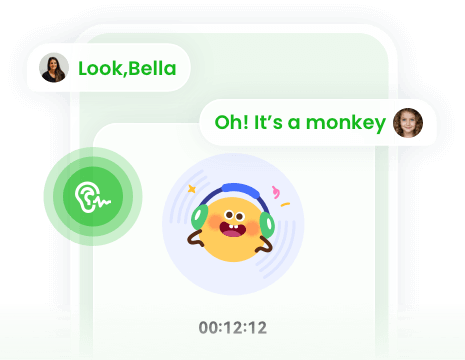
Listen to your child’s surroundings in real time for added safety.
Compare the Features
- Detailed Comparison





View Live Screen for Emergency


Sync Notifications
Remote Camera
One-Way Audio
Google Play Store Rating
4.7
3.6
Get Your Best Fit in 30 Seconds
AirDroid is a better fit if you want to::
- Check your child’s surroundings when they don’t answer calls or messages
- Confirm safety in real time, not just rely on alerts or reports
- Take immediate action when something feels wrong
Bark is a better fit if you want to:
- Receive automated alerts about potential online risks
- Focus on monitoring messages and content for warning signs
- Get notified when something may need attention later







Your Peace of Mind is One Tap Away
- AirDroid Parental Control
14,430,300parents have downloaded it!
-


Uninstall Protection
-

Co-Parenting Made Easy
-

One Account Multiple Devices
-

GDPR Compliance